

a APP:
Open Basit App, and Login to your account.
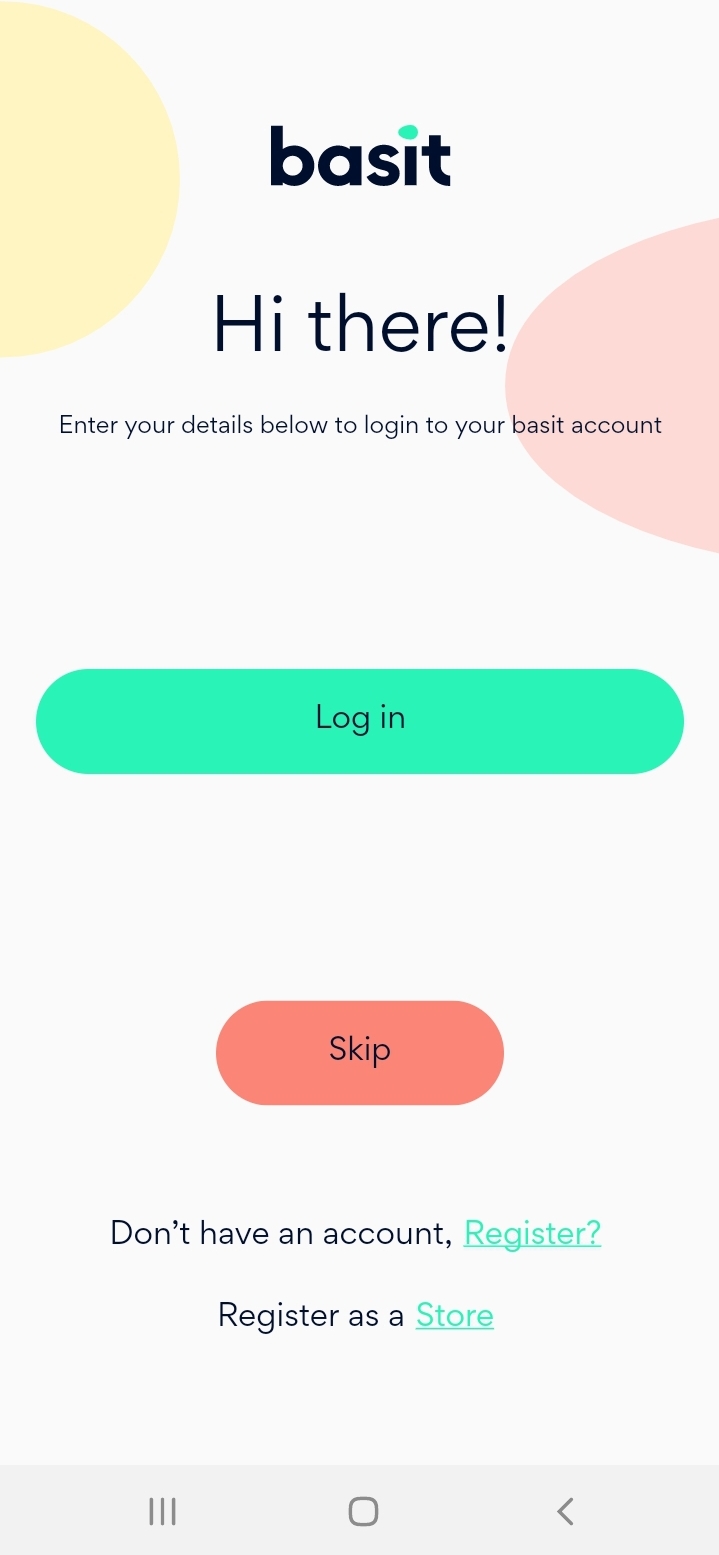
Select my profile icon in the bottom of the page.
Select “Edit profile”.
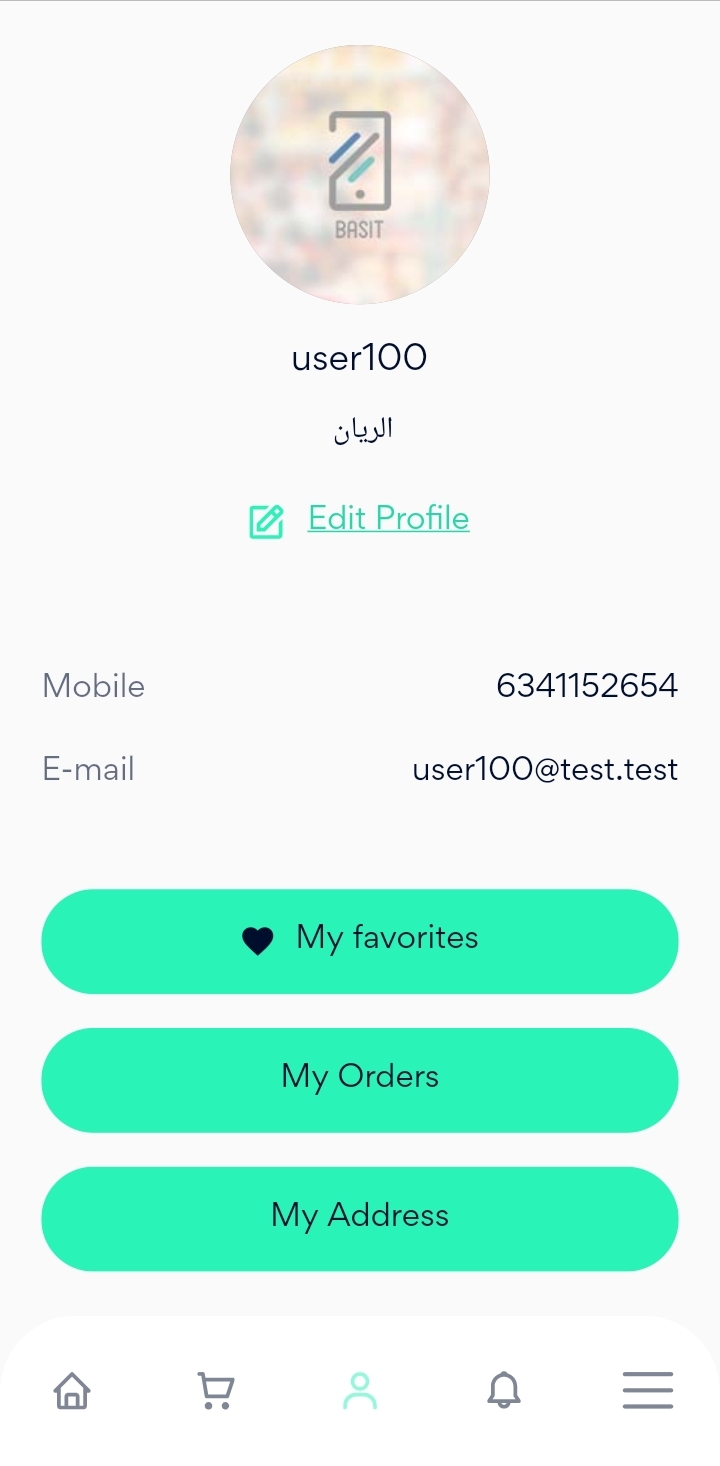
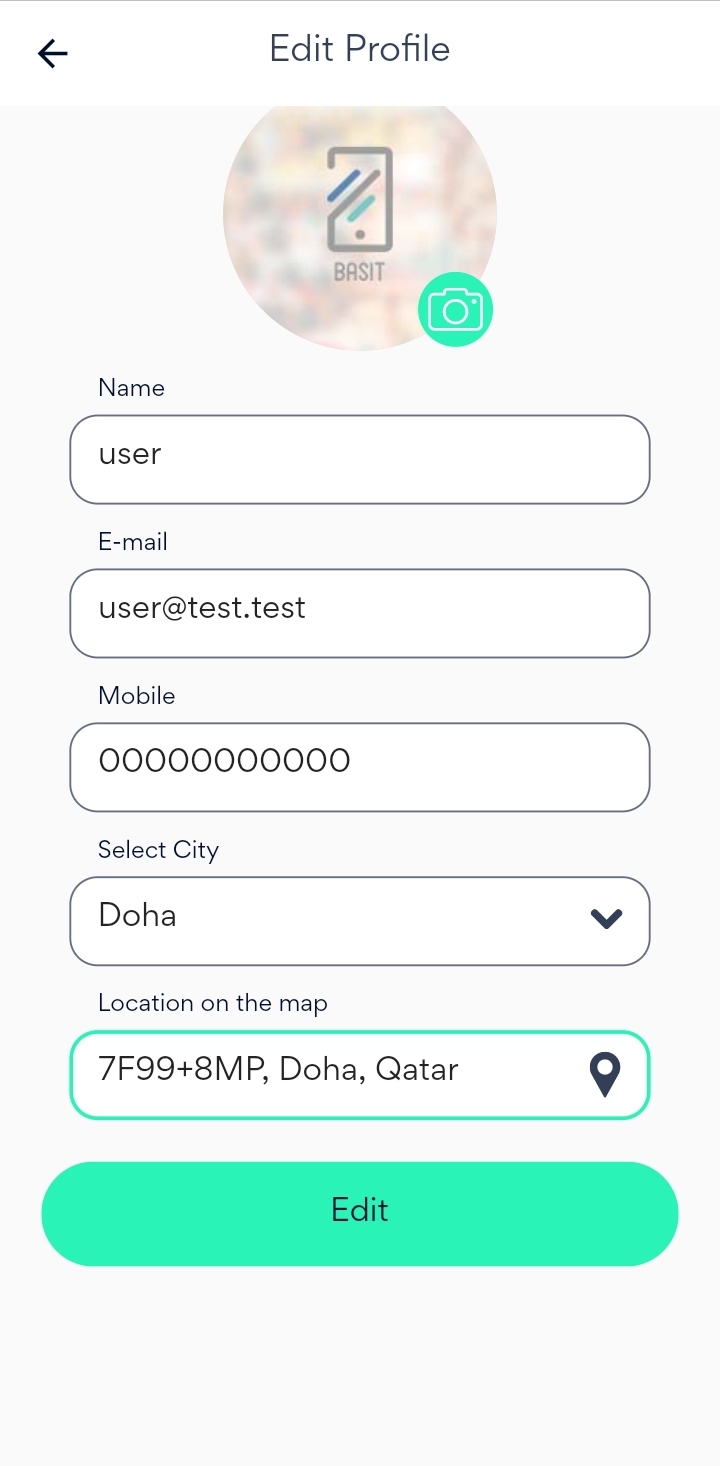
Update the desired information such as name, Email, City and your location. After that, press Edit button.
· Website:
Go to Basit website https://basit.store/public/en/login
Enter your email and password, then login to your account.
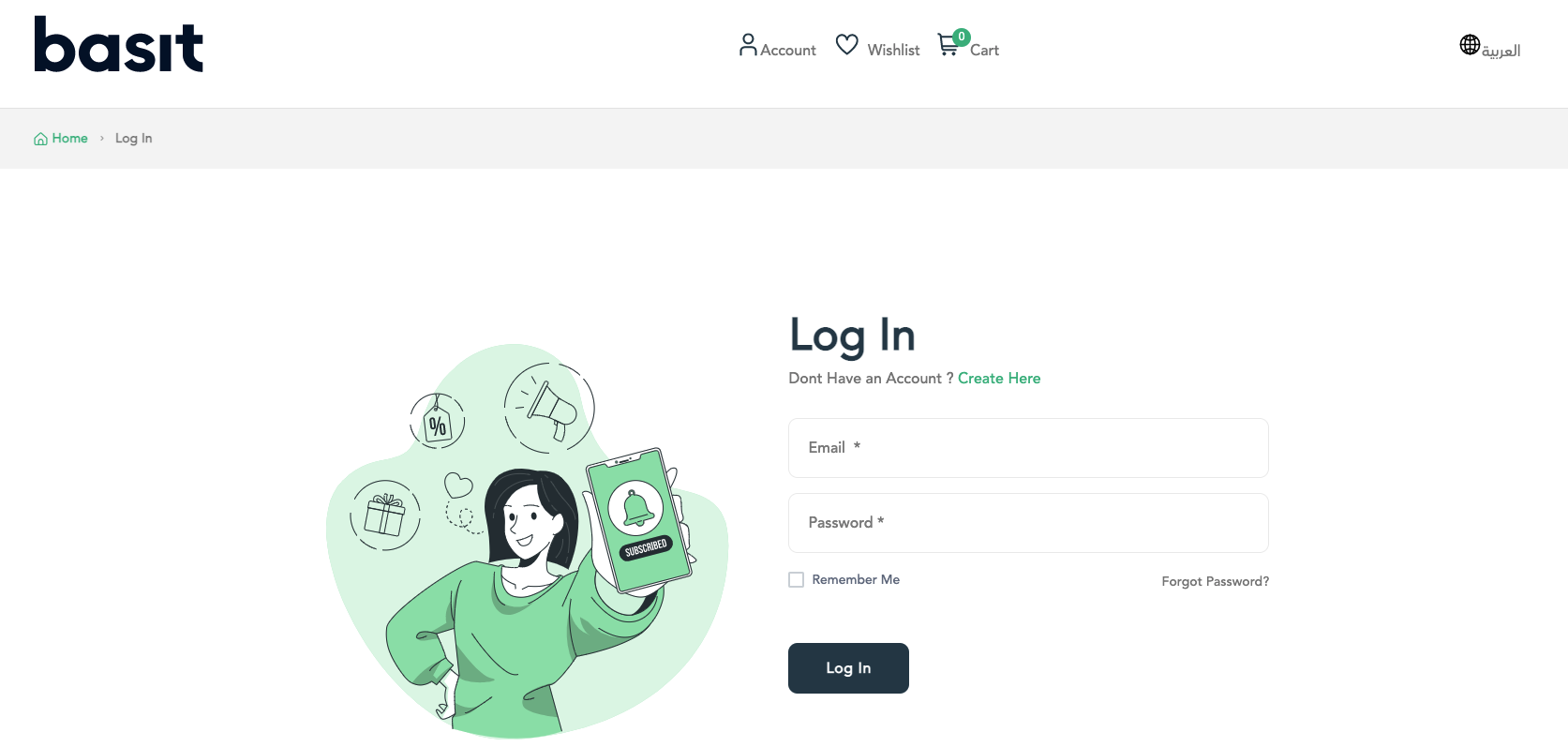
Select Account icon from the top of the page.
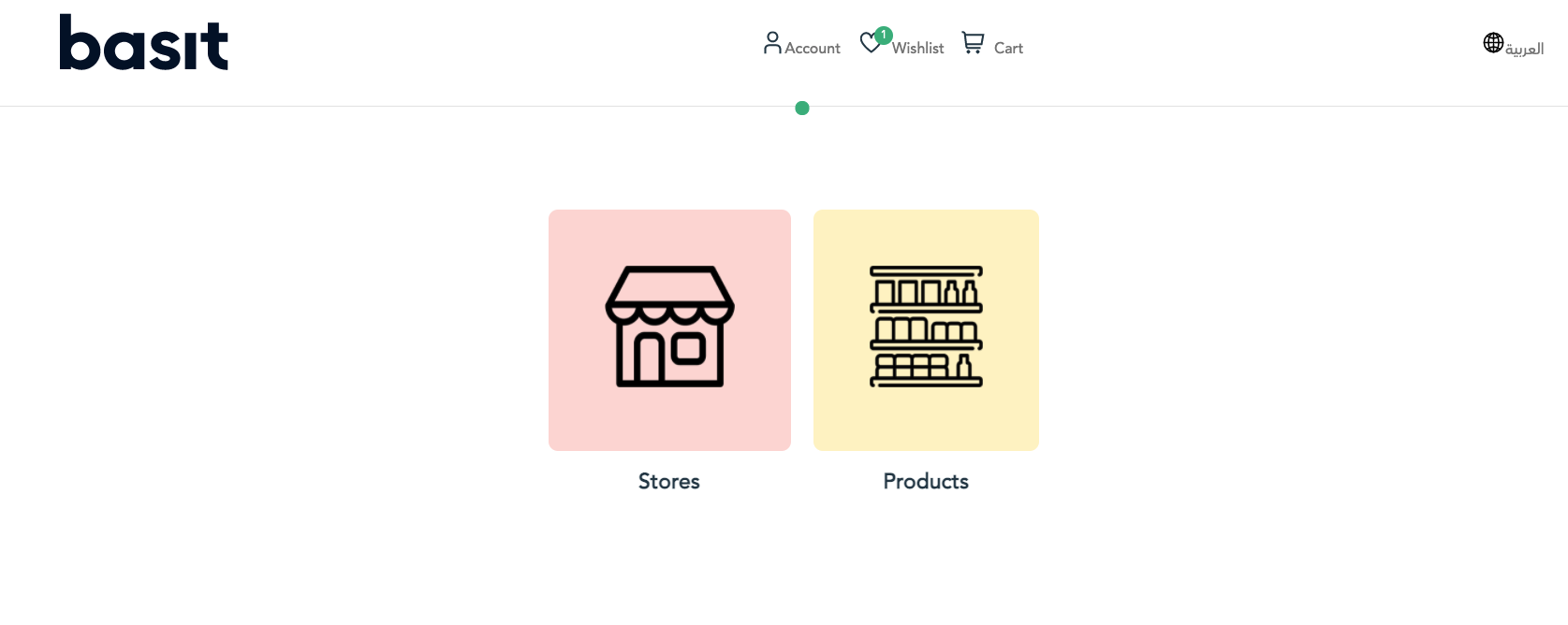
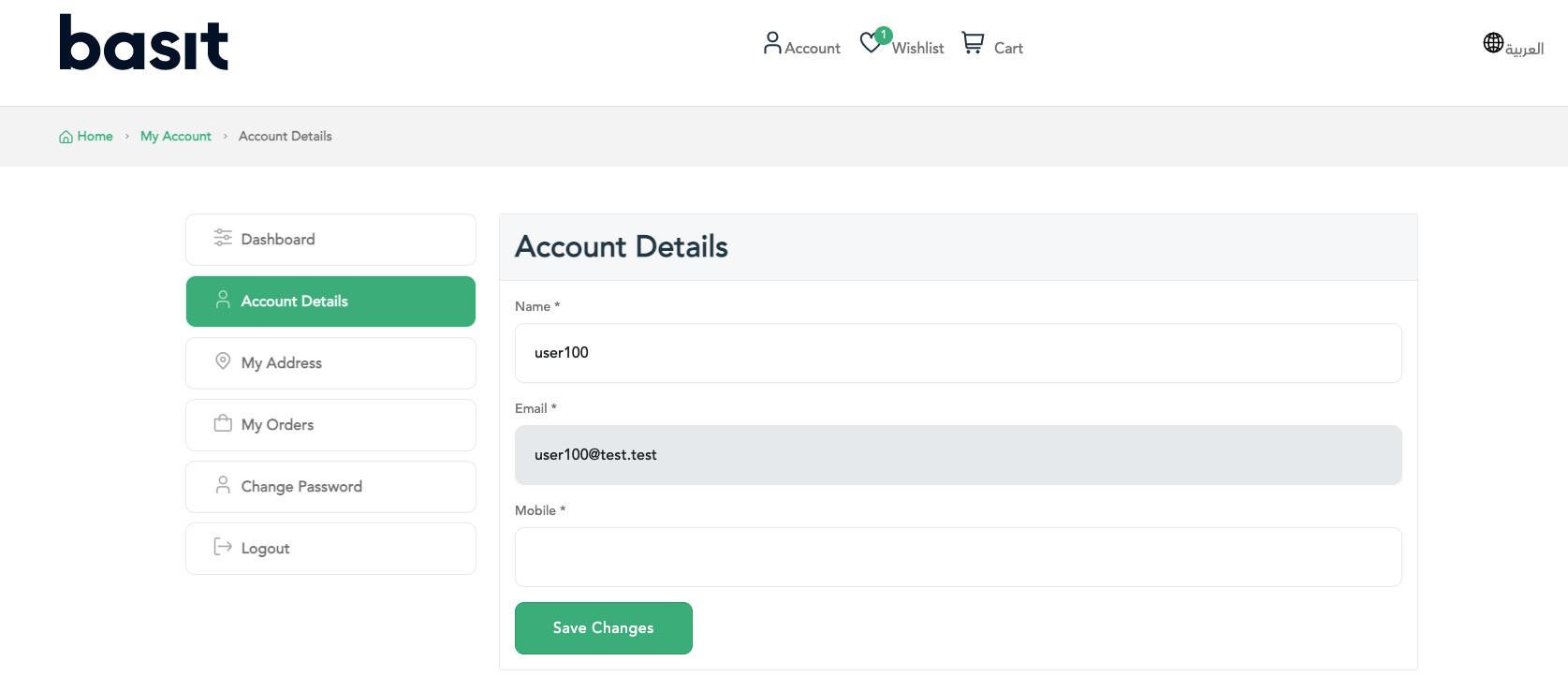
Choose Account details option.
Edit the required information like name and mobile number. Then, press Save Changes button.
التطبيق
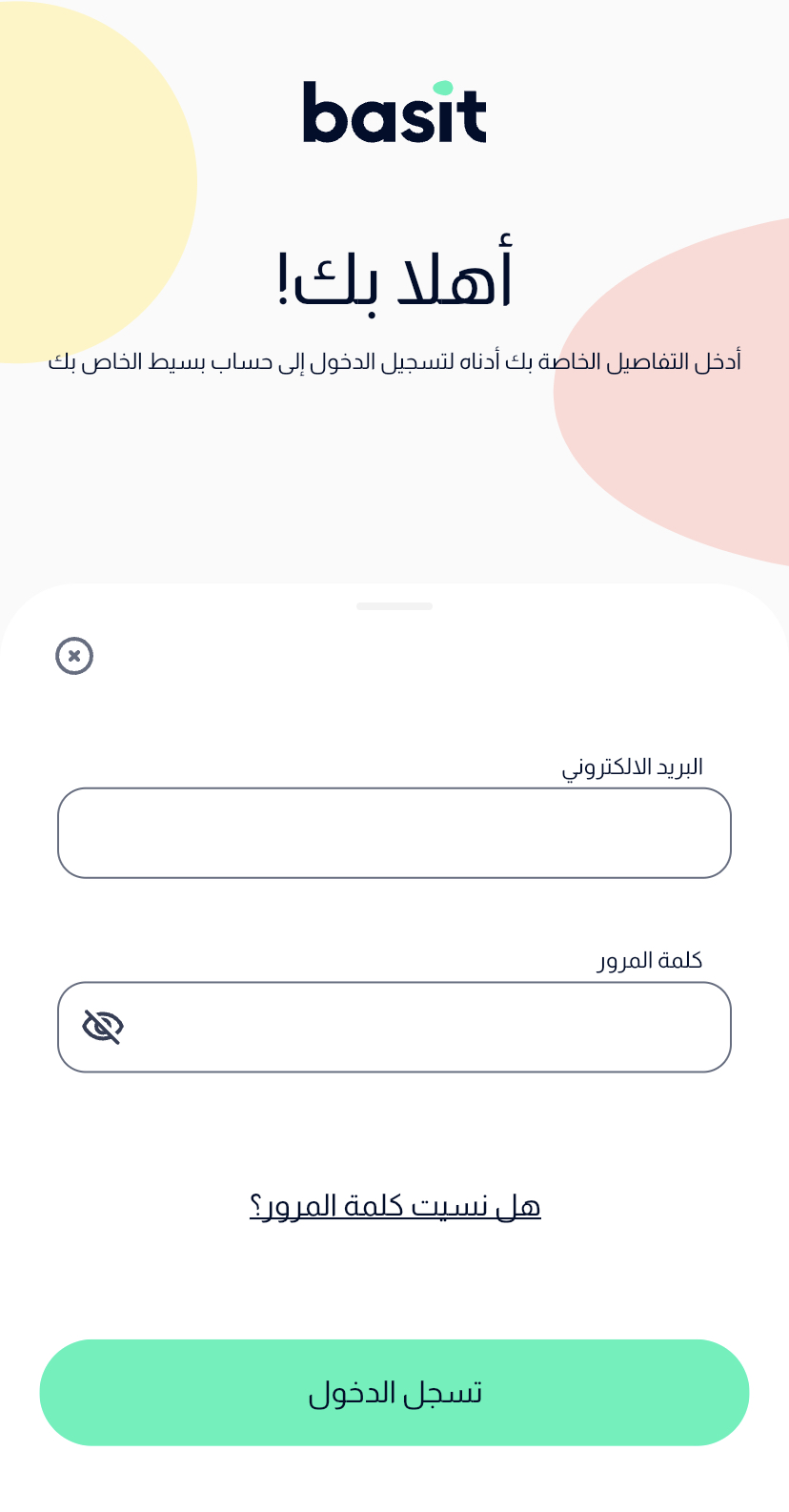
قم بفتح تطبيق بسيط، ثم تسجيل الدخول إلى حسابك
قم باختيار ايقونة الملف الشخصي أسفل الصفحة
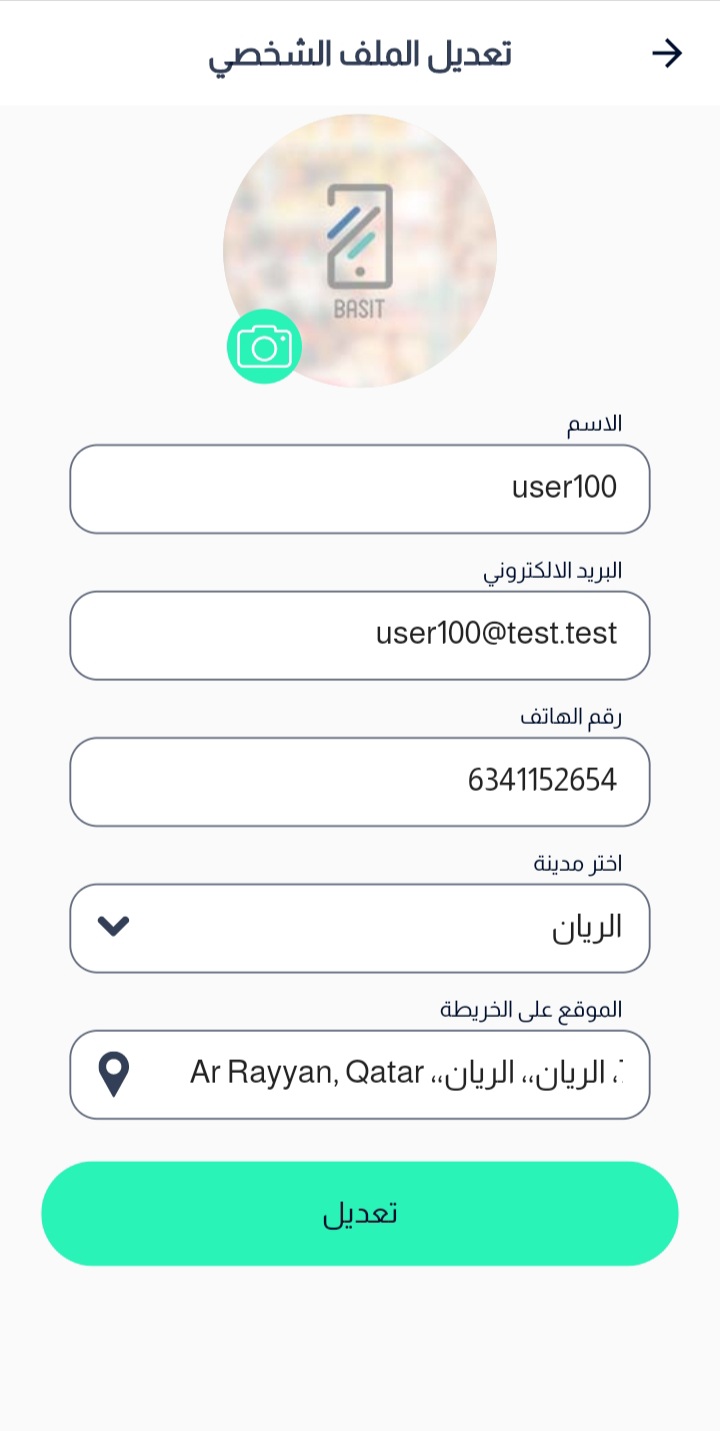
اختر تعديل الملف الشخصي

قم بتحديث البيانات المرغوبة مثل الاسم، البريد الإلكتروني، المدينة والموقع على الخريطة
بعد ذلك، قم بالضغط على زر تعديل
الموقع
https://basit.store/public/ar/login قم بالذهاب إلى موقع بسيط الإلكتروني
ثم قم بإدخال بريدك الإلكتروني وكلمة المرور للدخول إلى حسابك
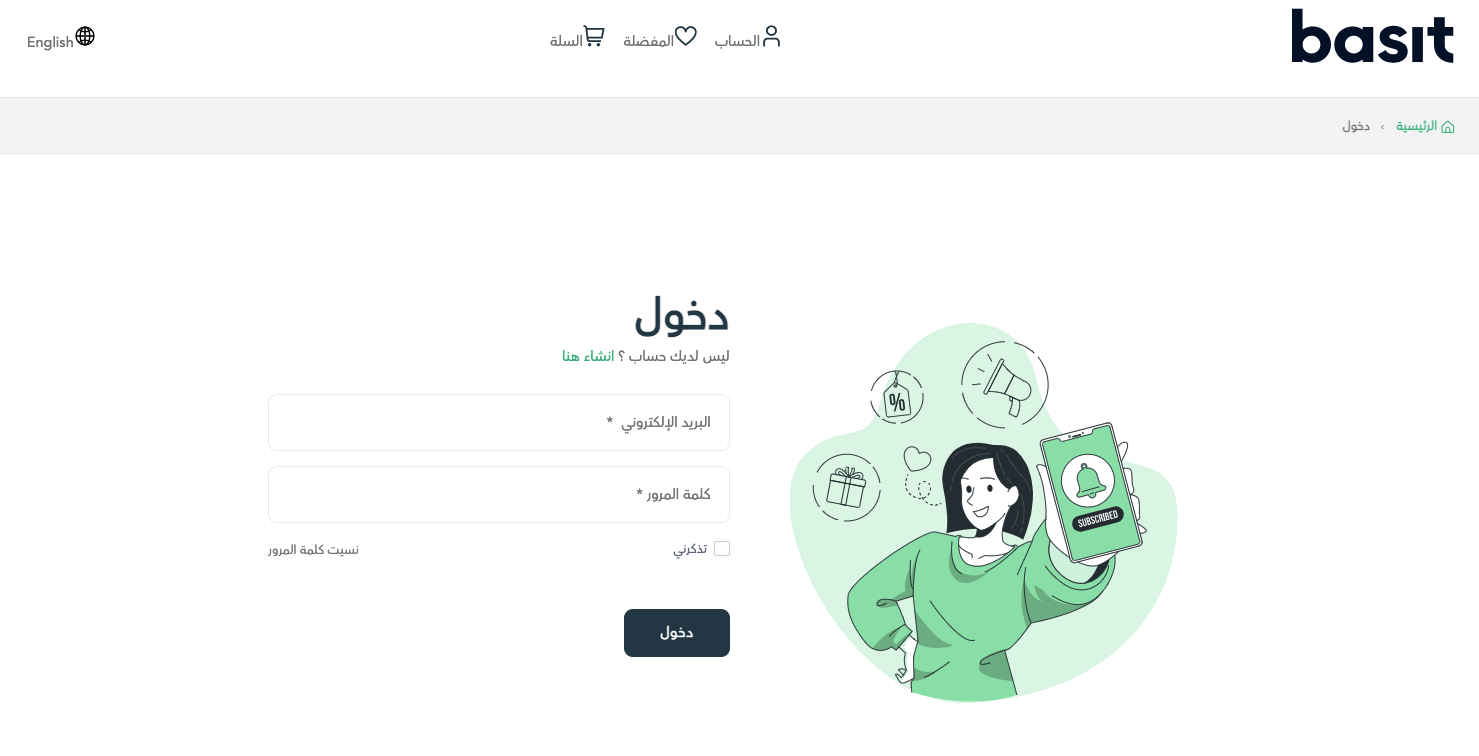
اختر ايقونة الحساب الموجودة أعلي الصفحة
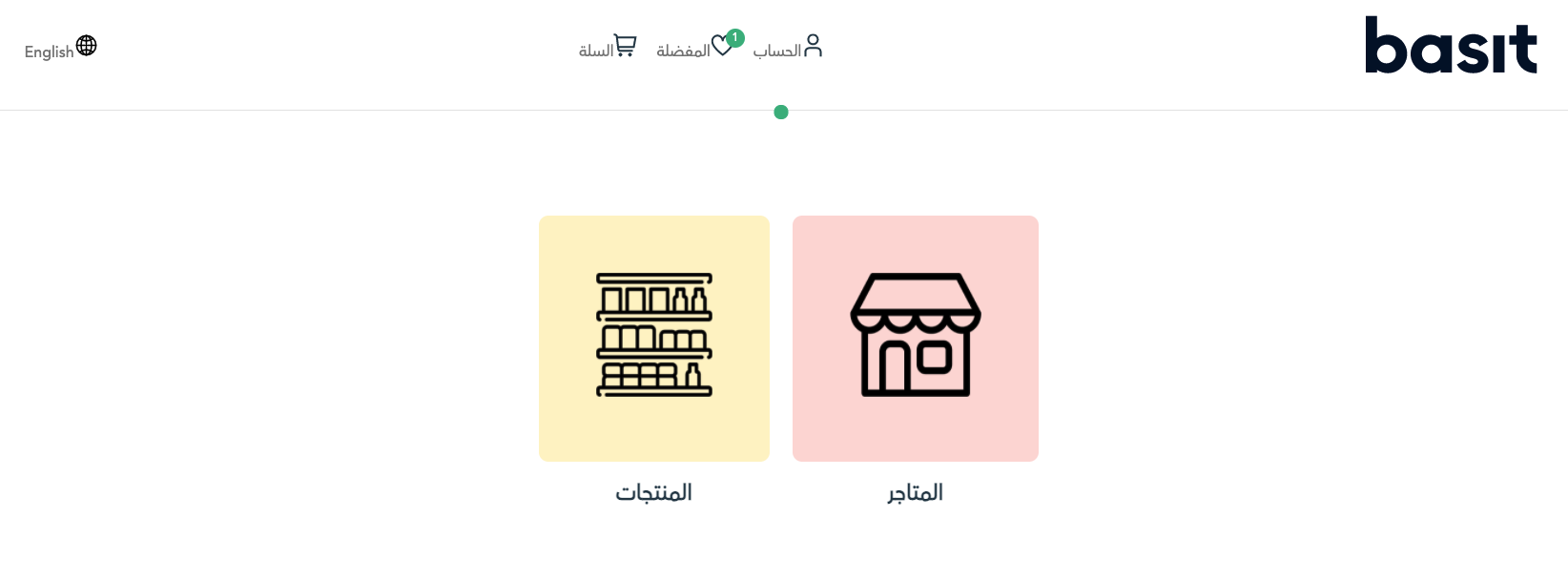
بعد ذلك، قم باختيار بيانات الحساب
أخيرا، قم بتعديل البيانات اللازمة مثل الاسم ورقم الجوال، ثم قم بالضغط على زر حفظ التغيرات


