APP
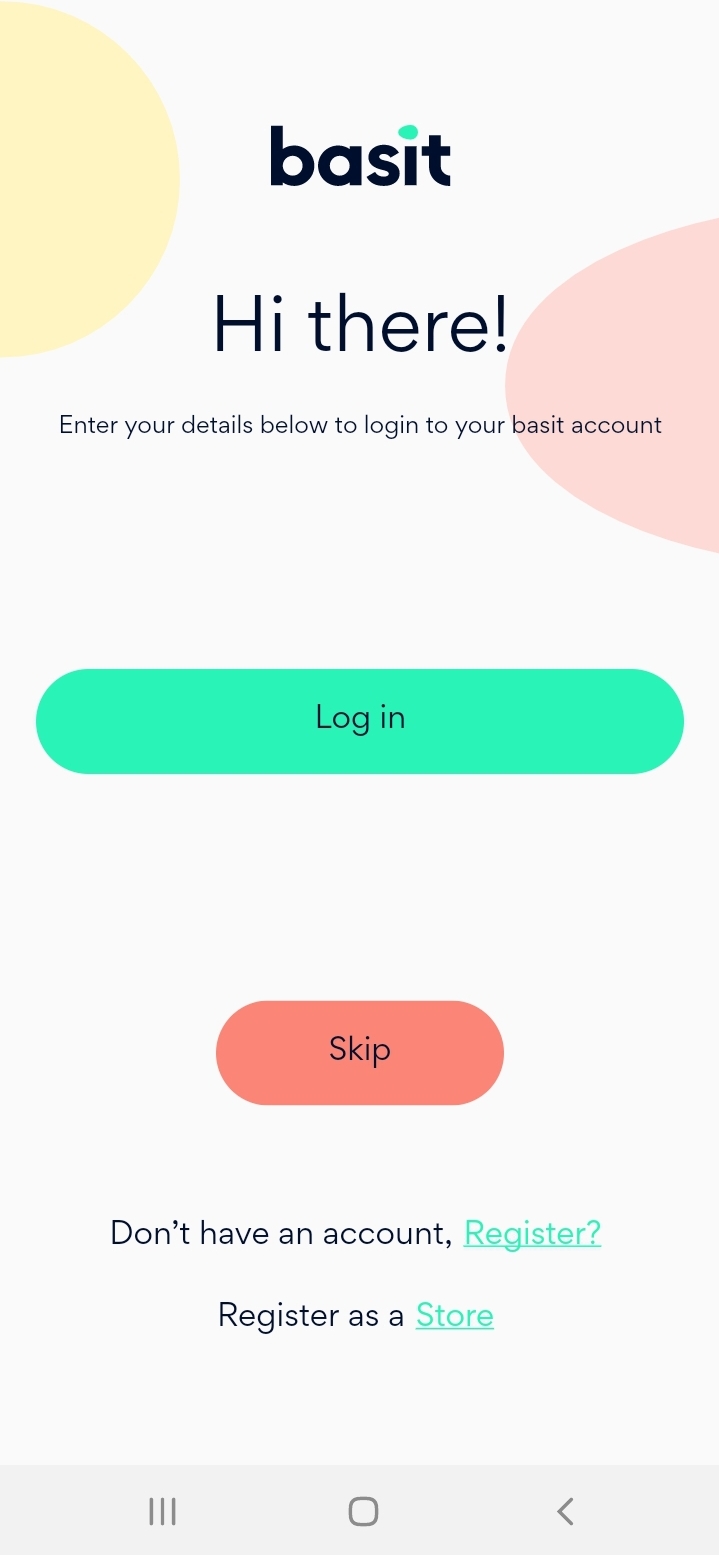
Open Basit App and login to your account
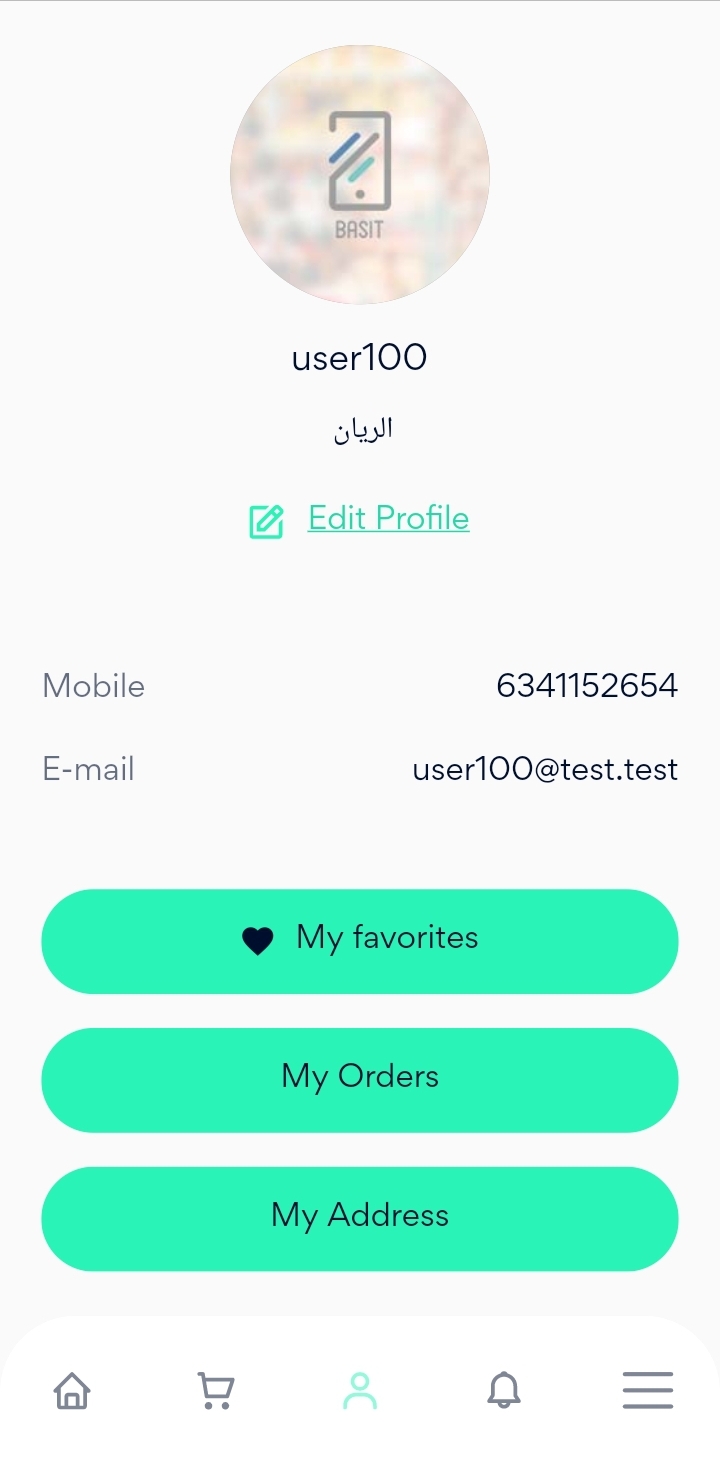
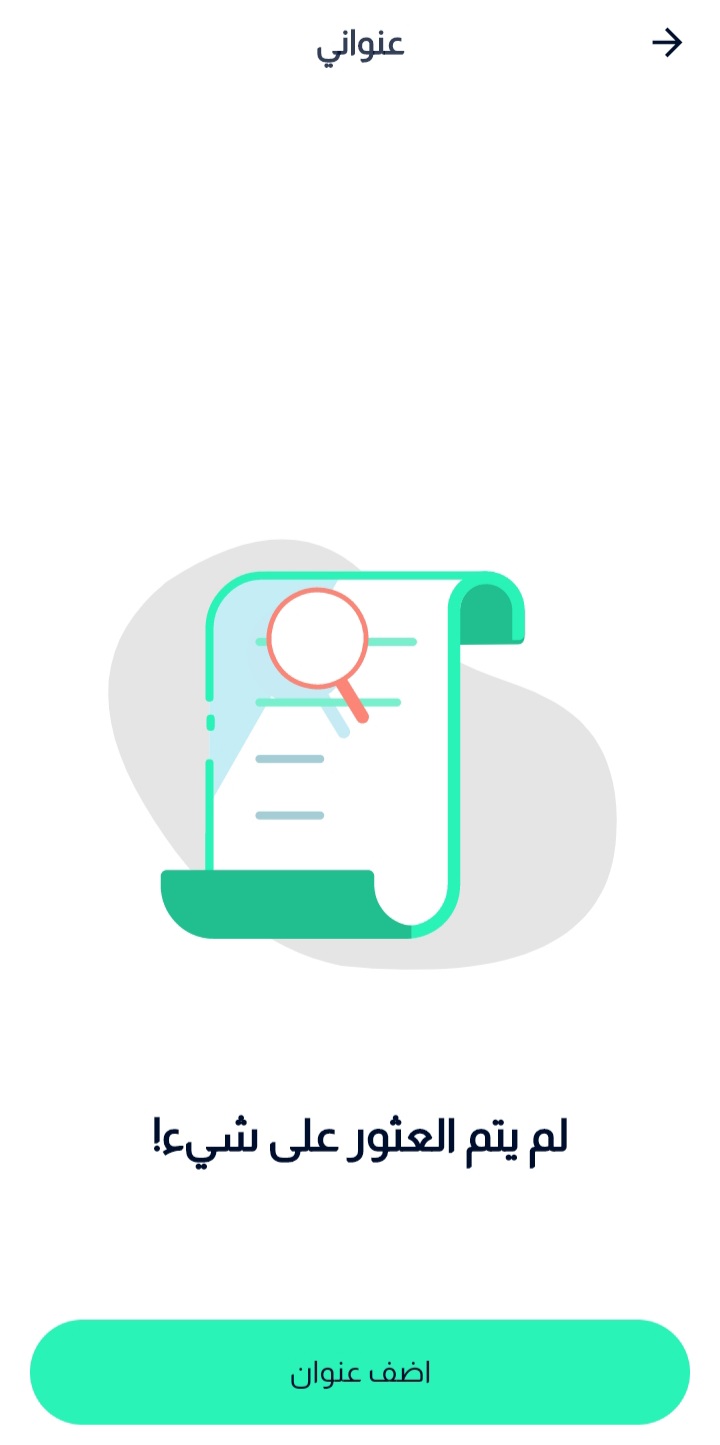
Select my information icon in the bottom of the page, then press on my Address button
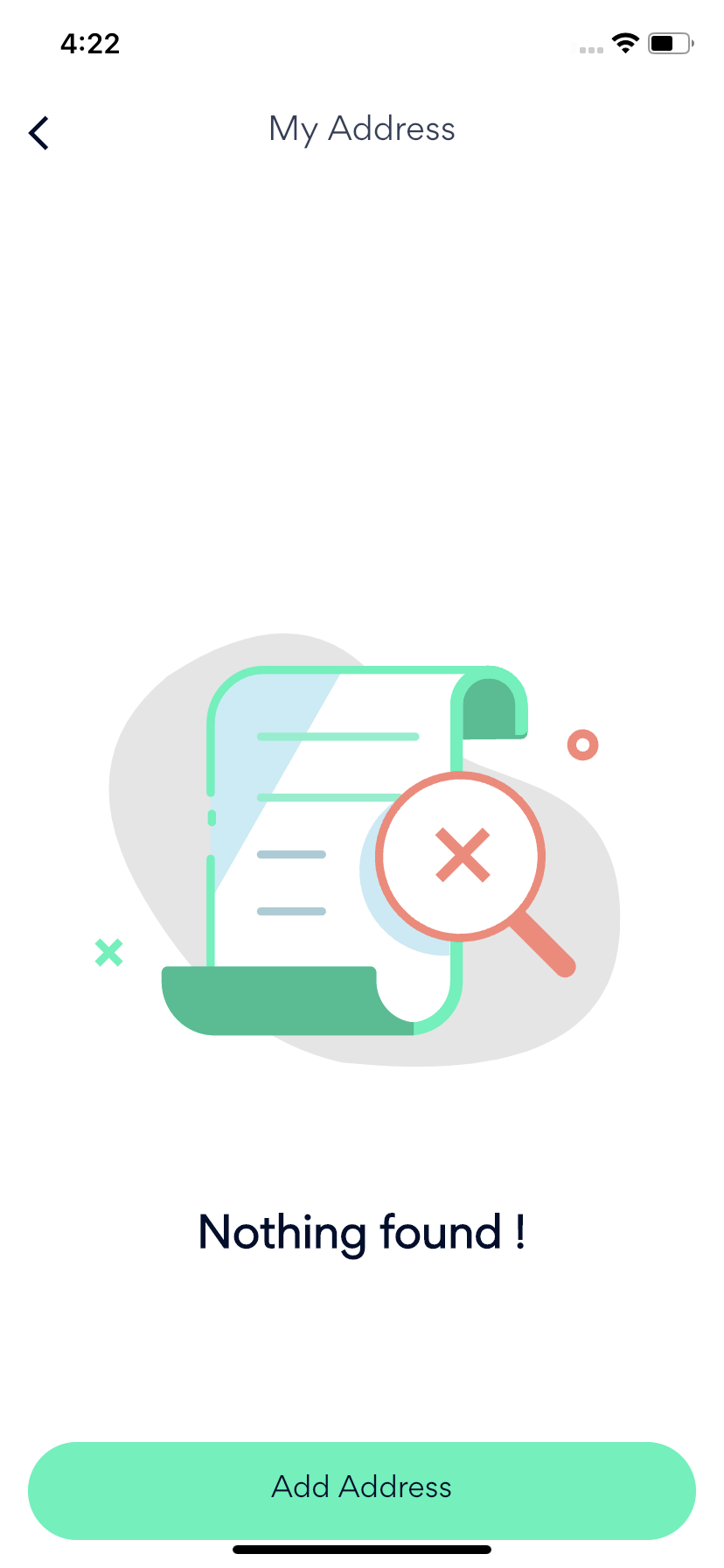
Choose Add new Address button.
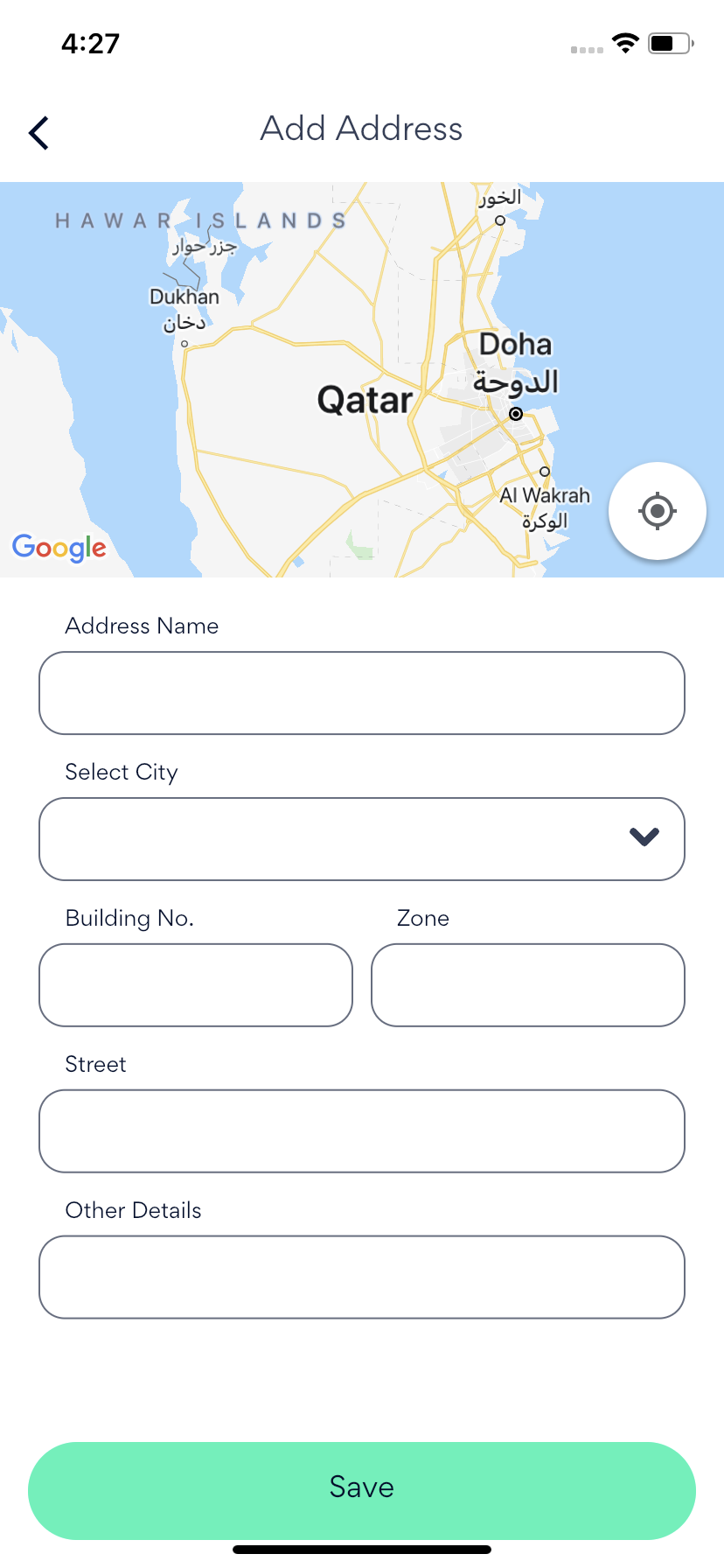
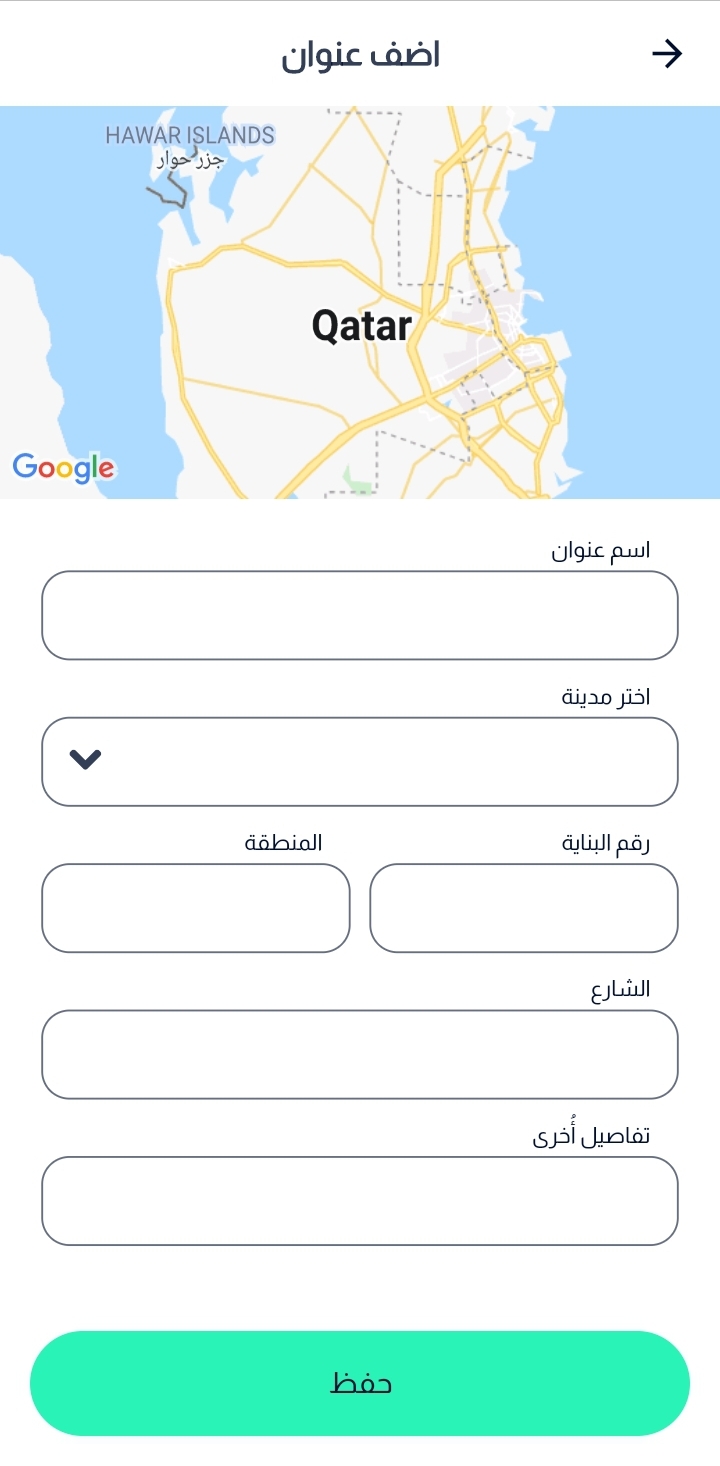
Enter the Name of the Address
Select the city, then locate your location on the map.
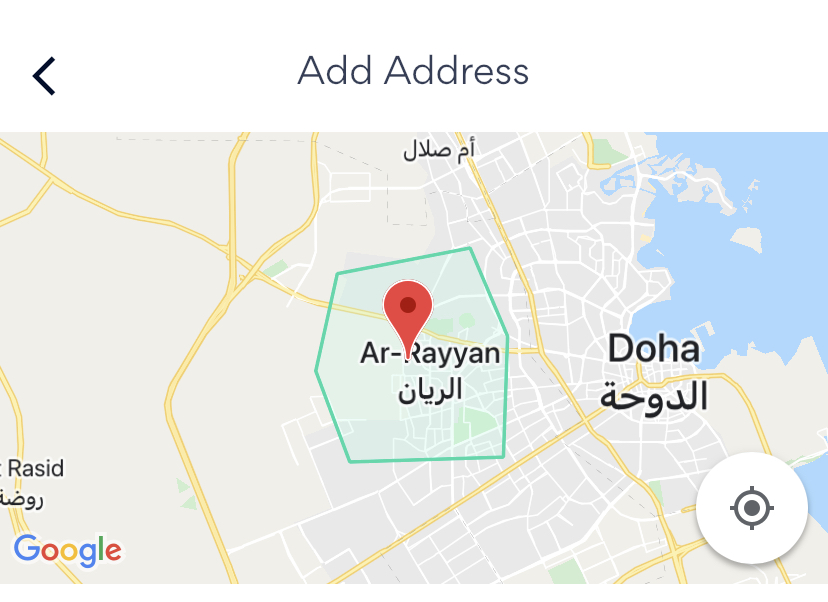
Enter the necessary information such as Building Number, Zone, street and any other details.
Finally, save the address and you can view it your address list.
· Website:
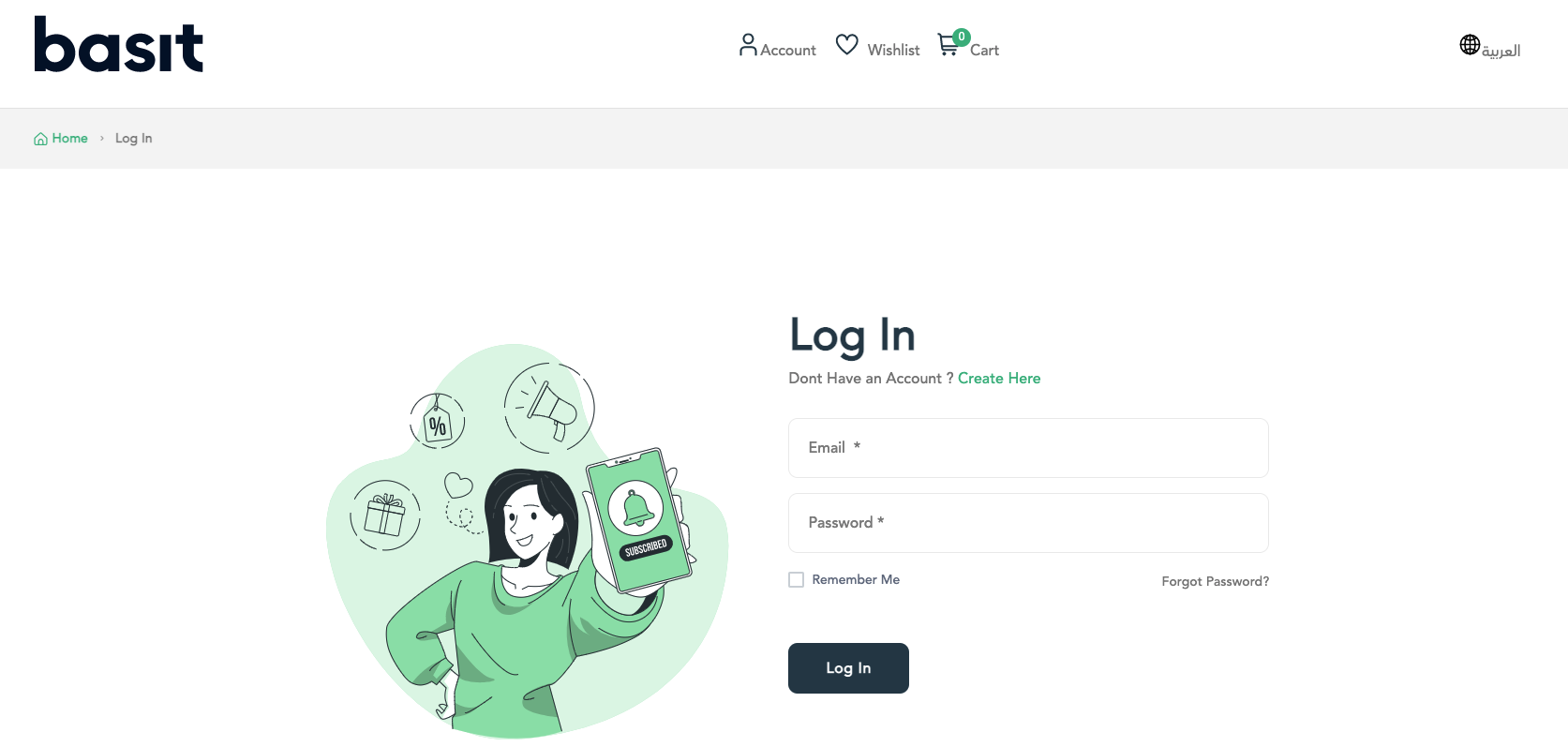
Go to Basit website https://basit.store/public/en/login
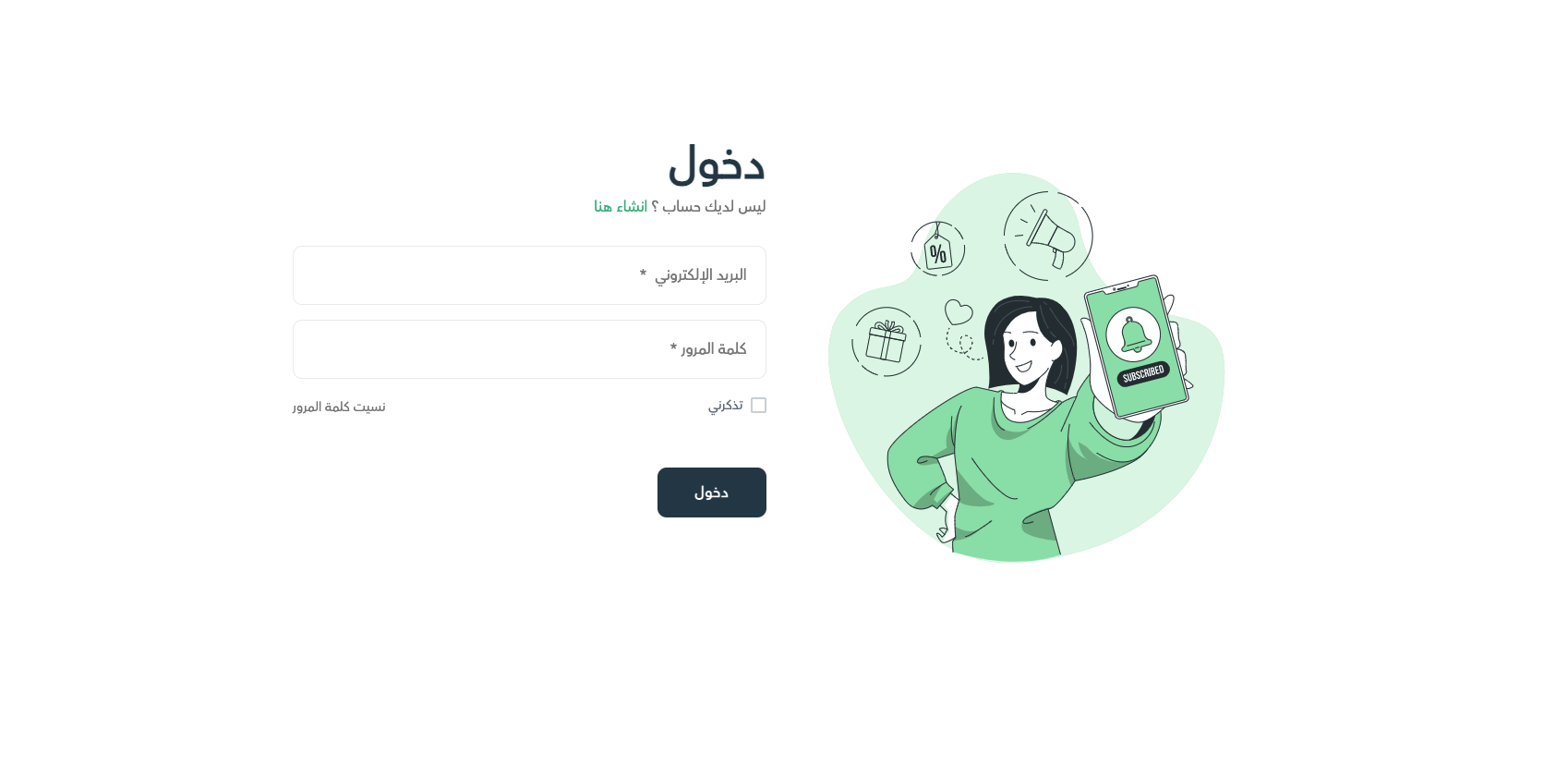
Enter your email and password, then login to your account.
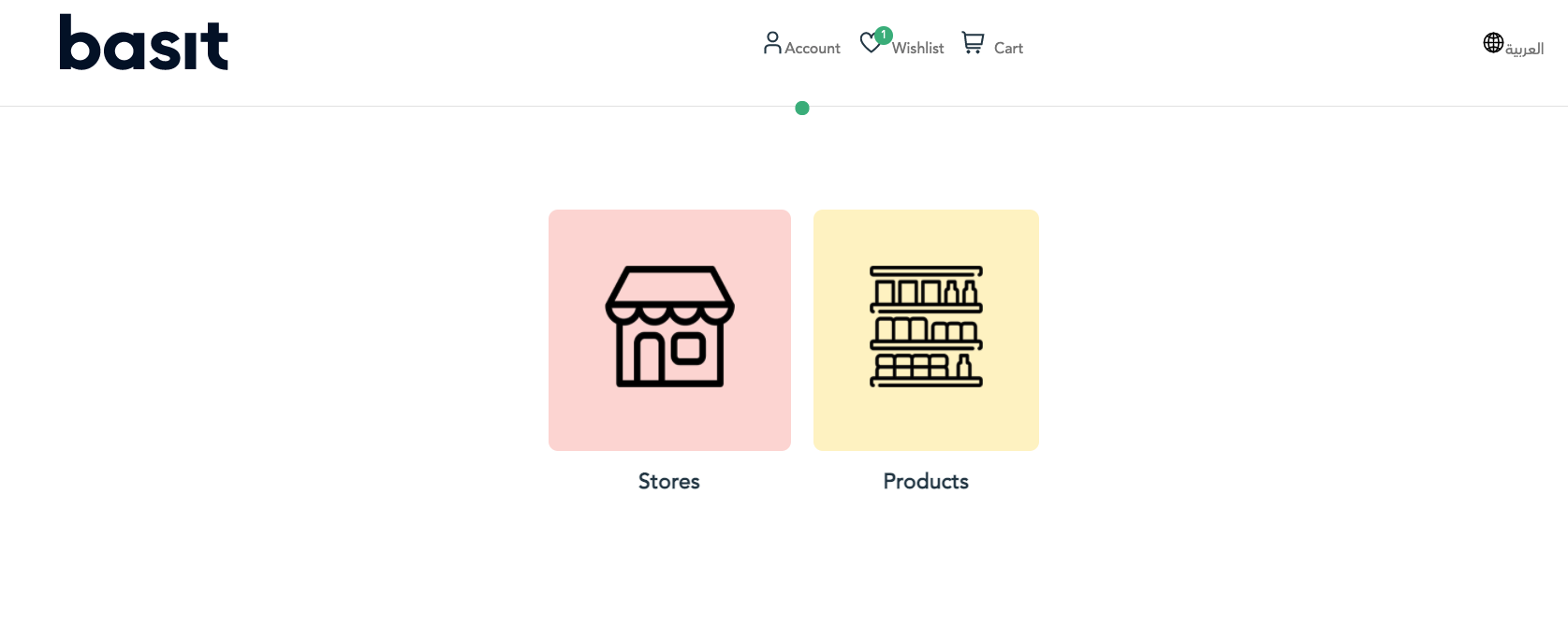
Select Account icon from the top of the page.
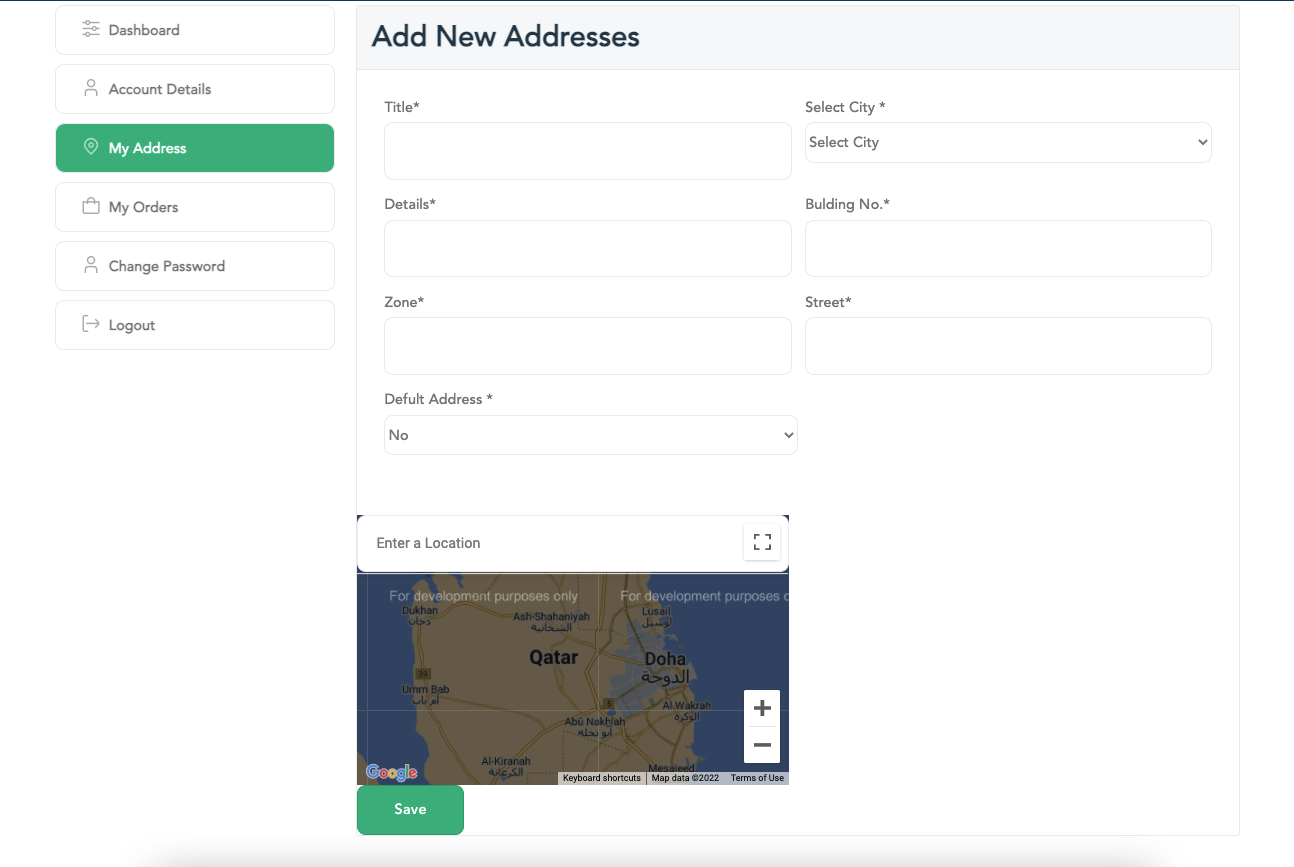
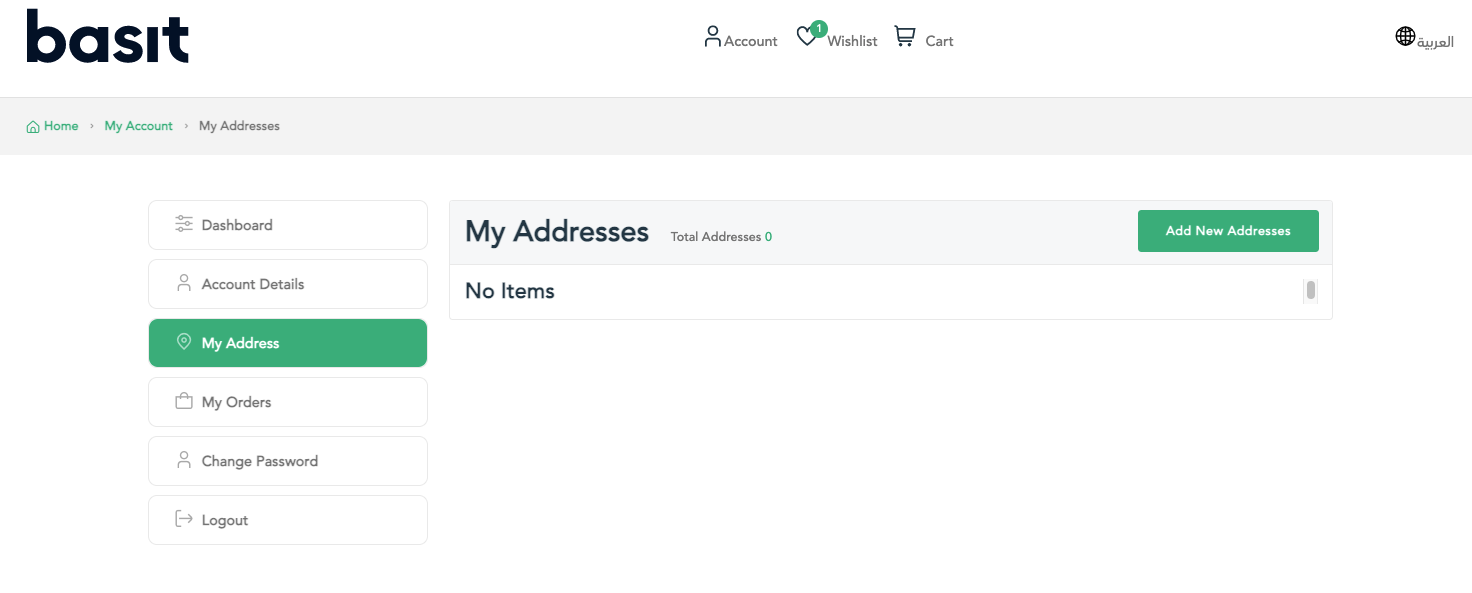
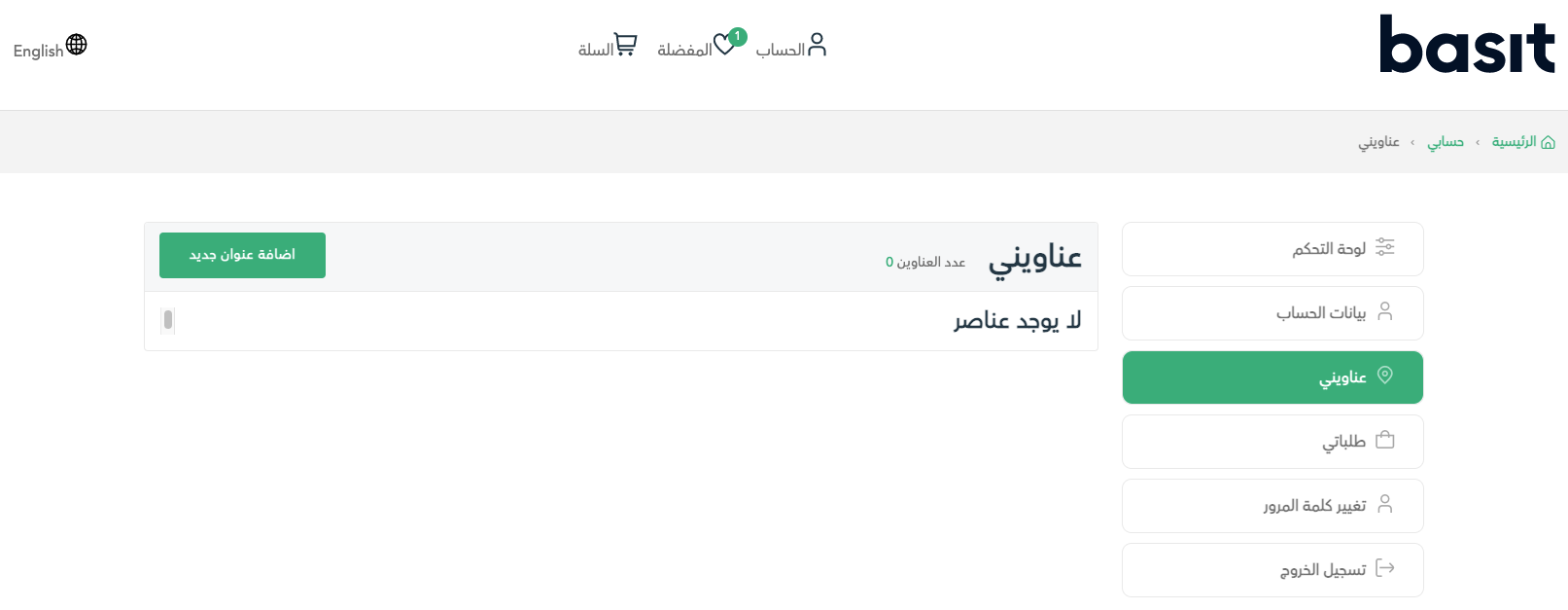
Choose My Address option, then press on Add New Address button.
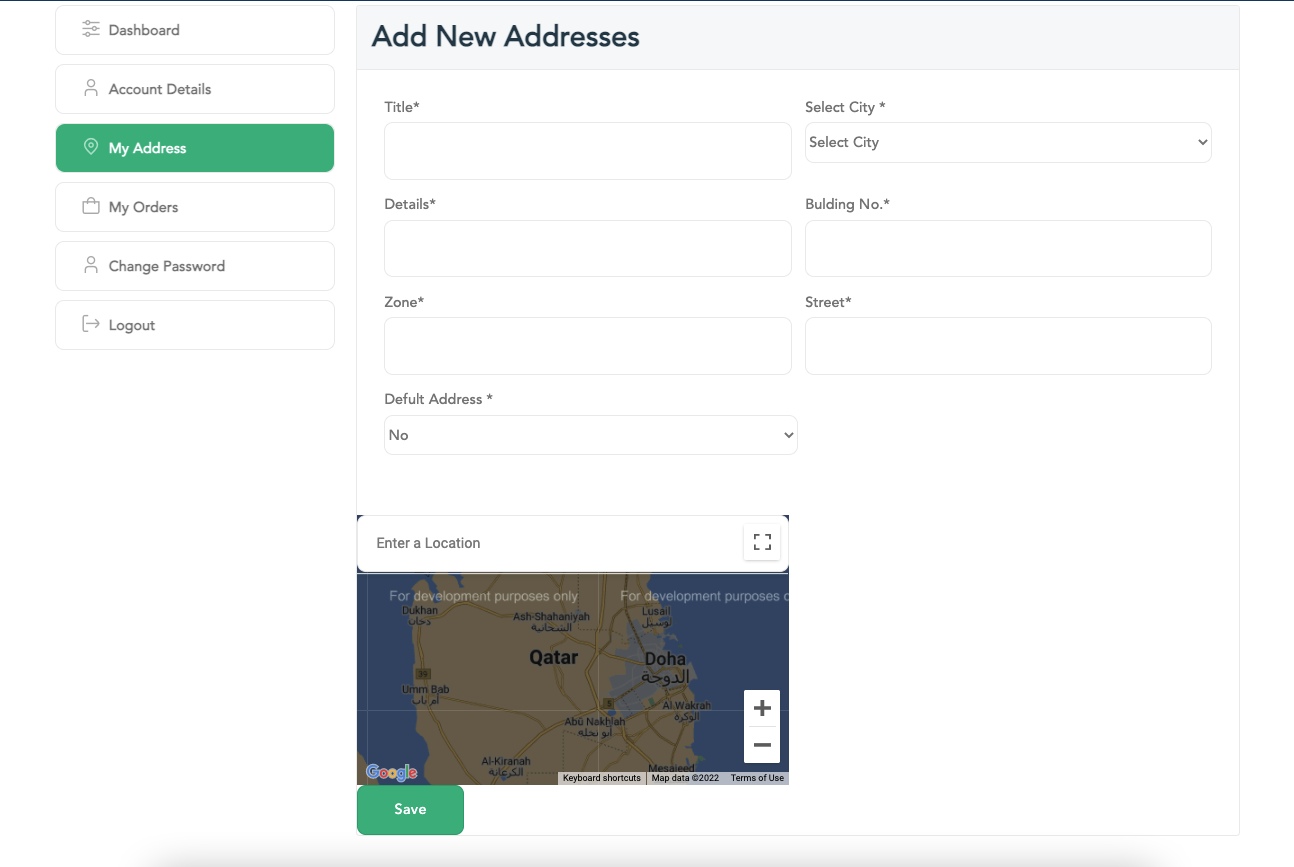
Fill down the required information such as title, your city, number of Zone, street and building numbers. After that, the location on the map.
Choose whether to make this address as a default or not
Finally, press on Save button to store your information
التطبيق
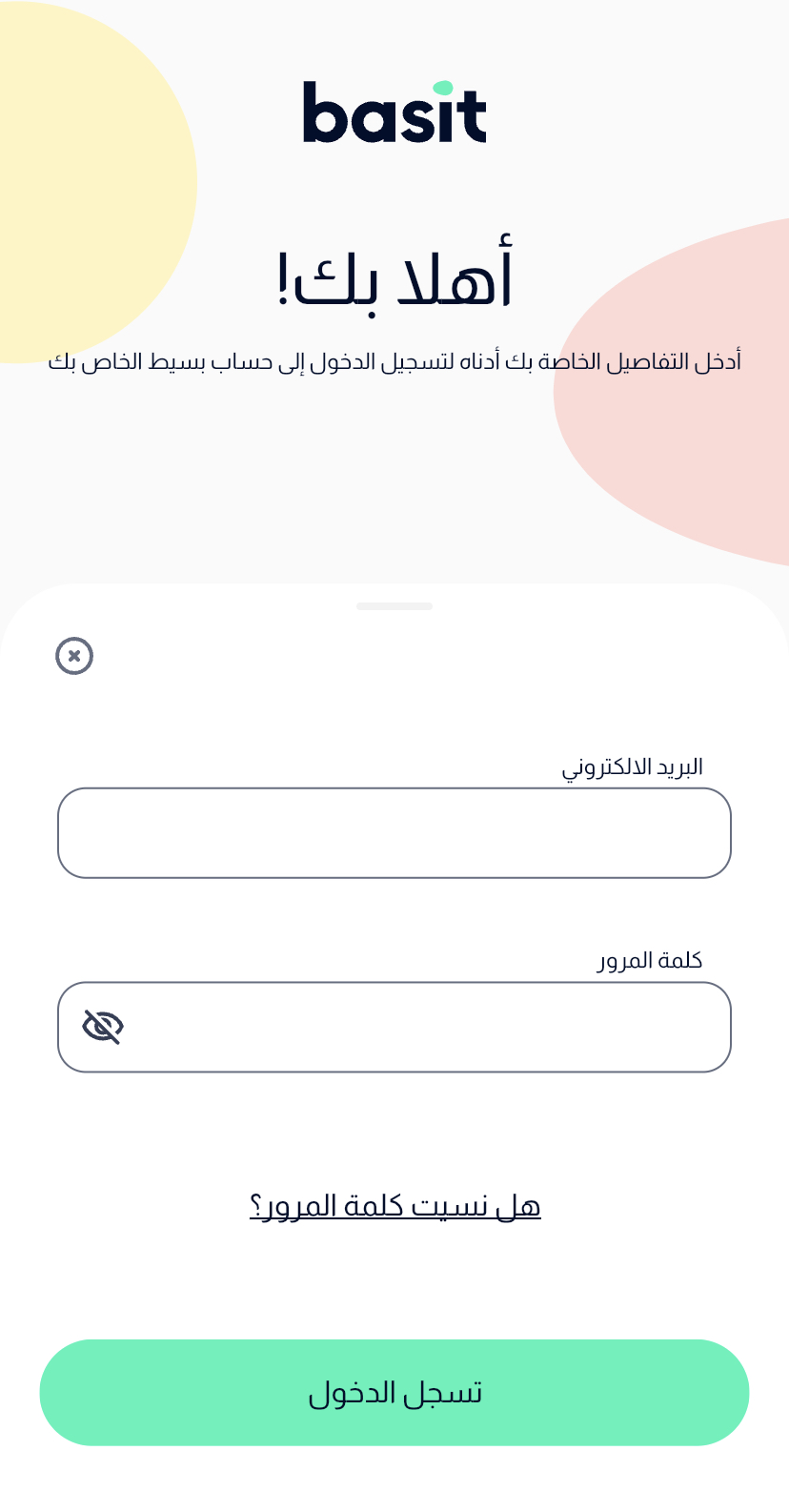
قم بفتح تطبيق بسيط، ثم تسجيل الدخول إلى حسابك
قم باختيار ايقونة الملف الشخصي أسفل الصفحة
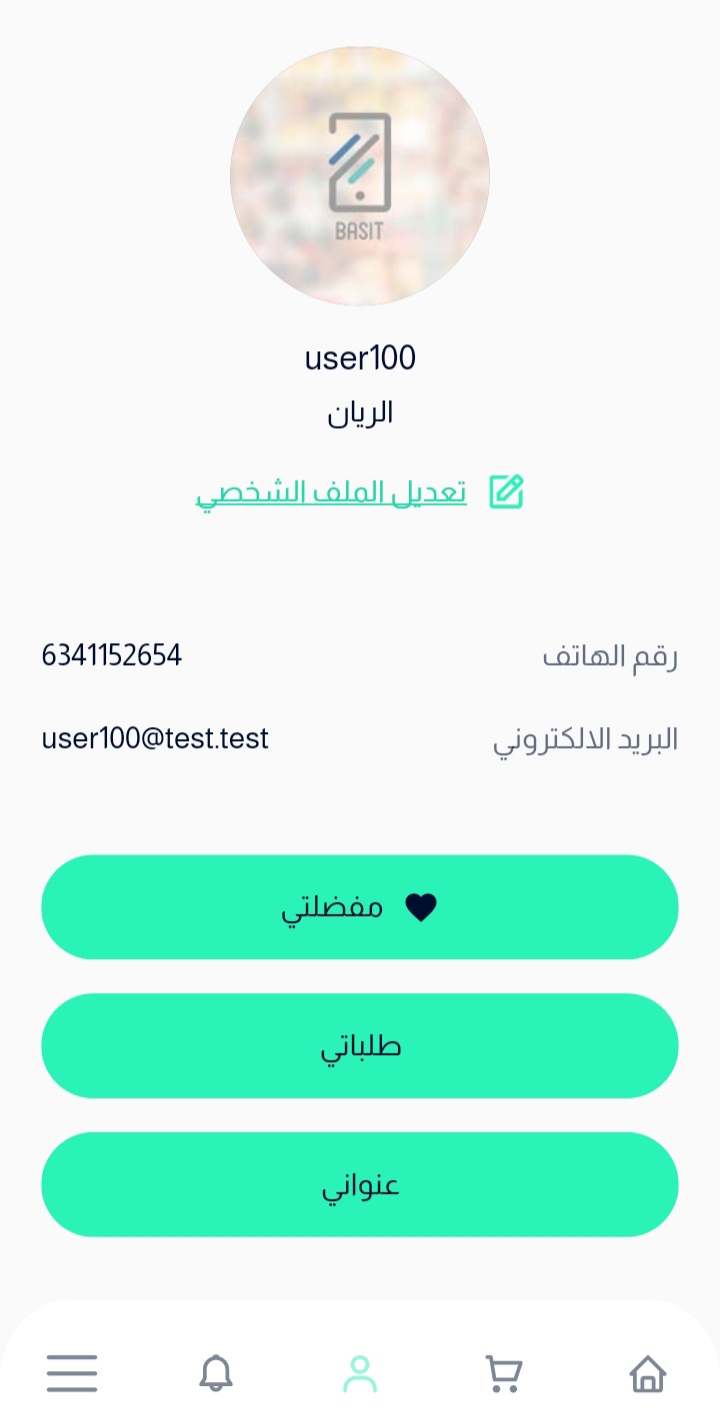
اضغط على زر عنواني، ثم بقم باختيار زر أضف عنوان
قم بتعبئة المعلومات المطلوبة مثل اسم العنوان، رقم المبني، رمق المنطقة ورقم الشارع
قم باختيار المدينة اللازمة، ثم حدد الموقع على الخريطة
يمكنك إضافة أي تفاصيل أخري لازمة، واخيراً اضغط علي زر حفظ
الموقع
قم بالذهاب إلى موقع بسيط الإلكتروني
ثم قم بإدخال بريدك الإلكتروني وكلمة المرور للدخول إلى حسابك
اختر ايقونة الحساب الموجودة أعلي الصفحة
بعد ذلك، قم باختيار عناويني، وبعدها قم بالضغط على زر إضافة عنوان جديد
قم بإدخال المعلومات المطلوبة مثل الاسم، المدينة، رقم المنطقة، رقم الشارع ورقم المبني. وبعد ذلك، قم بتحديد موقعك على الخريطة
قم باختيار جعل هذا العنوان الأساسي أو لا
اخيراً، اضغط على زر حفظ أسفل الصفحة