APP
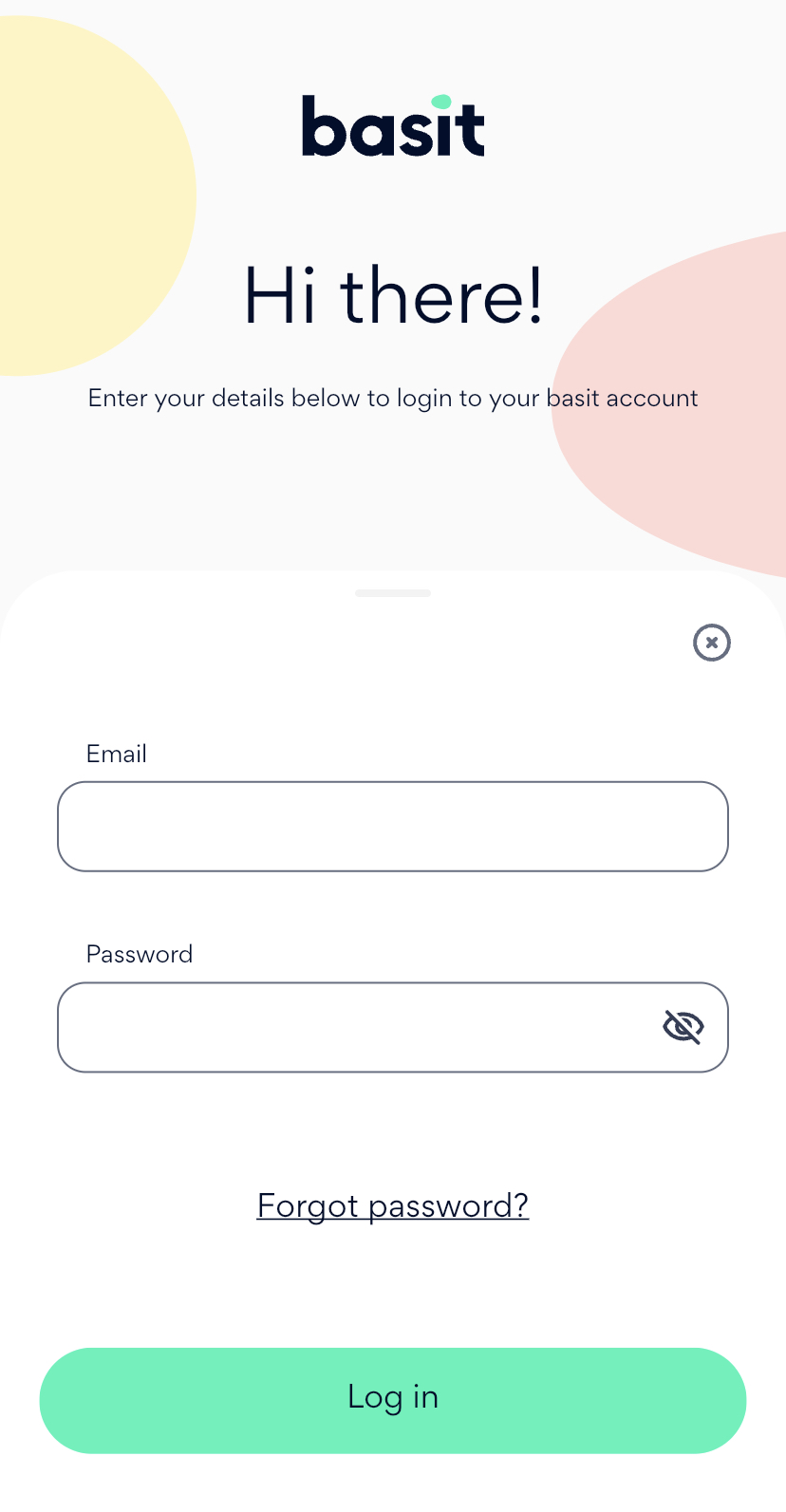
Open Basit App and enter your information to login to your account
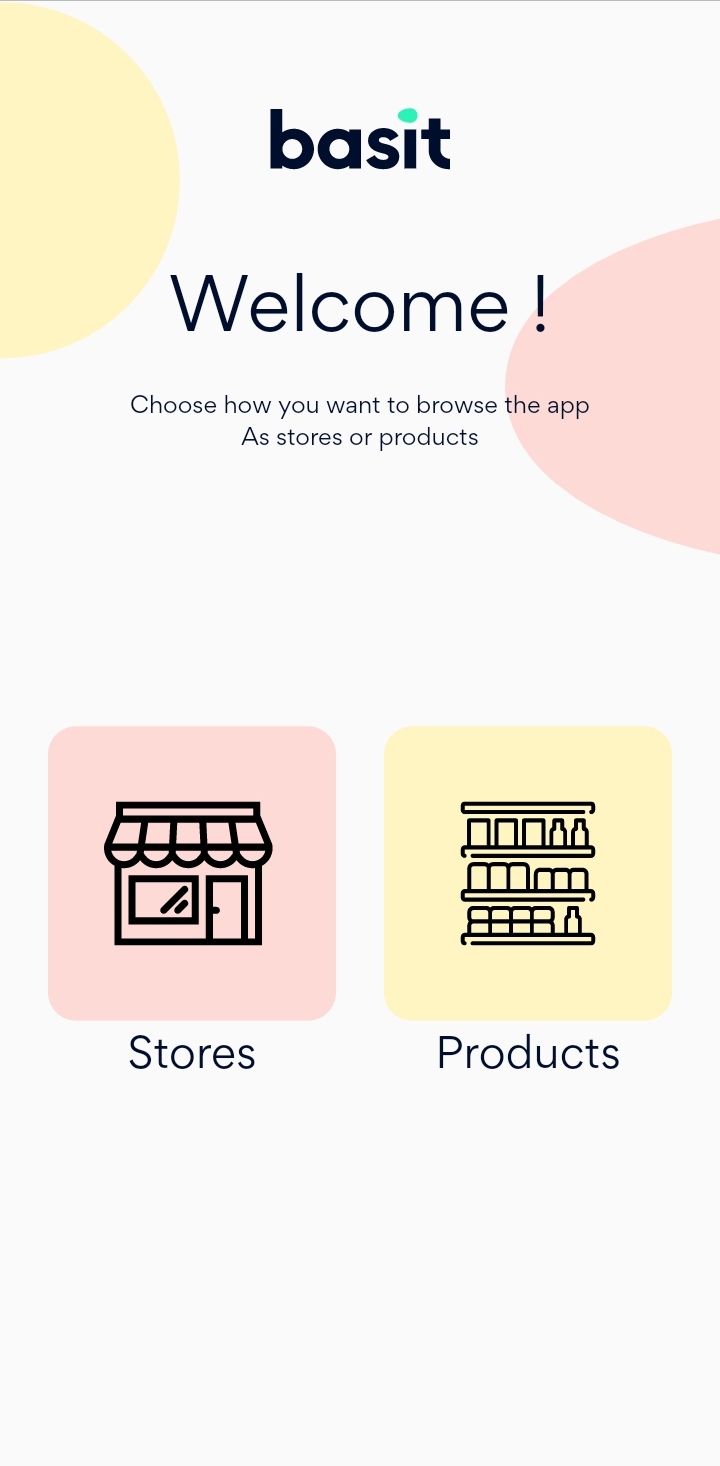
Search for the product that you want to add to your cart using whether store Browse or product Browse.
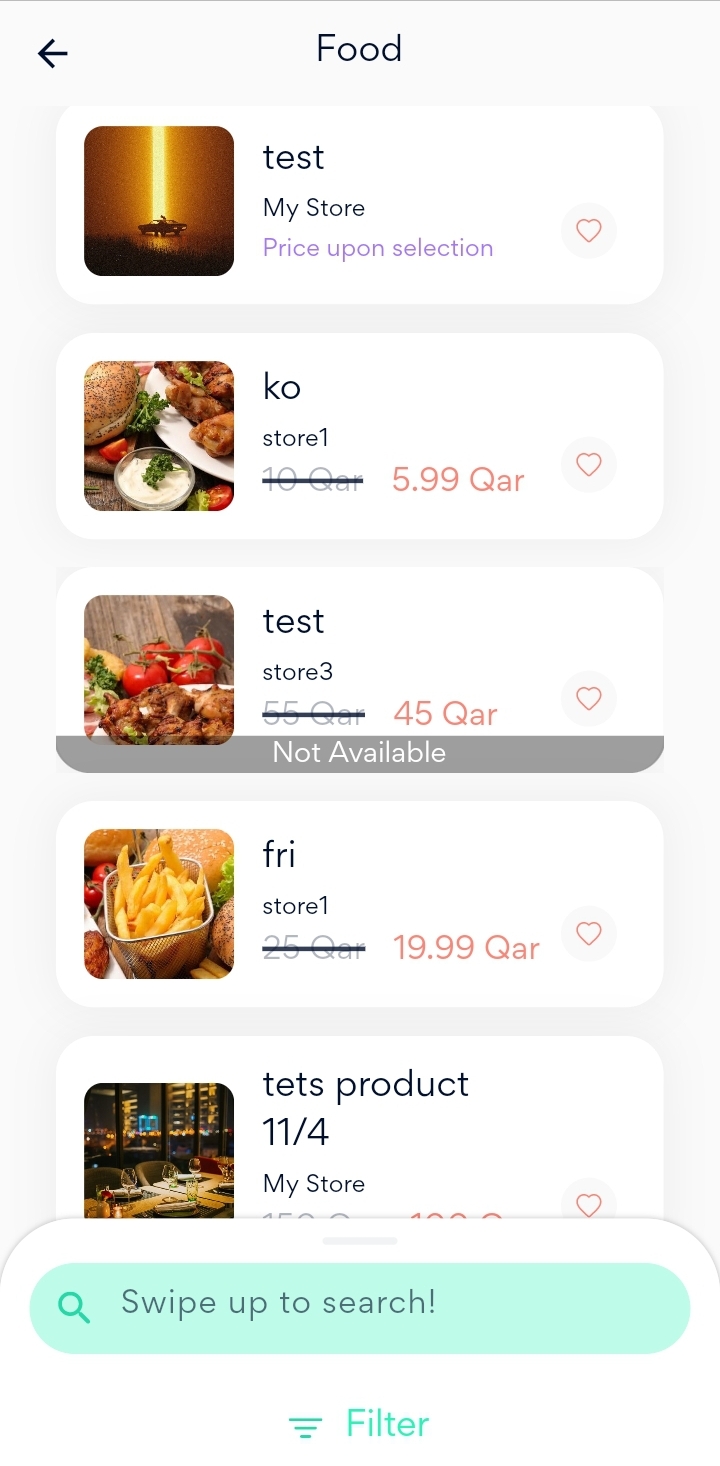
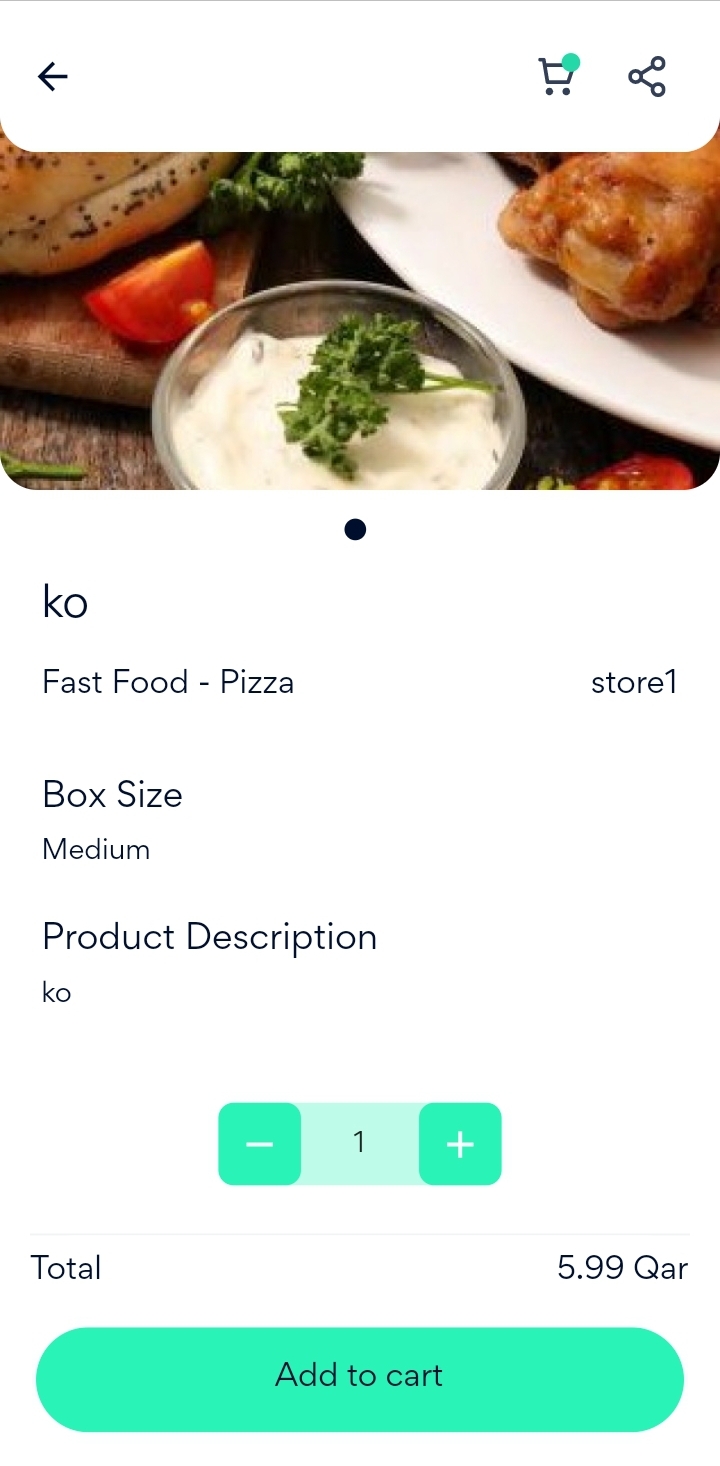
Select the product that you want to add to your cart from the several available products.

Website
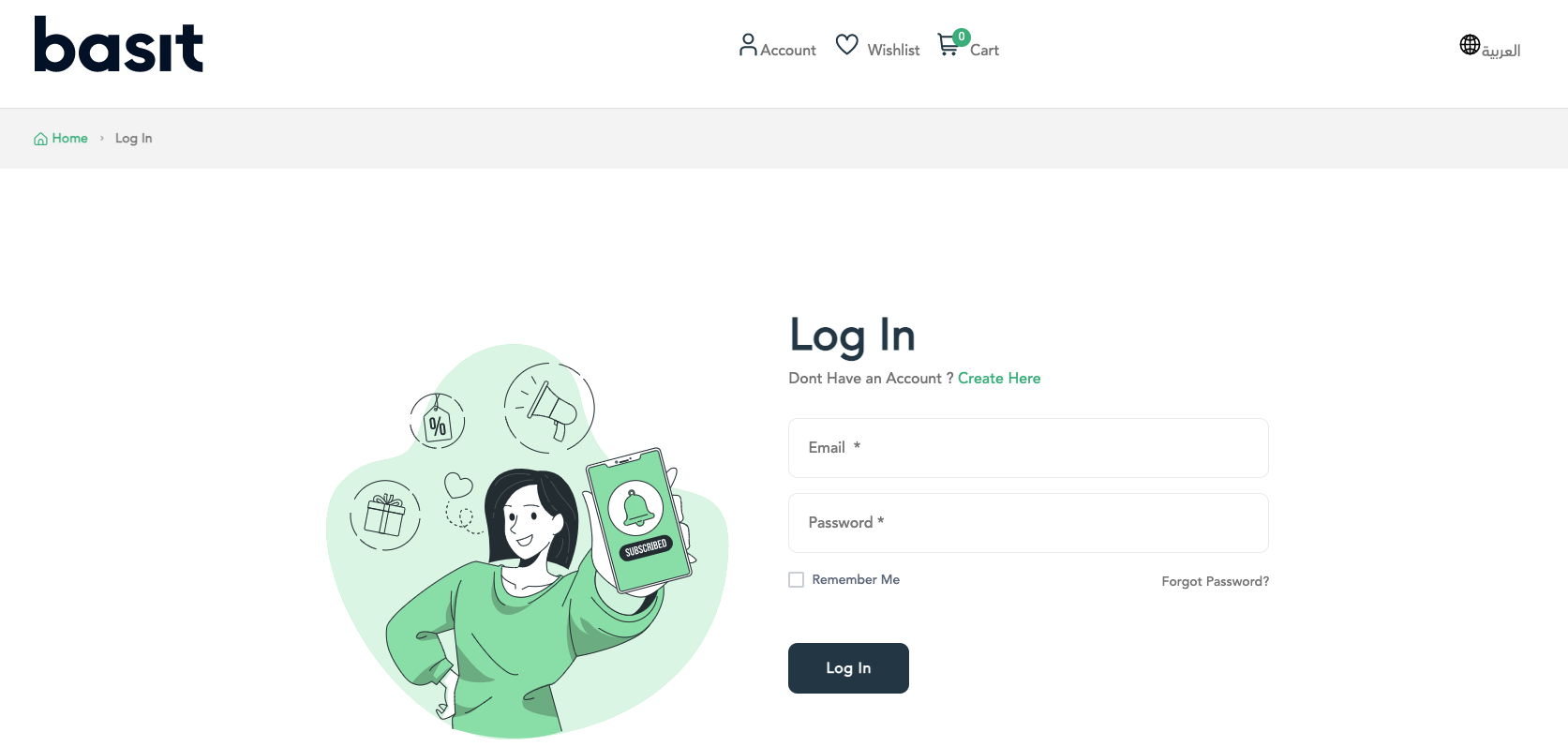
Go to Basit Website https://basit.store/public/en/login
Enter your information to login to your account
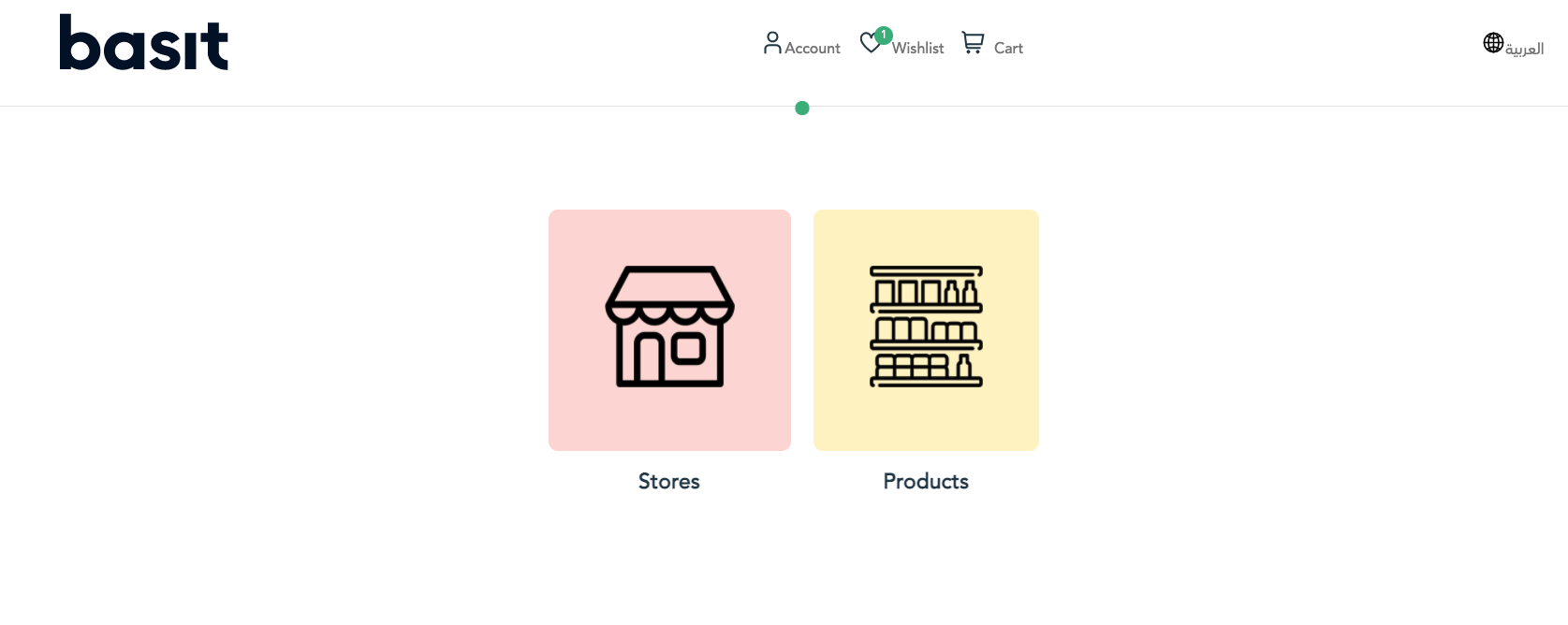
Search for the product that you want to add to your cart by using whether product Browse or store Browse
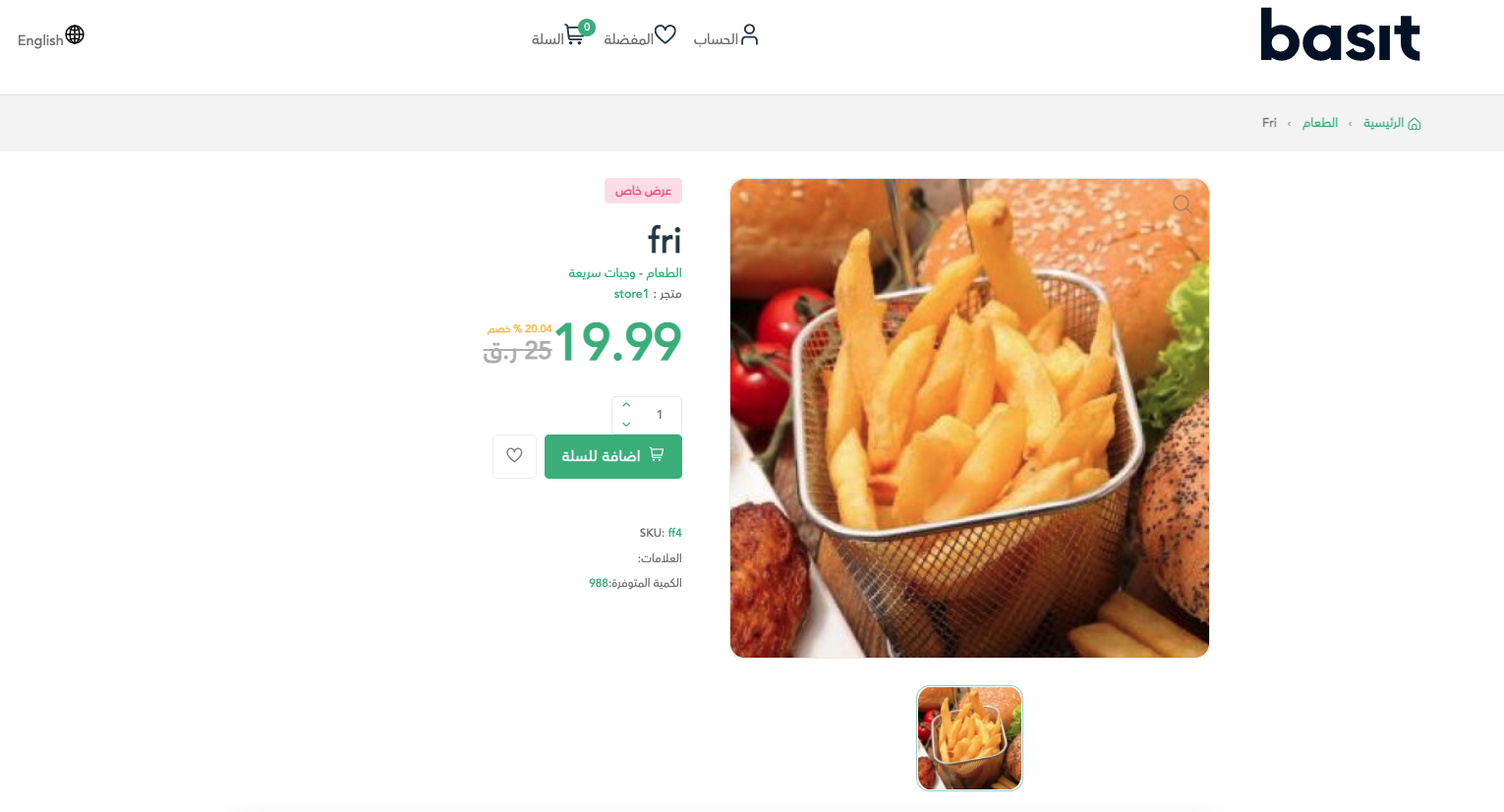
Select the product that you want to add, then change to the quantity of the product as you desire and press on Add to Cart button.
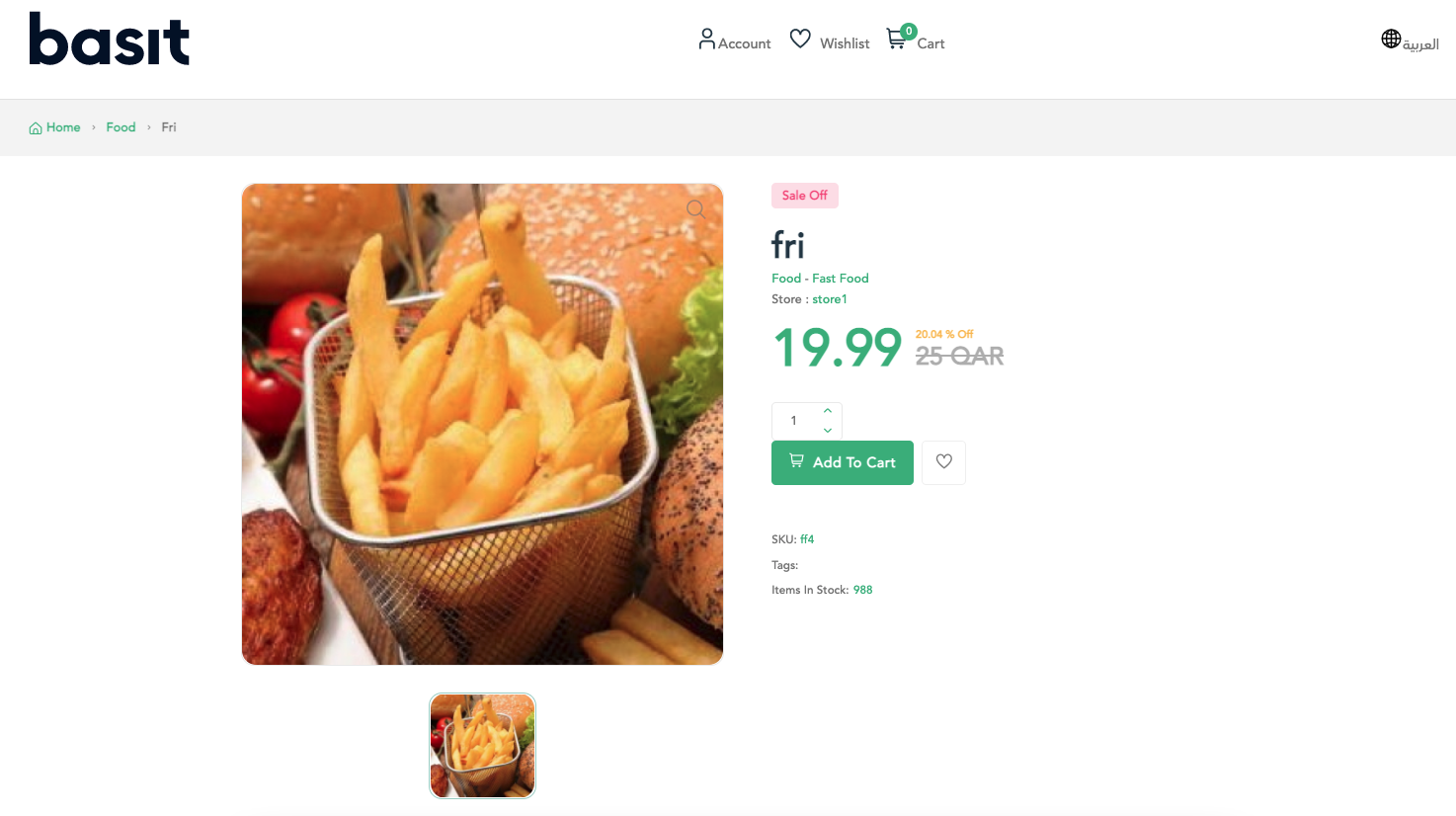
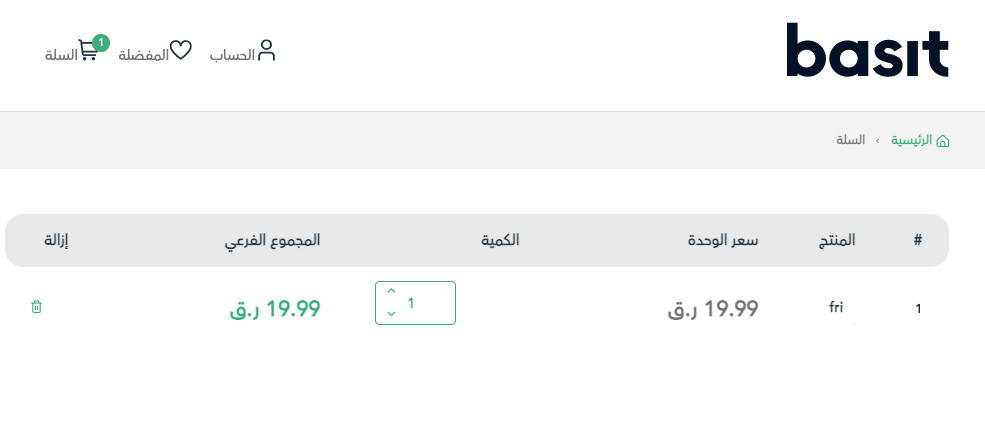
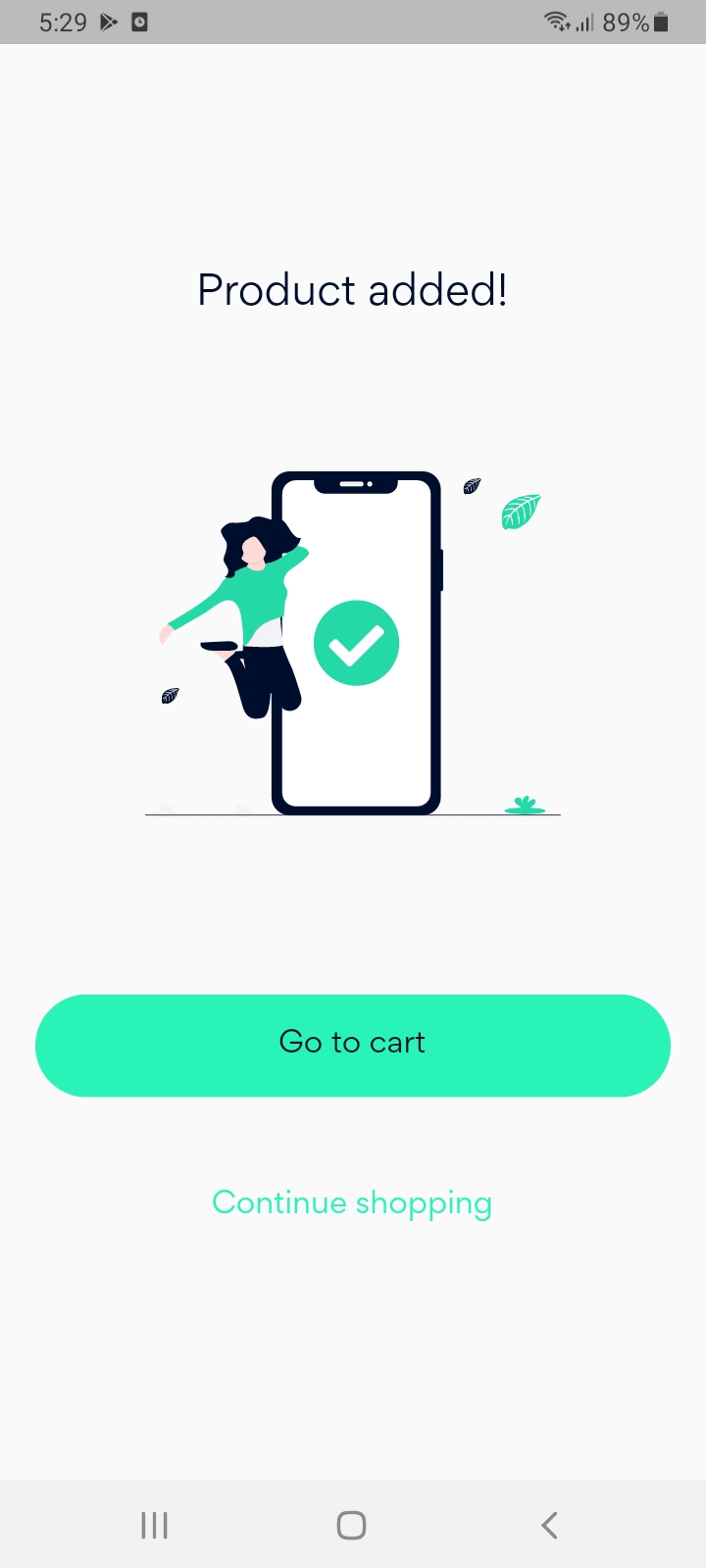
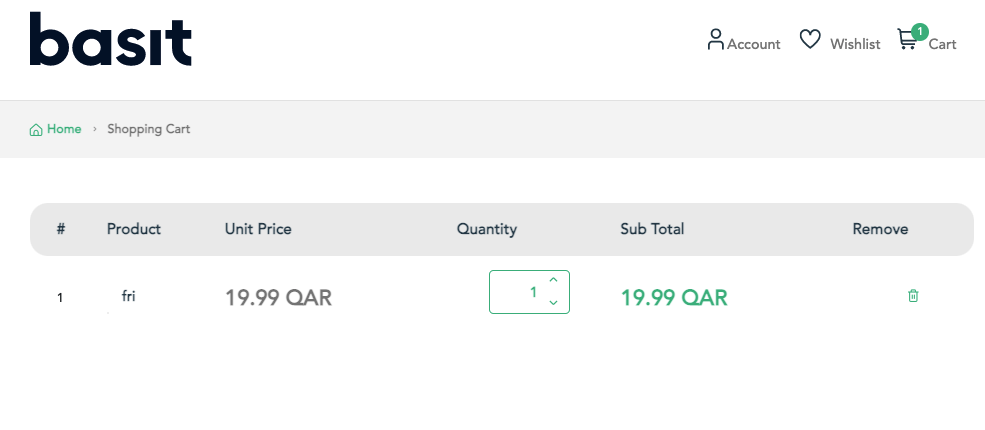
After that, you will receive a conformation message, then you can press on cart button and you will find the product is added to the cart.

التطبيق
قم بفتح تطبيق بسيط، ثم تسجيل الدخول إلى حسابك

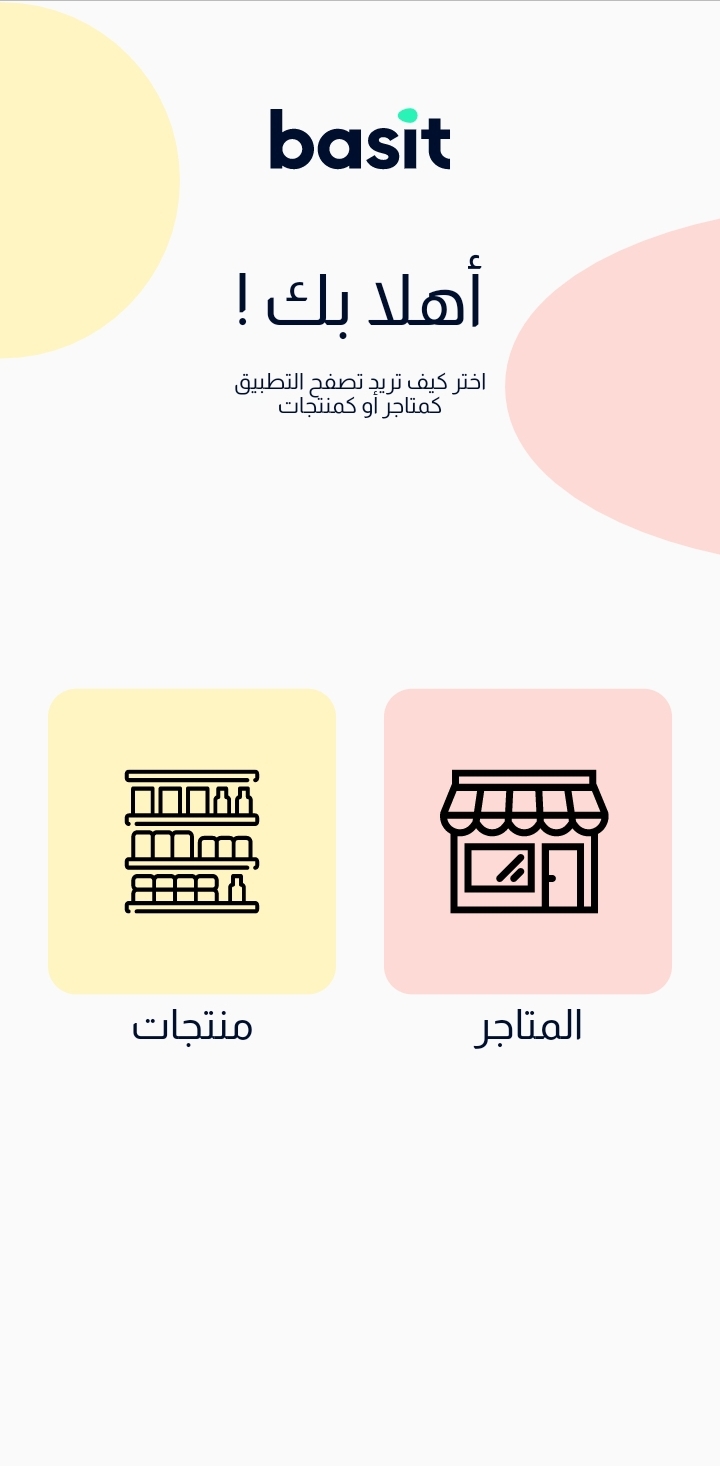
قم بالبحث علن المنتج المرغوب اضافته عن طريق استخدام تصفح المتجات أو تصفح المتاجر
بعد اختيار المنتج المرغوب فيه، يمكنك التحكم في الكمية المطلوبة بسهولة وبعدها قم بالضغط علي زر أضف إلى السلة

سوف تظهر رسالة تأكيد اضافة المنتج للسلة، كما يمكنك متابعة التسوق و اضافة المزيد من المنتجات إلى السلة

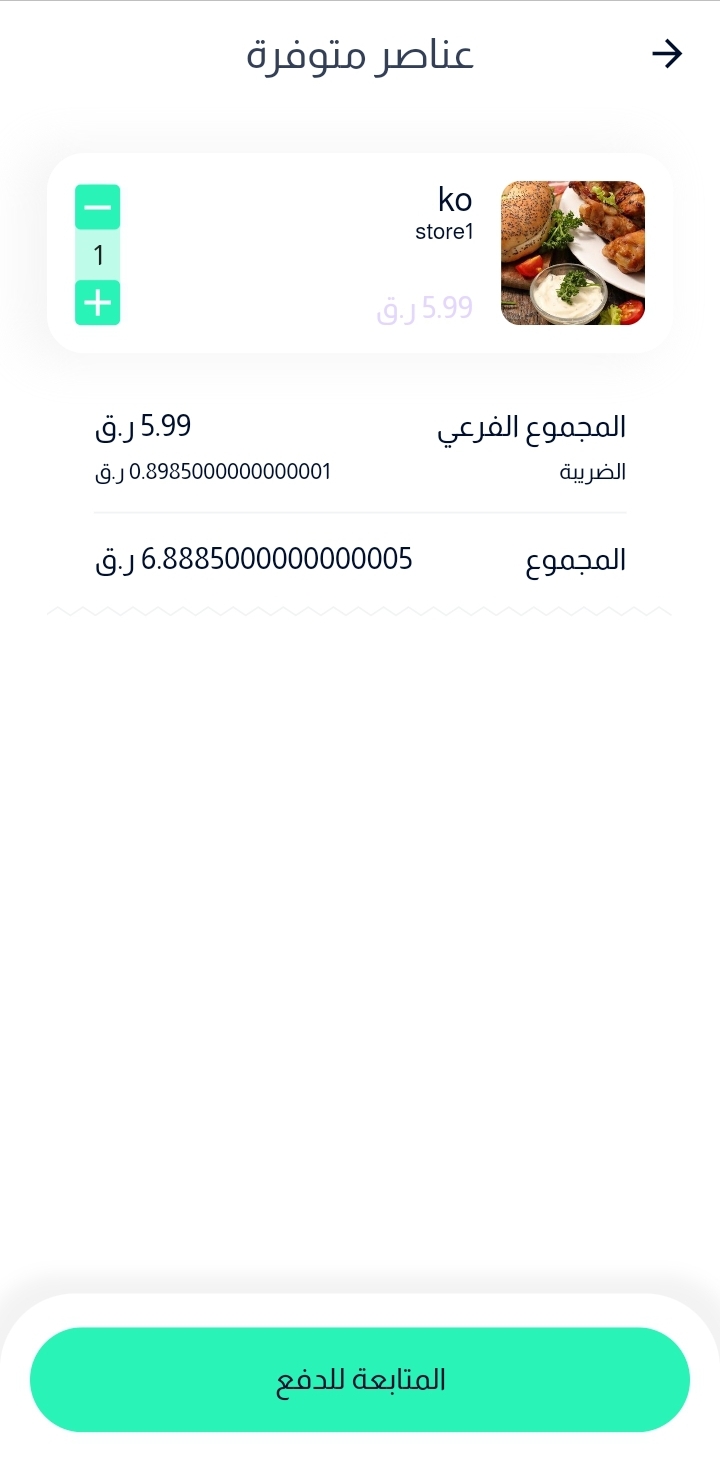
أخيراً، قم بالضغط علي ايقونة السلة وسوف تجد المنتجات التي اضفتها
الموقع
قم بالذهاب إلى موقع بسيط الإلكتروني https://basit.store/public/ar/login
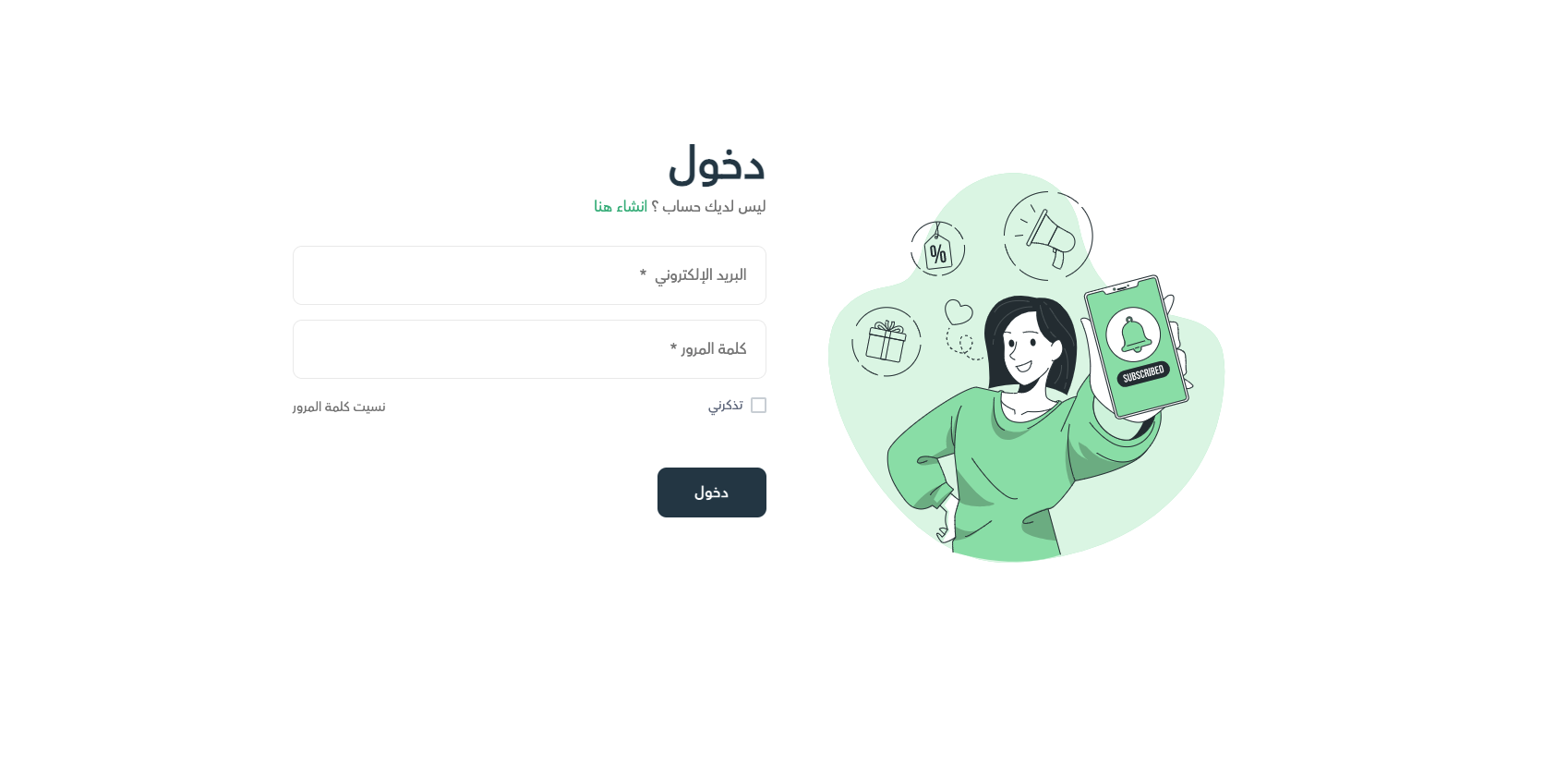
ثم قم بإدخال بريدك الإلكتروني وكلمة المرور للدخول إلى حسابك
قم بالبحث عن المنتج المرغوب فيه سواء عن طريق تصفح المتاجر أو المنتجات، ثم قم بتحديد الكمية المطلوب شرائها، بعد ذلك قم بالضغط علي زر أضف إلى السلة
أخيراً، قم بفتح ايقونة السلة وسوف تجد المنتج تم اضافته بنجاح