APP
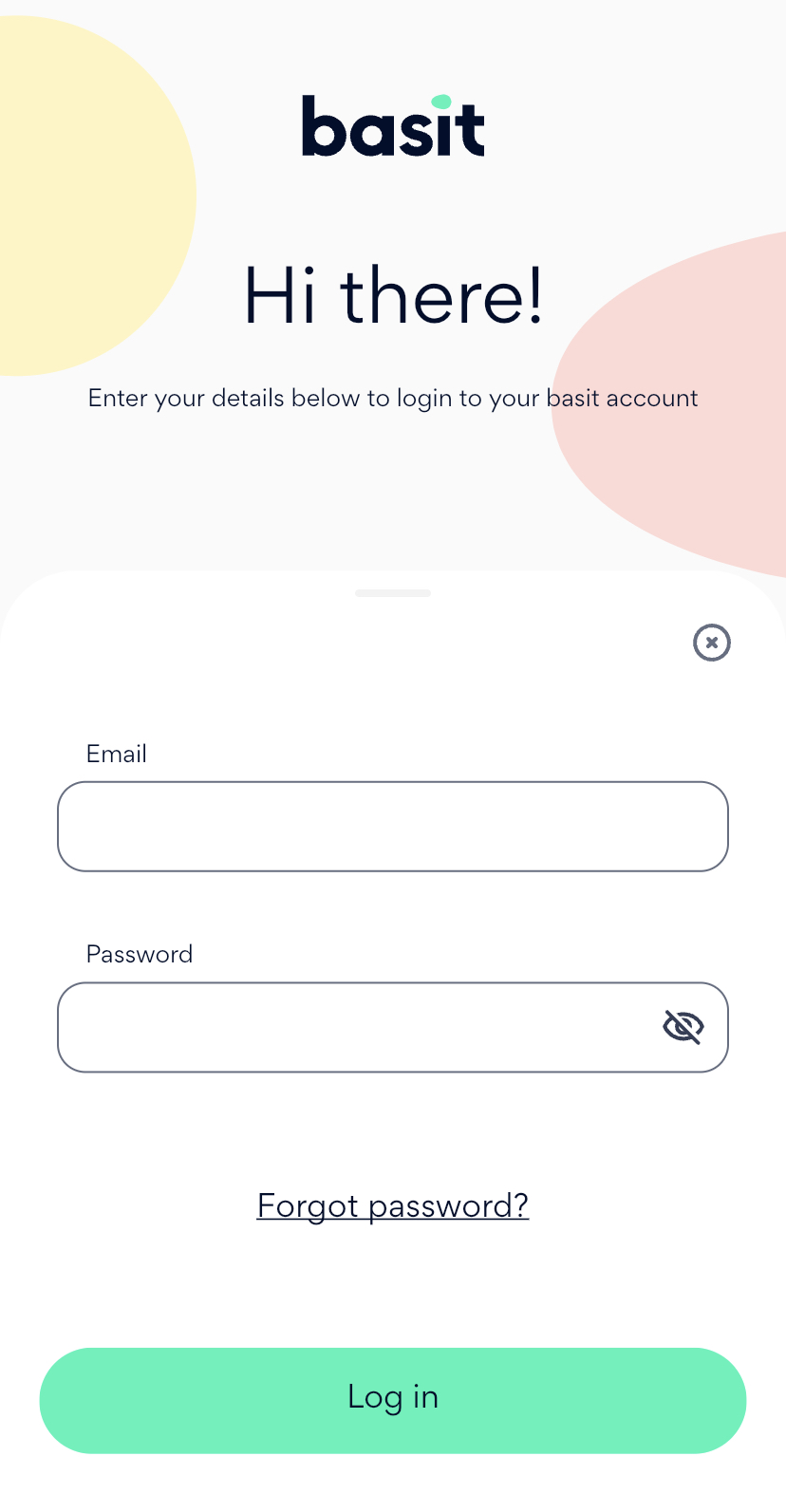
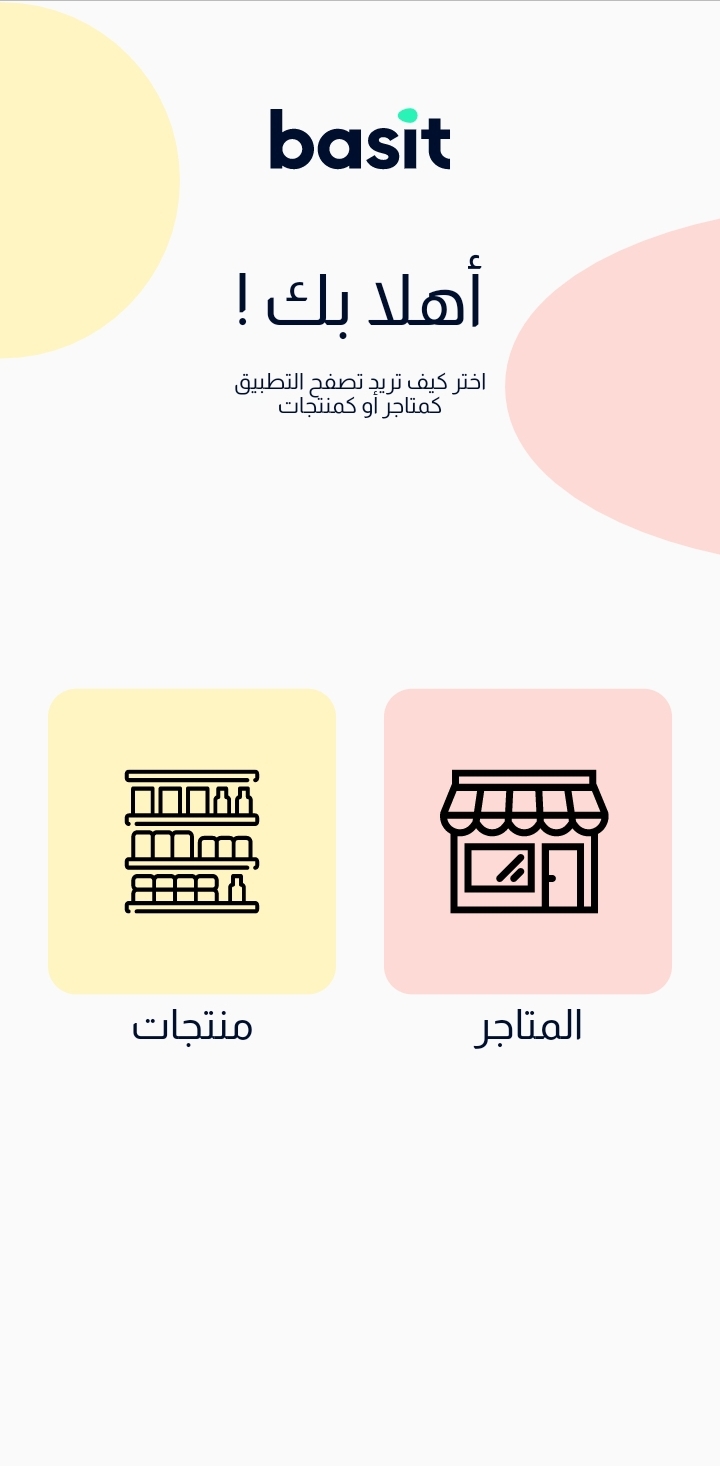
Open Basit App and enter your information to login to your account
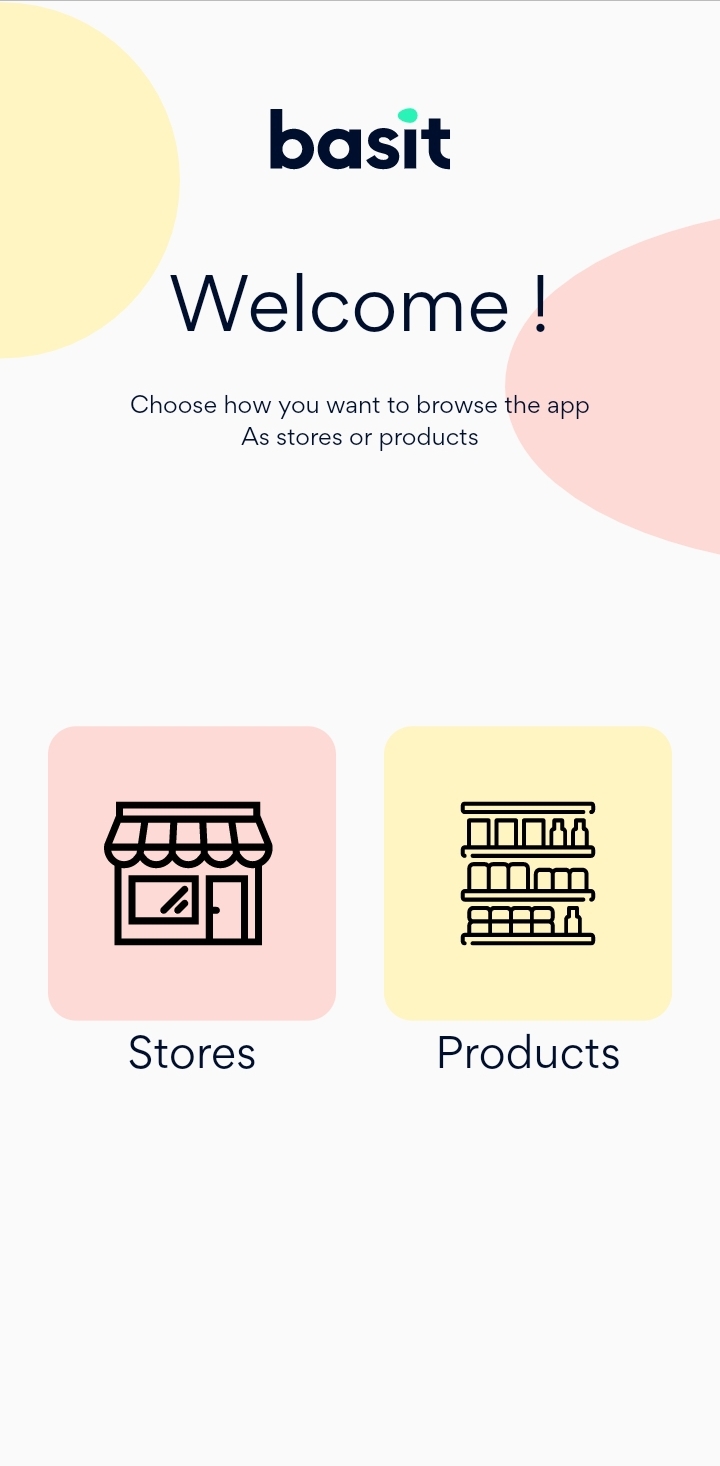
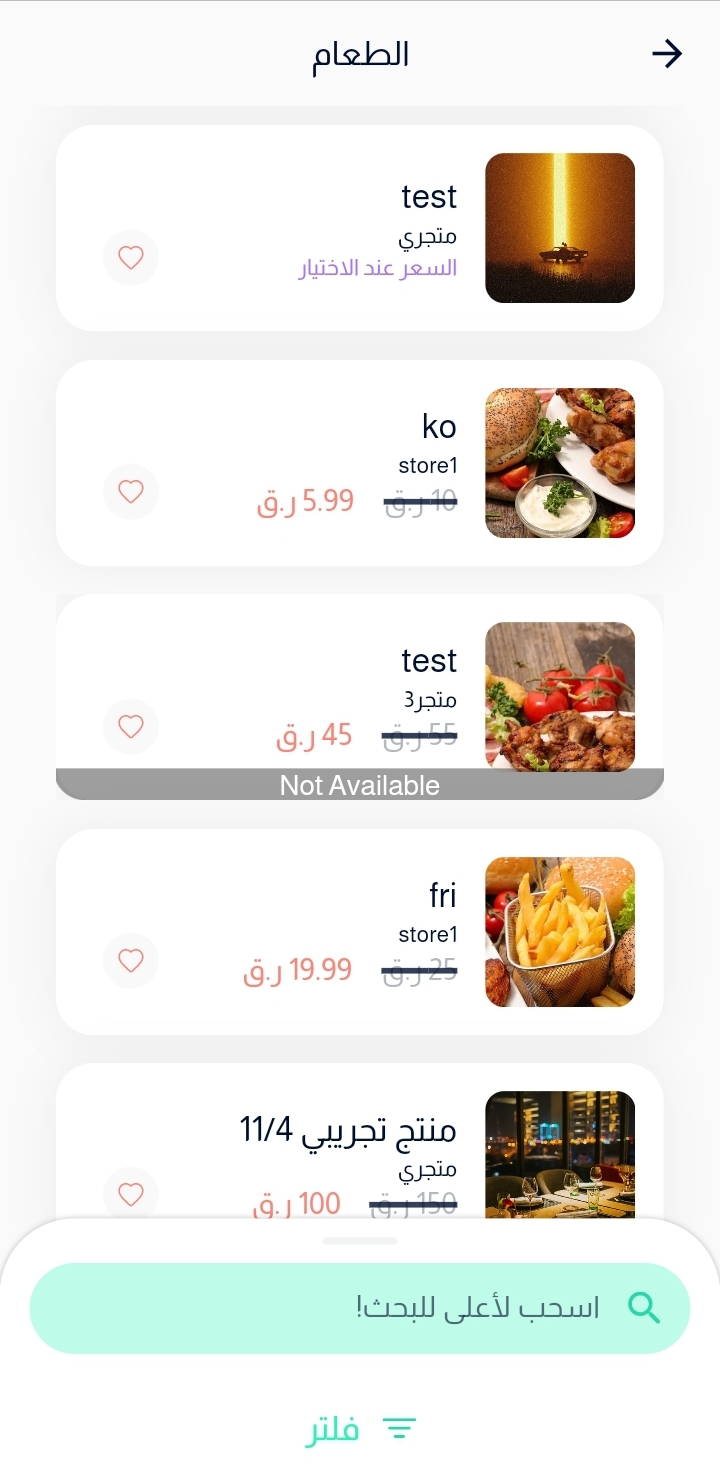
Search for the product that you want to add to your favorite list using whether store browse or product browse.
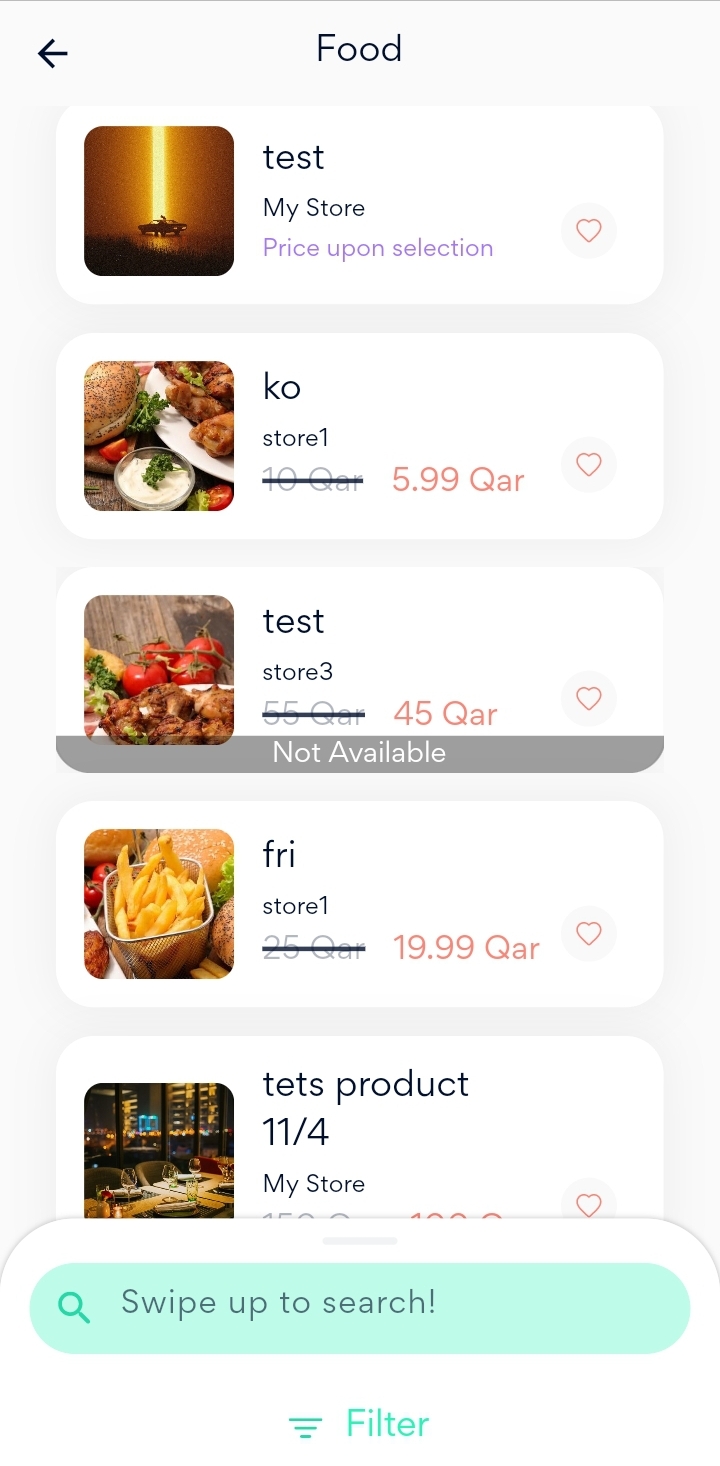
Press on the heart icon that appears on the product
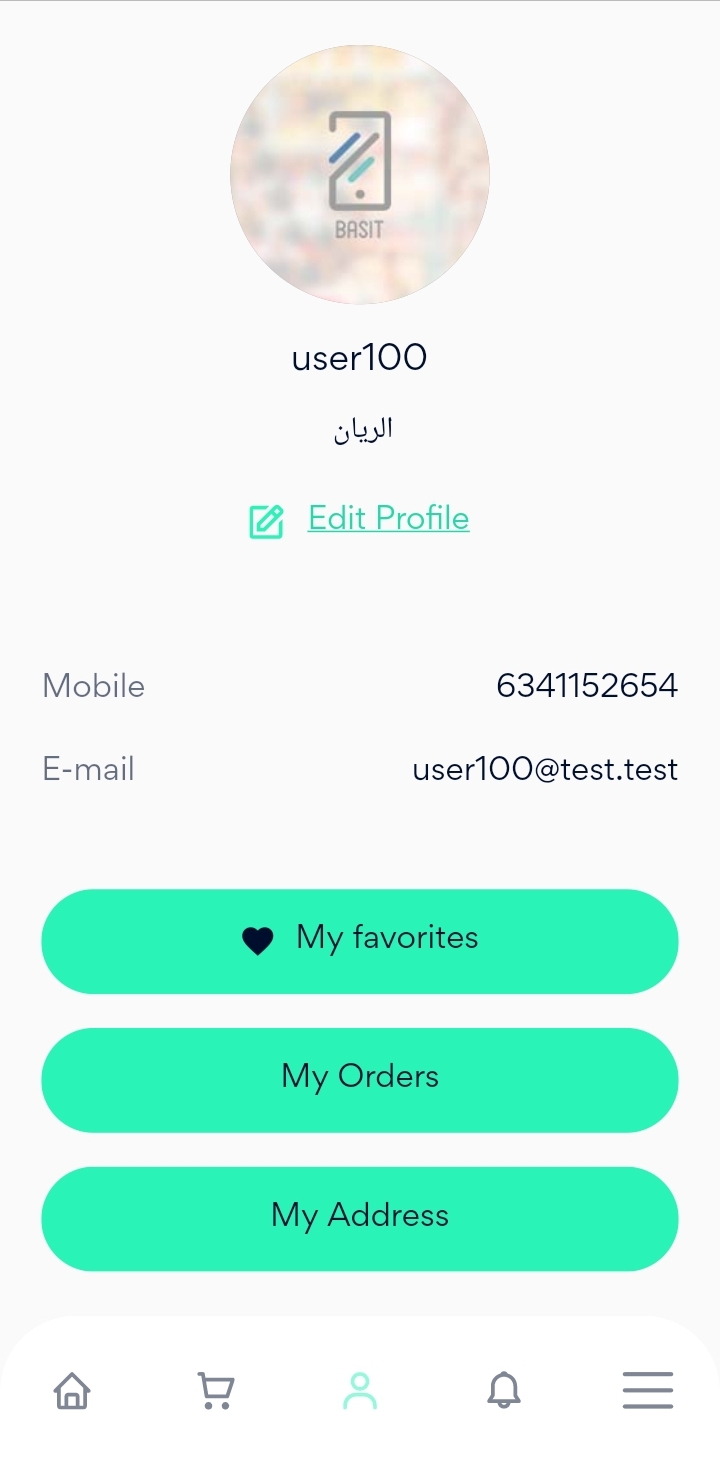
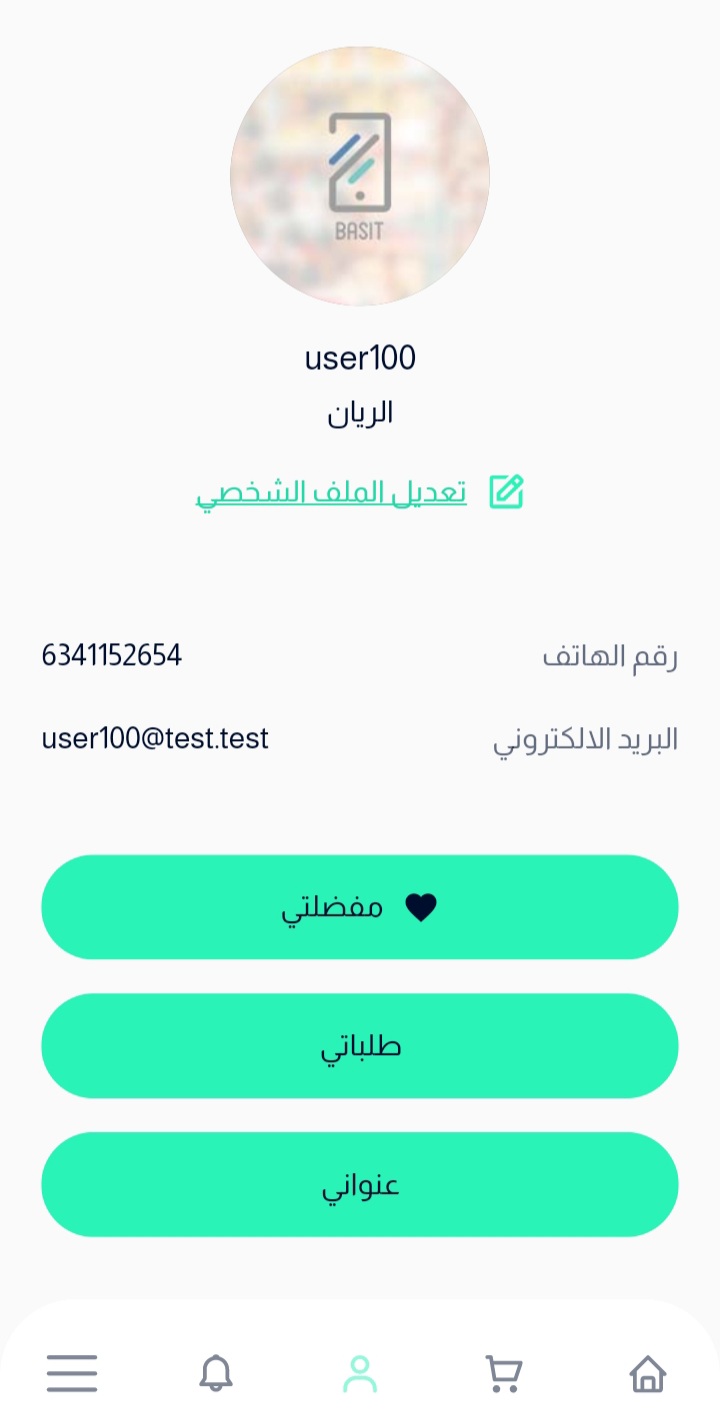
Go back to your account details, then press on my favorite button.
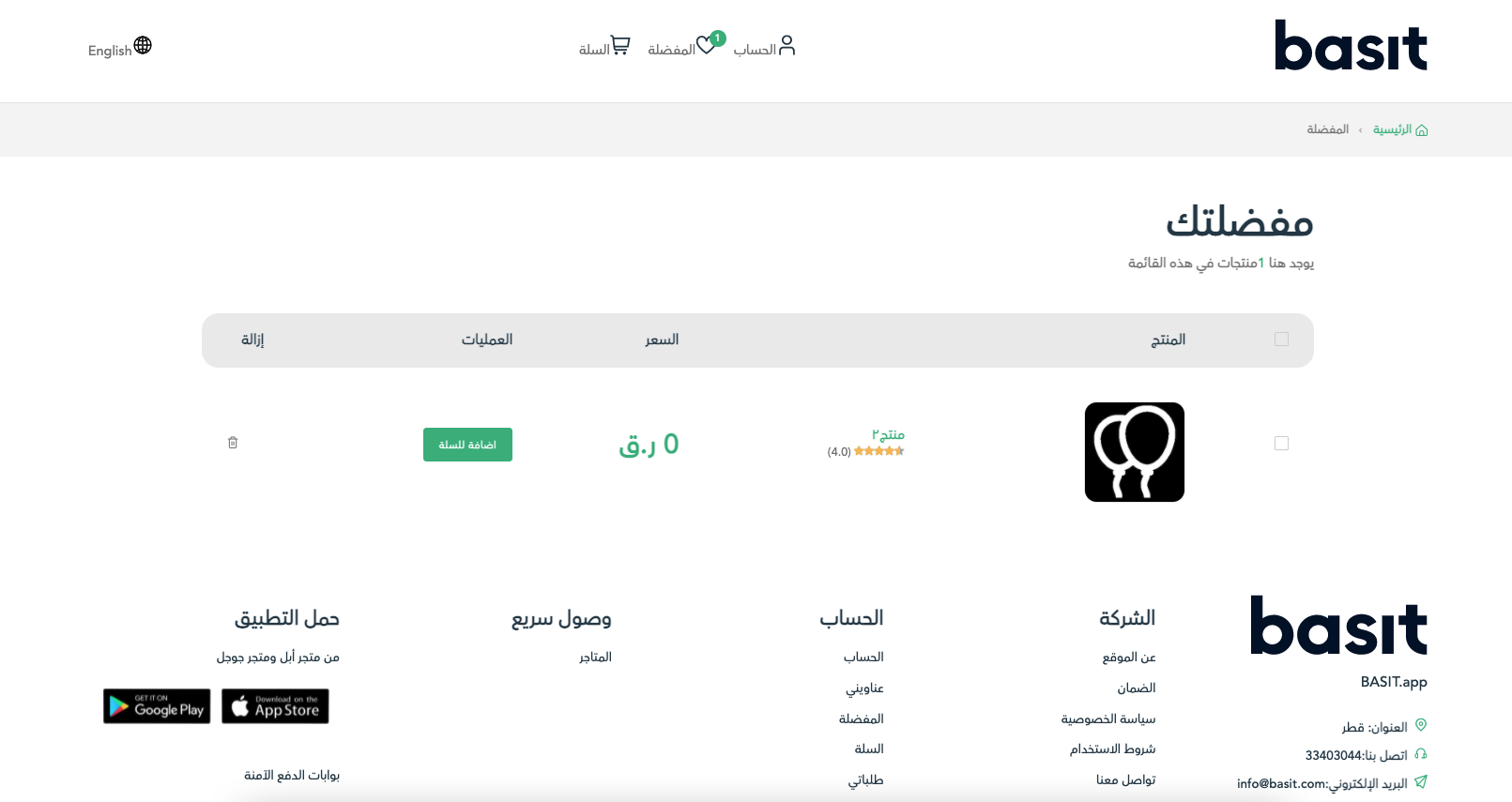
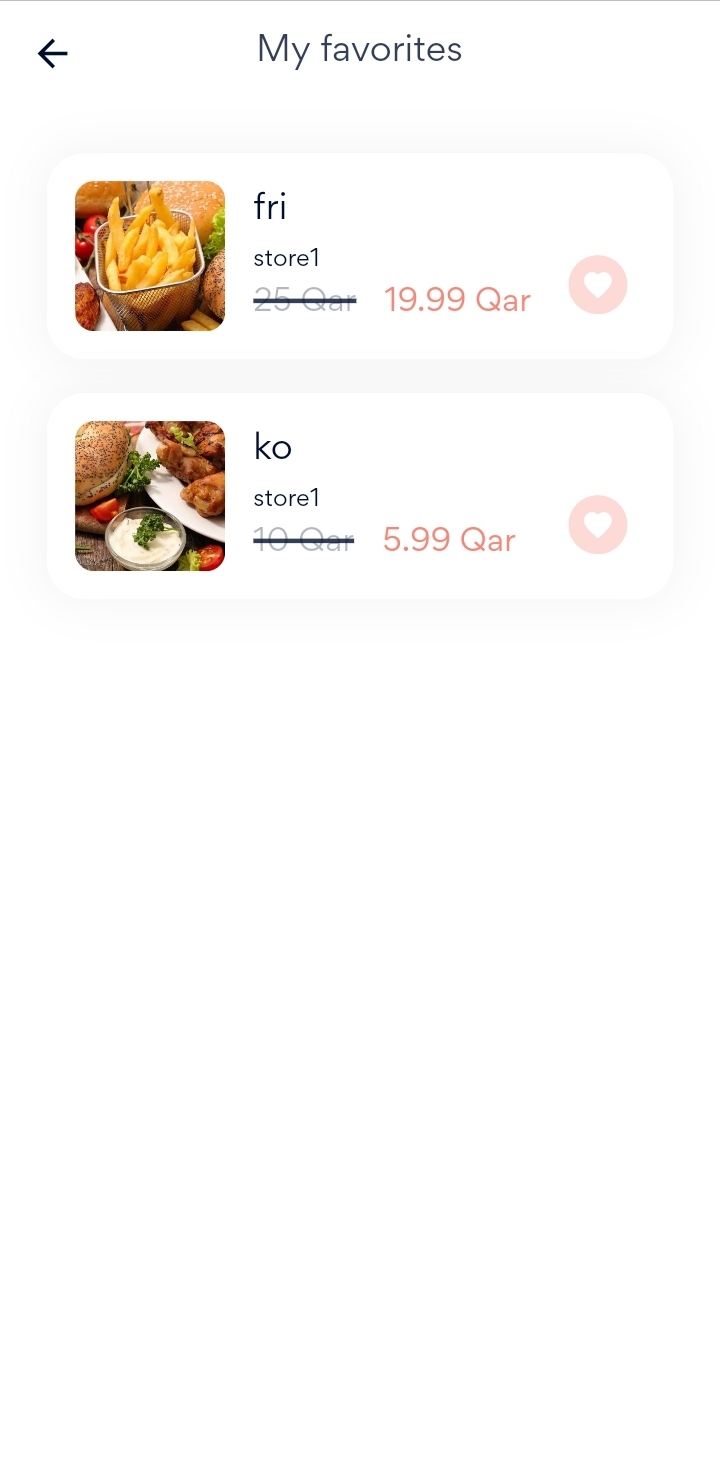
Finally, you will find the product added to your favorite list.
Website
Go to Basit Website https://basit.store/public/en/login
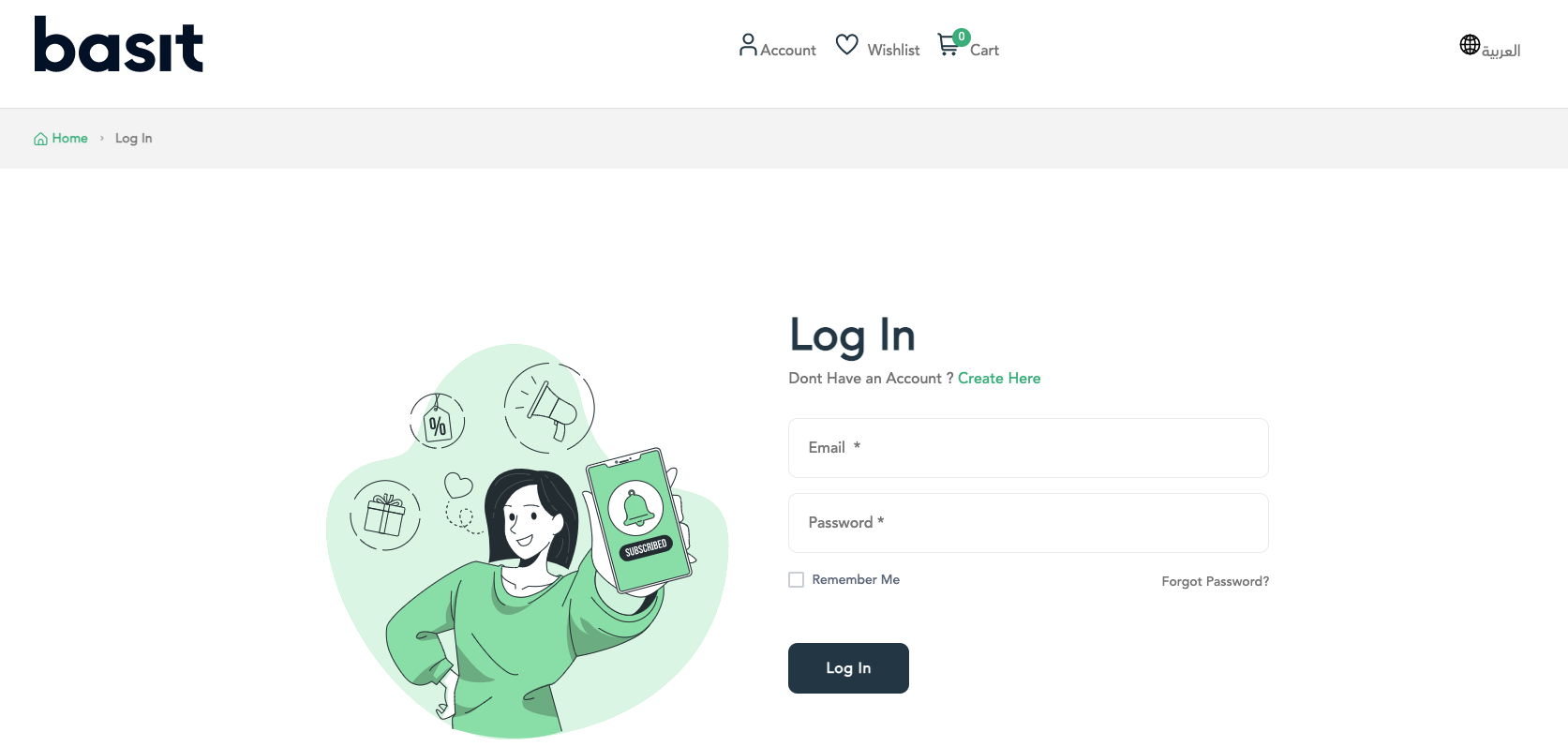
Enter your information to login to your account
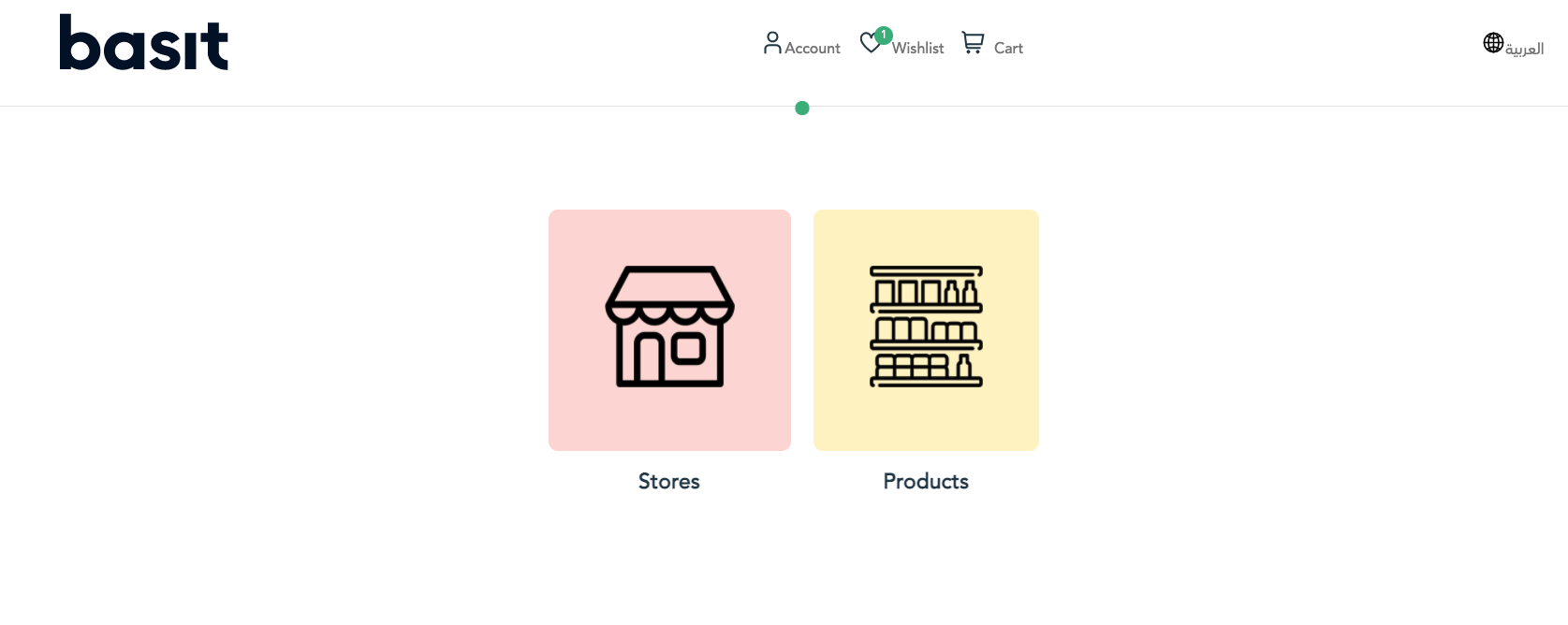
Search for the product that you want to add to your Wishlist by using whether product browse or store browse
Press on the heart icon that appears on the product

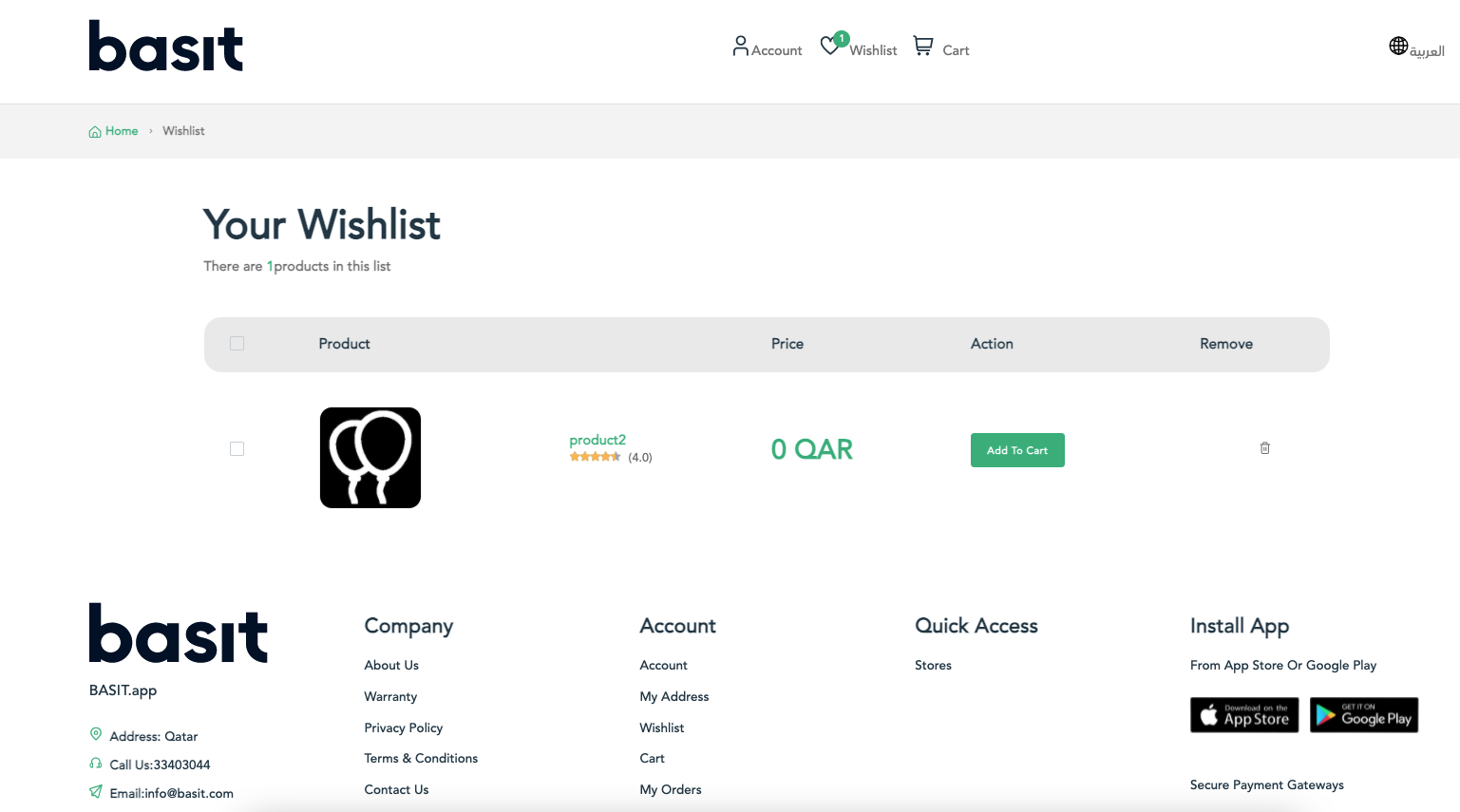
Finally, Press on Wishlist icon in the top of the page and you will find the product was added to the list.
التطبيق
قم بفتح تطبيق بسيط، ثم تسجيل الدخول إلى حسابك

قم بالبحث علن المنتج المرغوب اضافته عن طريق استخدام تصفح المنتجات أو تصفح المتاجر
بعد ذلك، قم بالضغط علي ايقونة القلب علي المنتج لاضافته إلى قائمة المفضلة لديك
بعد ذلك، قم بالرجوع وفتح قائمة مفضلتي
أخيراً، عند فتح القائمة سوف تجد المنتج الذي قمت باضافته سابقاً

الموقع
https://basit.store/public/ar/login قم بالذهاب إلى موقع بسيط الإلكتروني
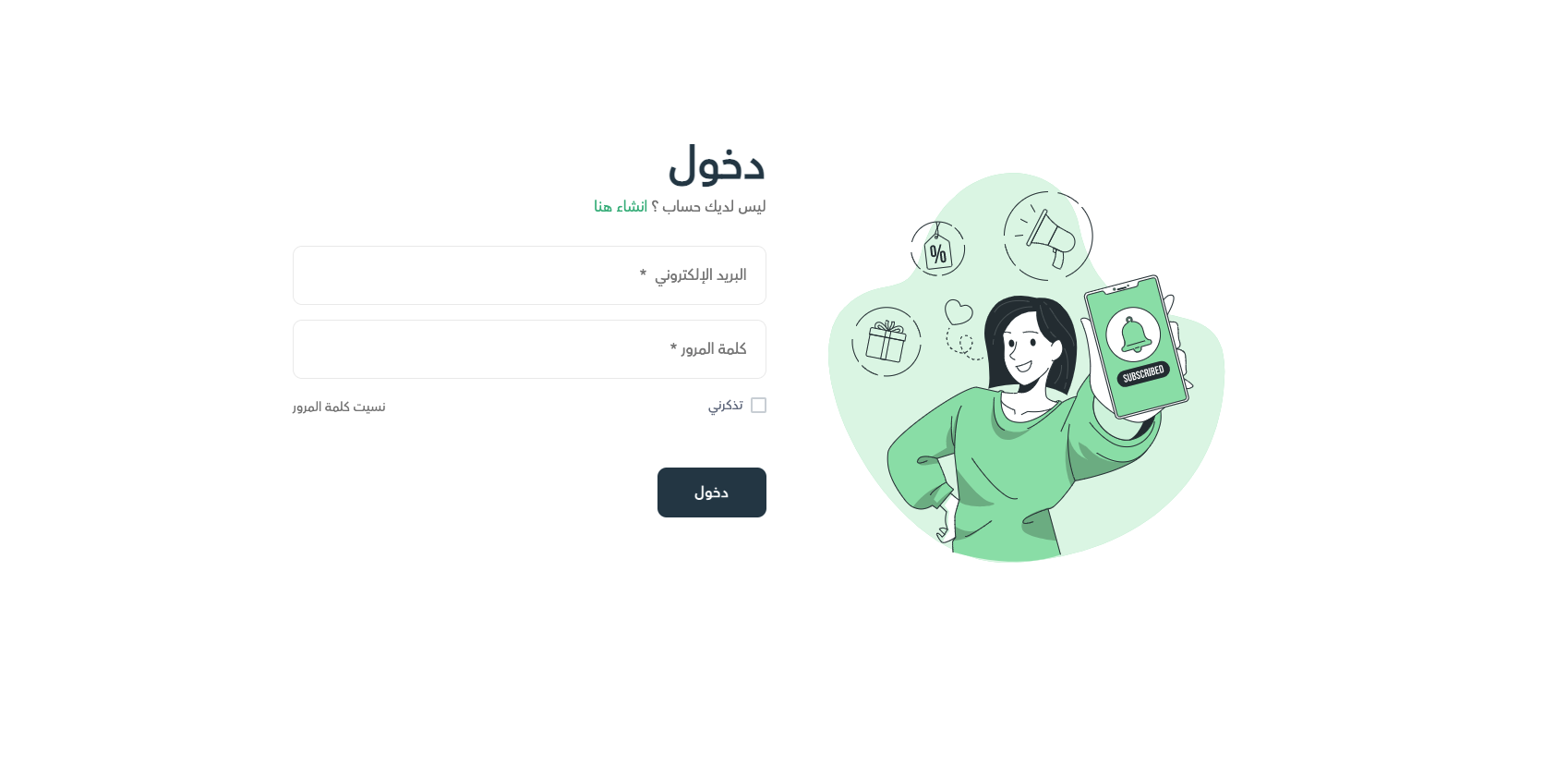
ثم قم بإدخال بريدك الإلكتروني وكلمة المرور للدخول إلى حسابك
قم بالبحث عن المنتج المراد اضافته لقائمة المفضلة سواء عن طريق تصفح المتاجر أو تصفح المنتجات، ثم قم بالضغط علي ايقونة القلب لاضافة المنتج
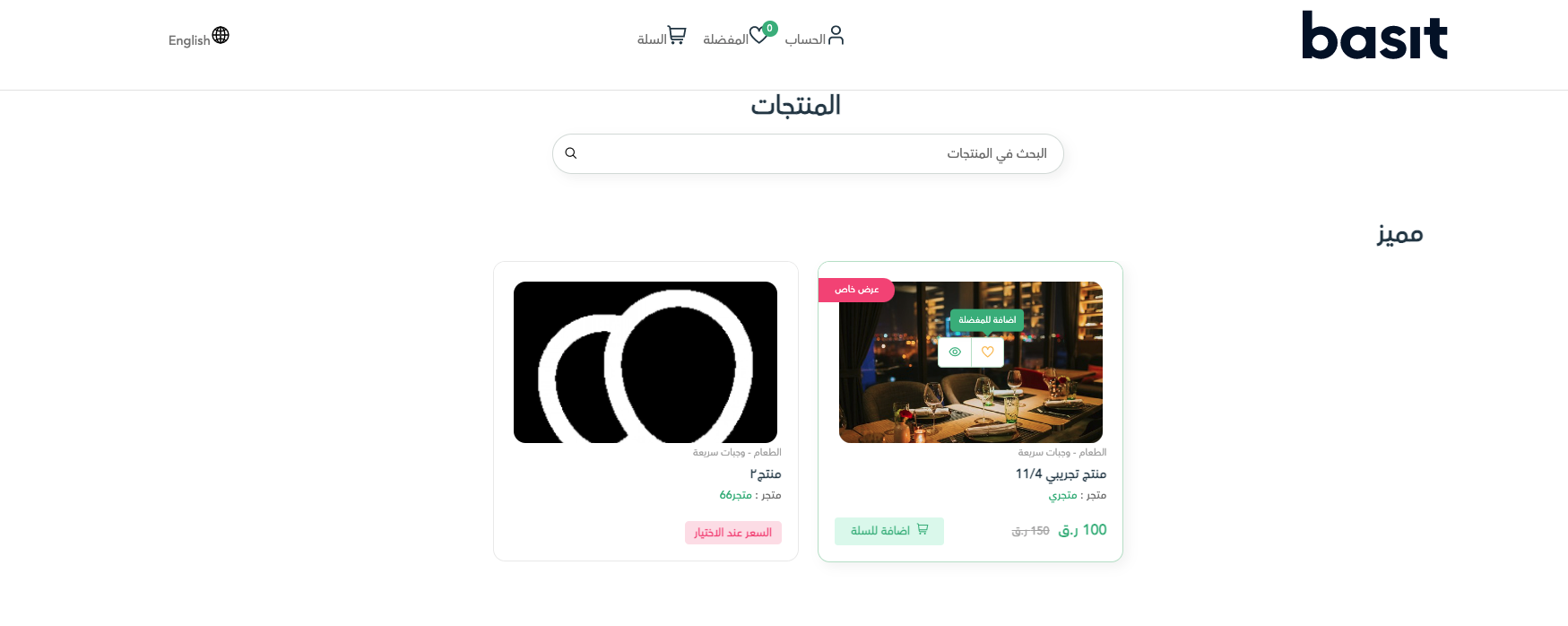
أخيراً، قم بفتح قائمة المفضلة الموجودة أعلي الصفحة سوف تجد المنتج الذي قمت باضافته موجوداً فيها