Assign Driver - تعيين سائق

  • langconvert.admindashboard.lastcreatedon Dec 27, 2025
  • 213
0 0

Website:

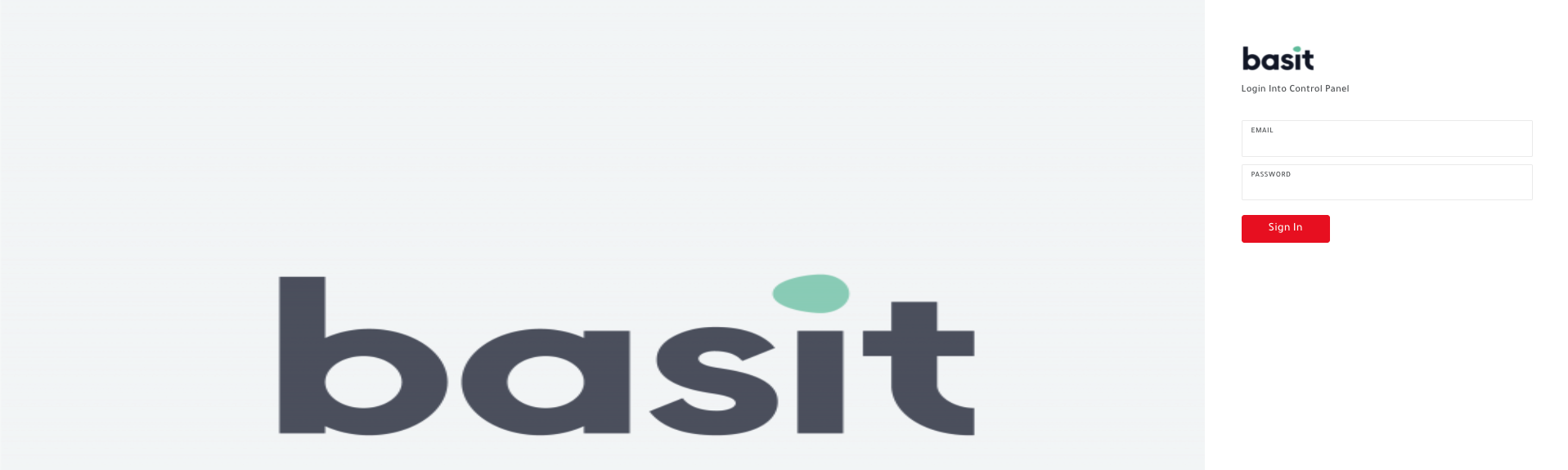
Go to Dashboard Website for the Delivery Companies https://basit.store/en/DC_Portal/login

Enter the email and password of the delivery company.


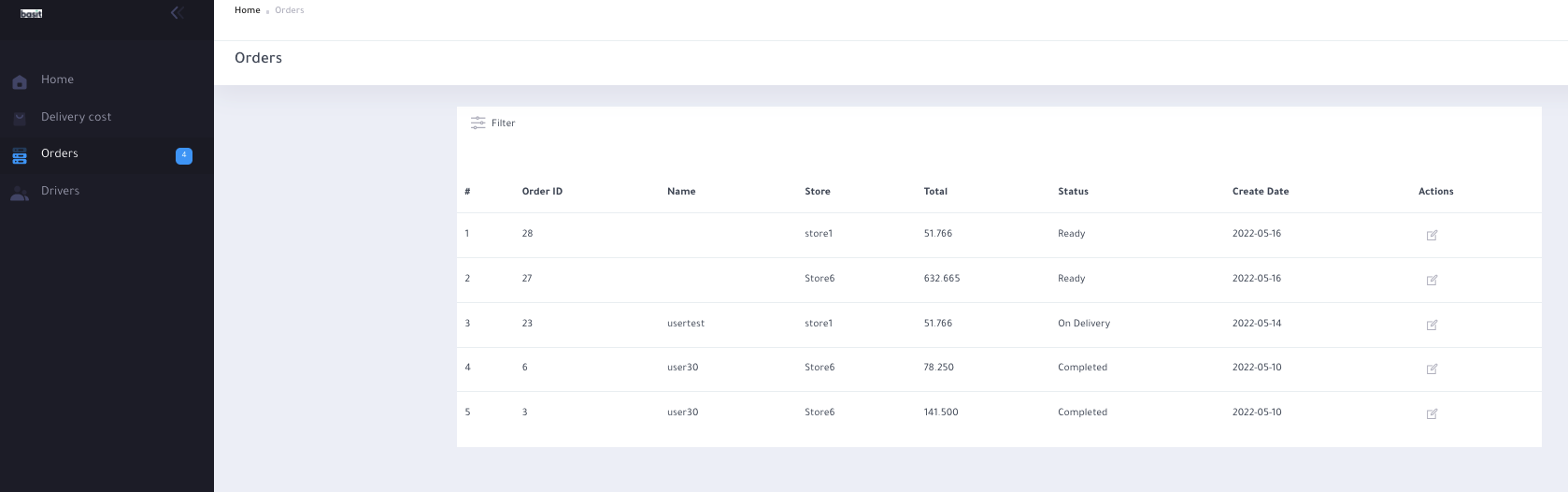
Next, from the main menu select the Orders option.
Now, all your completed and in-progress orders are appearing on the page. 


Next, Press on the edit button from the action list, and the details of the order will be shown on the screen.
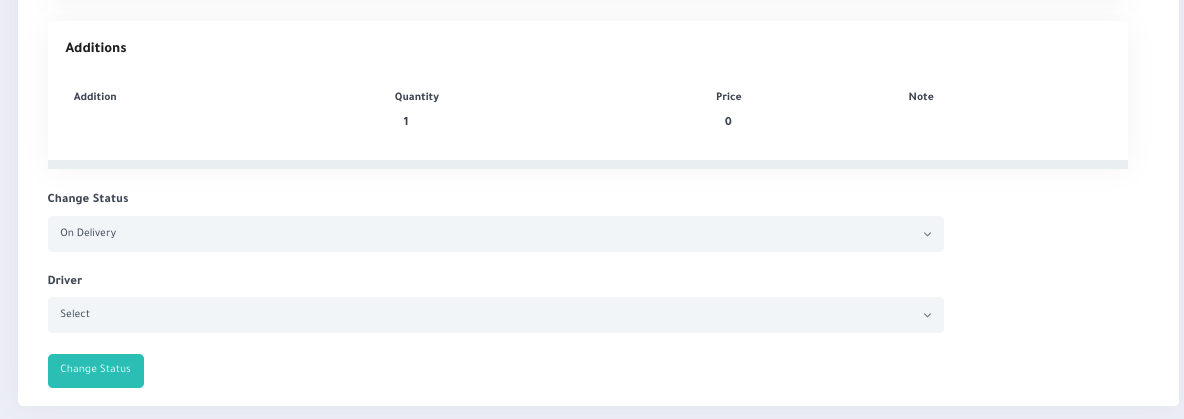
After that, Scroll down and press on Change Status button and update the status of the order.
Finally, Assign the required driver from your drivers' list.


:الموقع

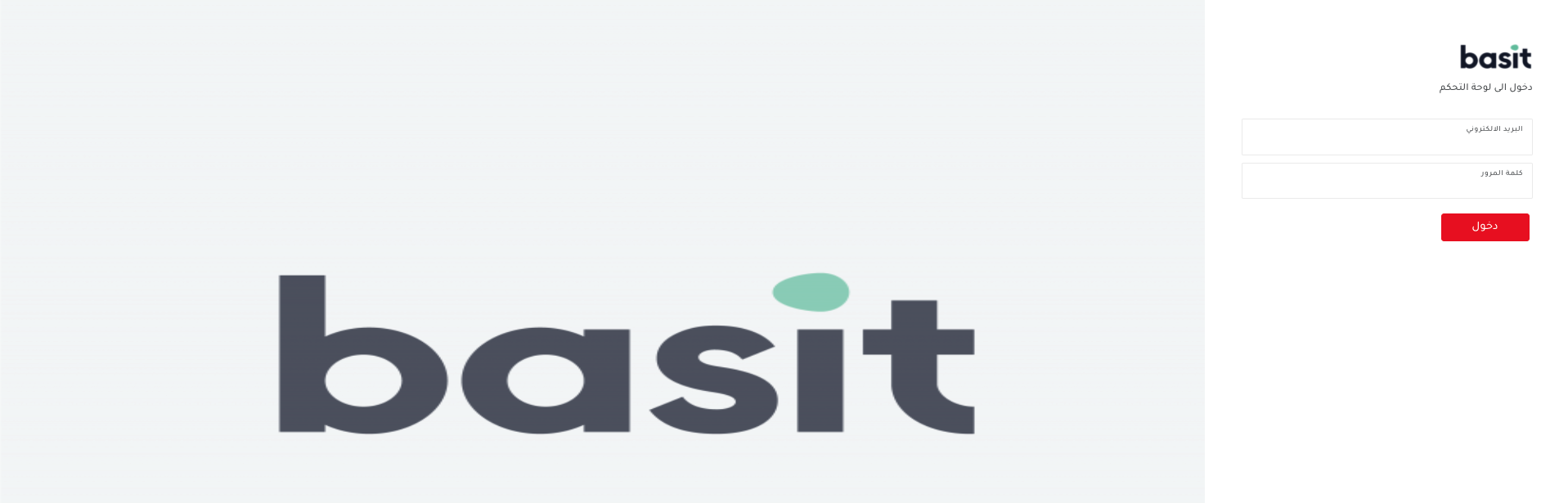
  https://basit.store/ar/DC_Portal/loginقم بالدخول إلى موقع لوحة التحكم الخاص بشركات التوصيل
بعدها، قم بادخال البريد الإلكتروني وكلمة المرور الخاصين بشركة التوصيل


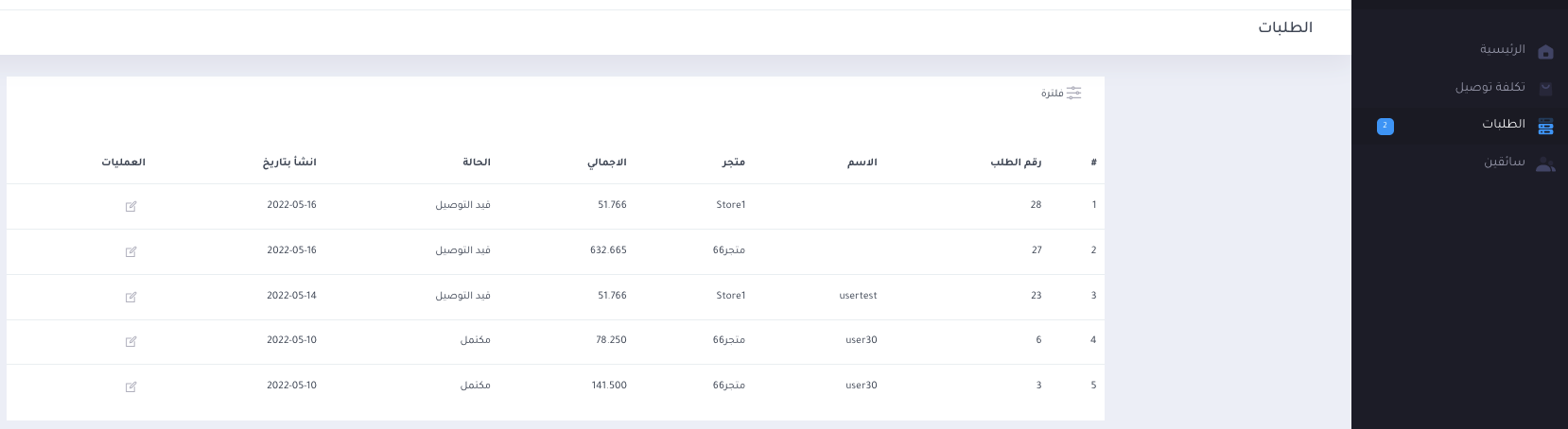
من القائمة الرئيسية قم باختيار ايقونة الطلبات

والآن، سوف يظهر لك علي الشاشة كل الطلبات السابقة التي قمت بتوصيلها وسوف يظهر لك الطلبات التي لا تزال تحت الاجراء

قم، باختيار الطلب المراد تعديله واضغط علي زر التعديل من قائمة العمليات

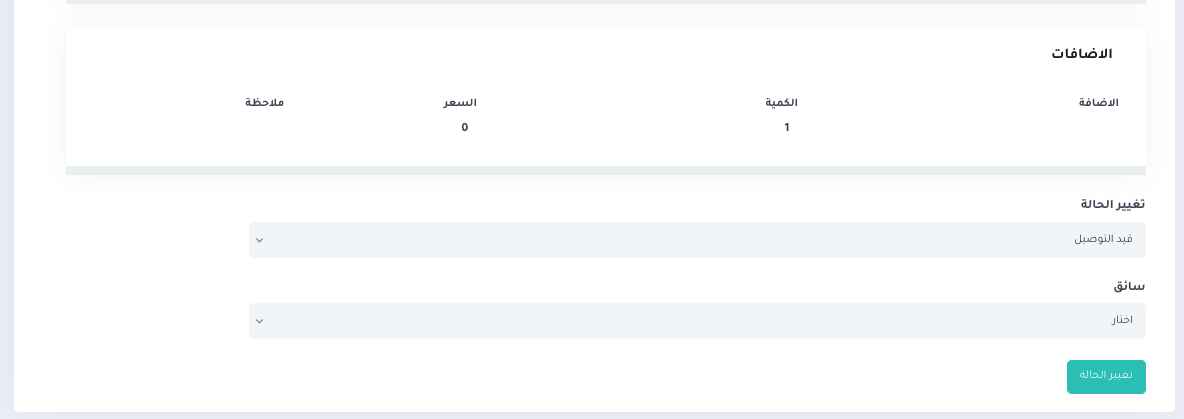
والآن، سوف يظهر لك علي الشاشة المعلومات الخاصة بالطلب، قم بالنزول إلى الأسفل ثم قم بالضغط علي زر تحديث الحالة لتحديث حالة الطلب

وأخيراً، قم باختيار السائق المطلوب من قائمة السائقين الخاصة بك


المنظر:213

المقالات الأخيرة

  • Change Language - تغيير اللغة
    523
  • Assign Driver - تعيين سائق
    213
  • Change Password - تغيير كلمة المرور
    175
  • Edit Profile - تعديل الملف الشخصي
    217
  • Add Driver - اضافة سائق
    224

شائع مقالات

  • Register New User - التسجيل كمستخدم جديد
    539
  • Change Language - تغيير اللغة
    523
  • Track Order - تتبع الطلب
    475
  • Add Product - اضافة منتج
    437
  • Login - تسجيل الدخول
    340