APP
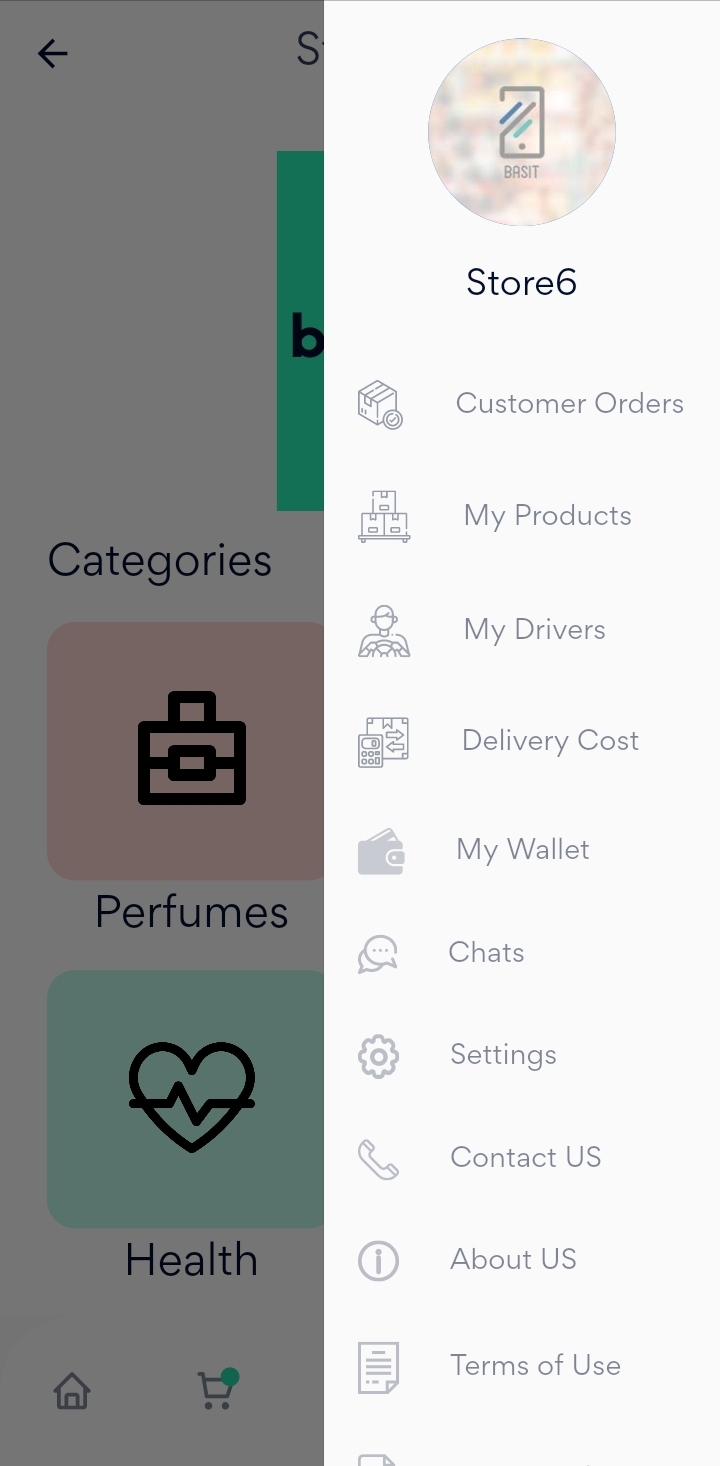
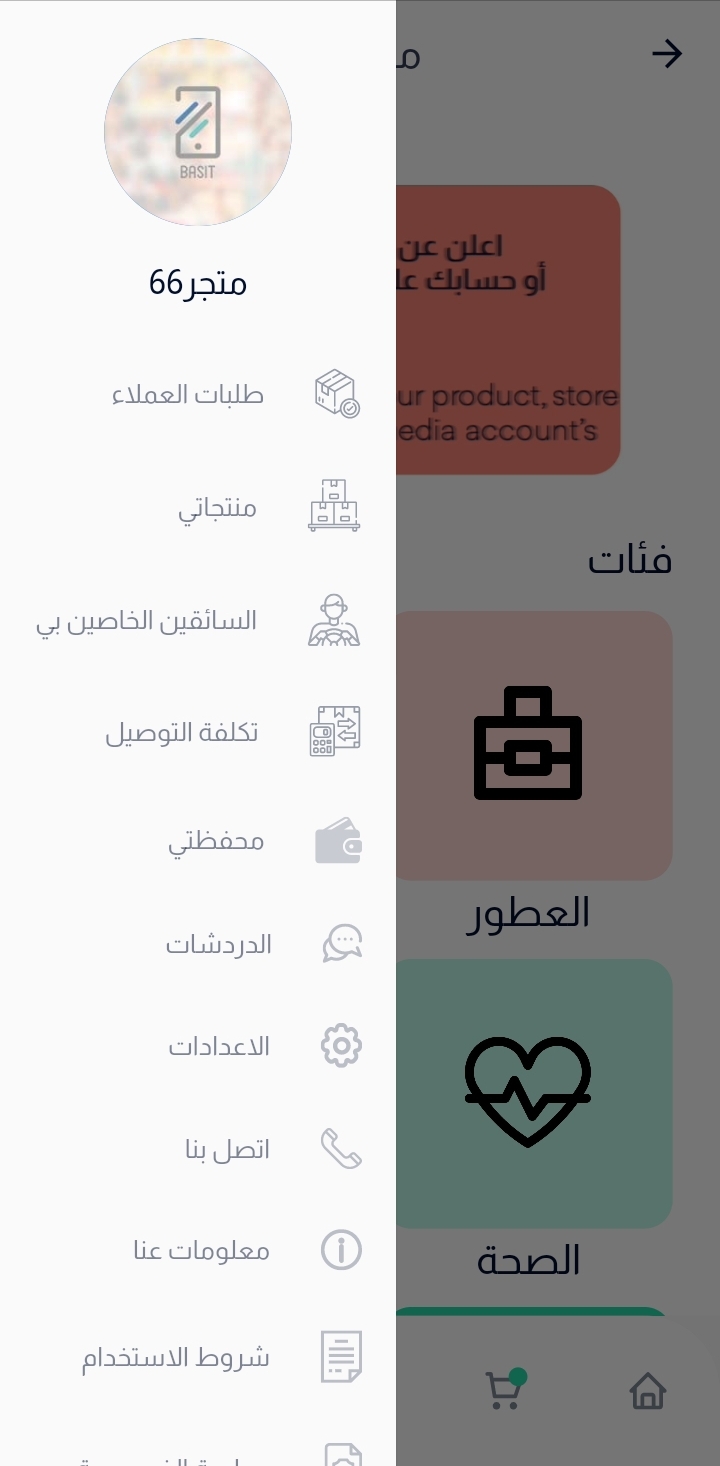
Next, press on menu list in the bottom, then select My Drivers.
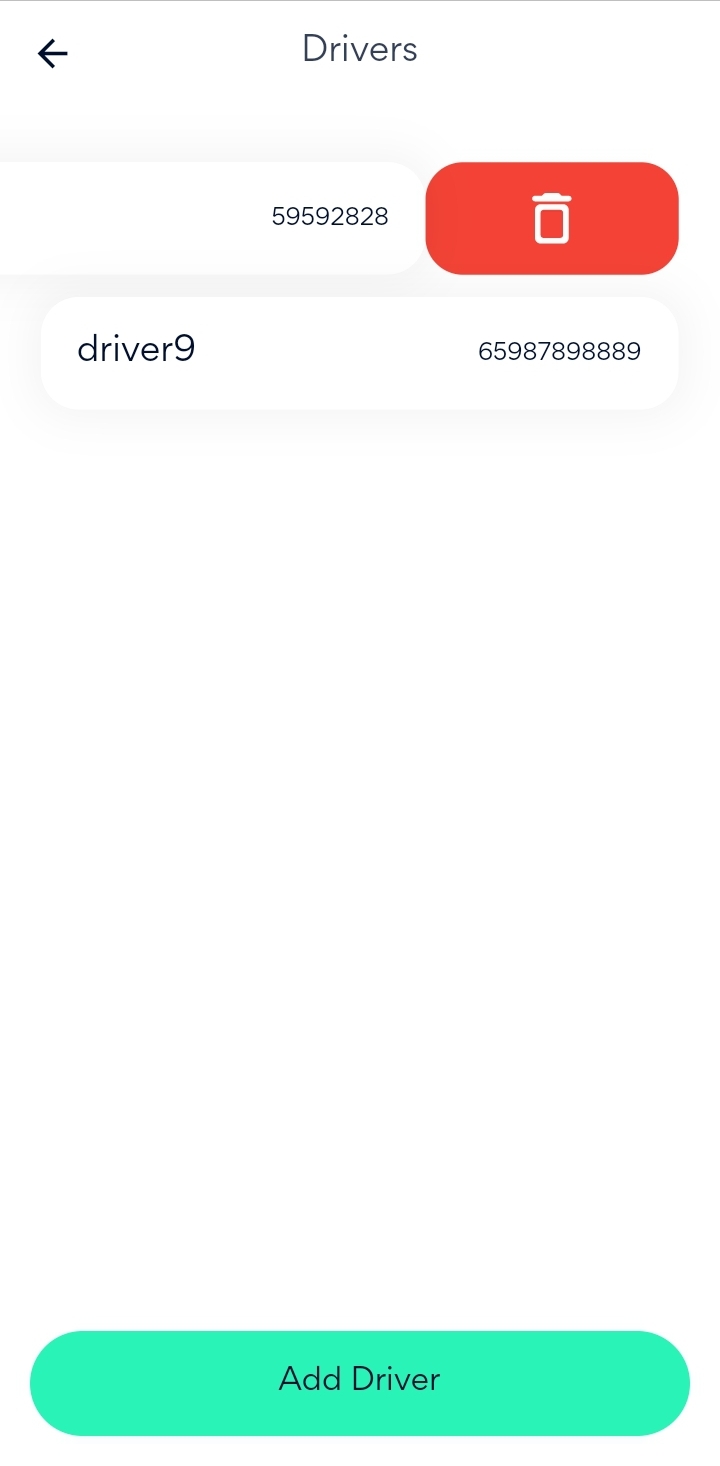
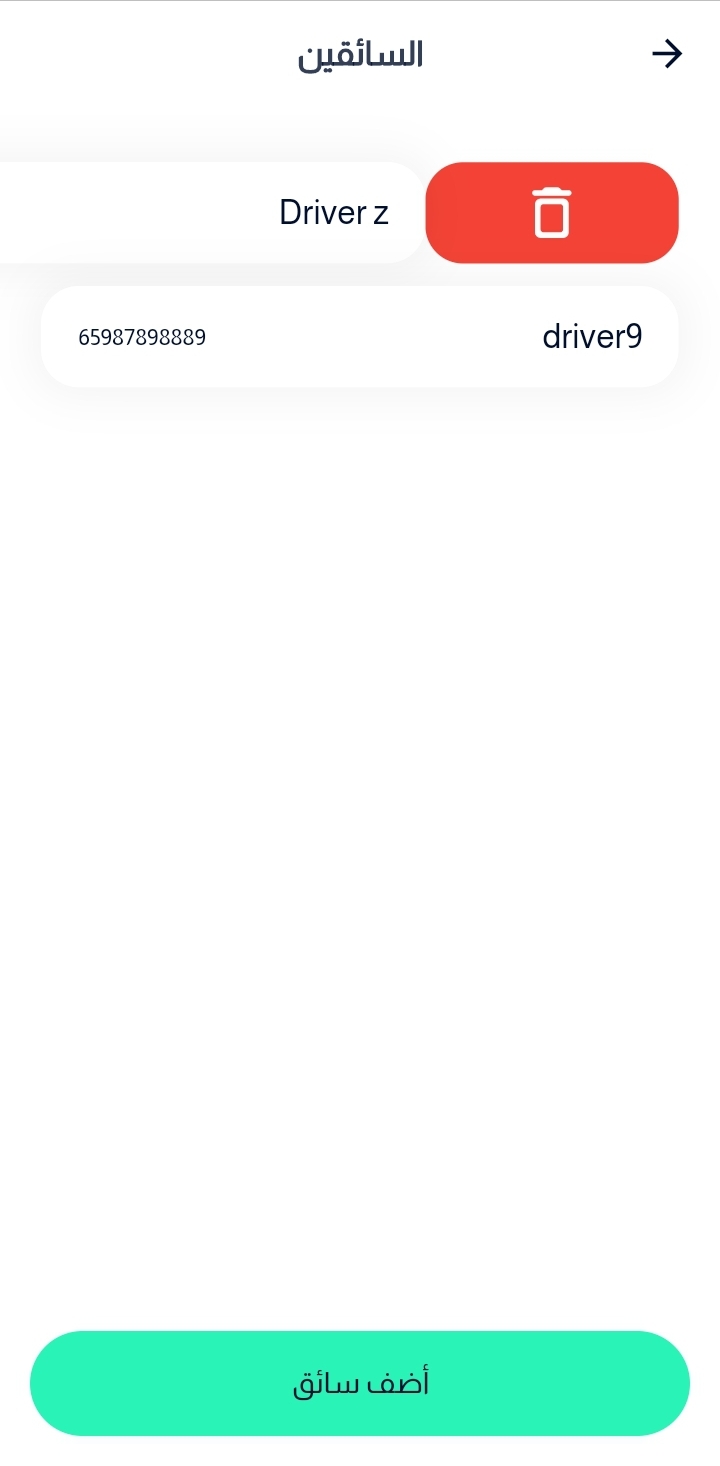
Now, you can see all your current drivers available on the screen.
In order to delete driver, you should swipe on the driver until Delete icon appears, then press on it and the driver will be removed.
Website
Go to Basit website and login to the store account.
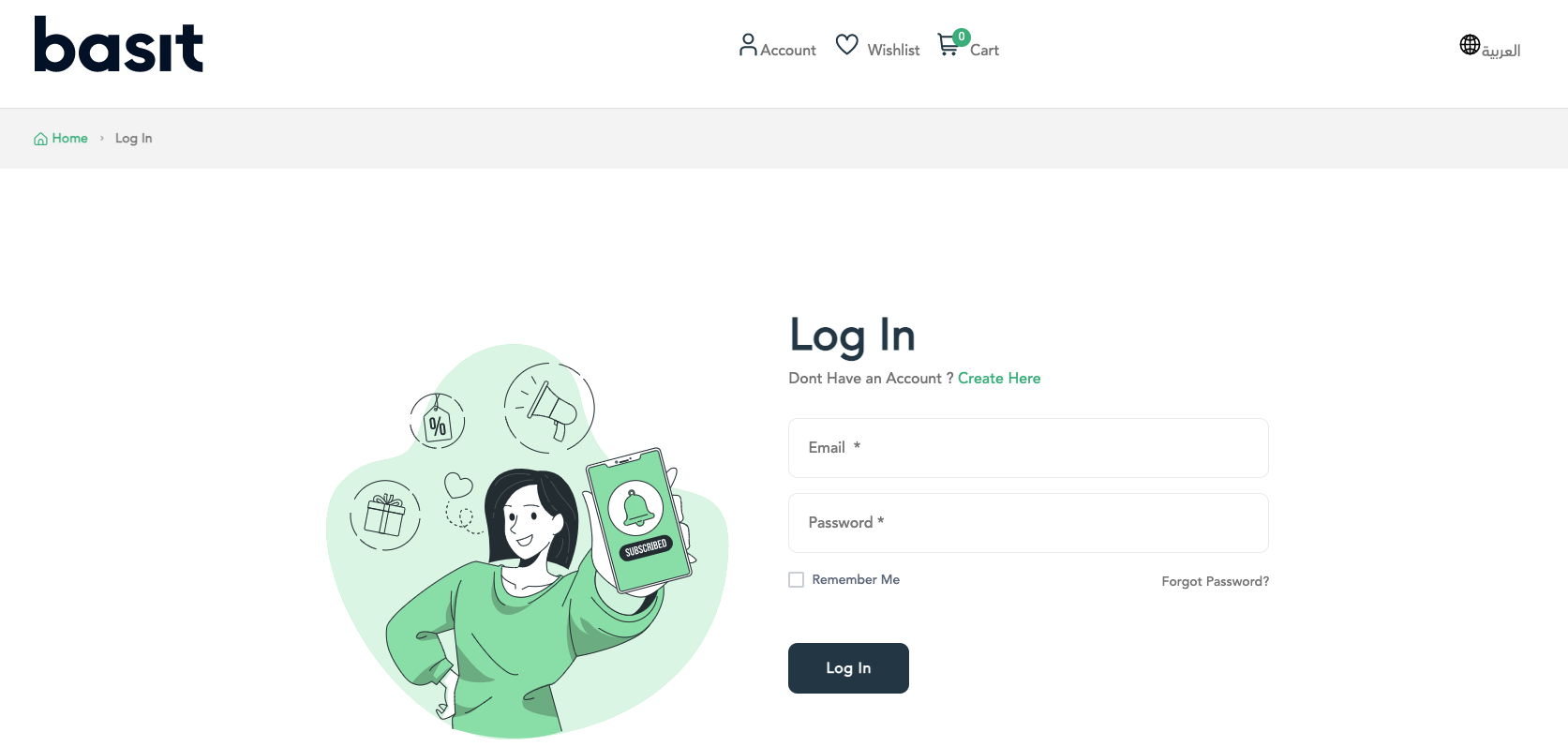
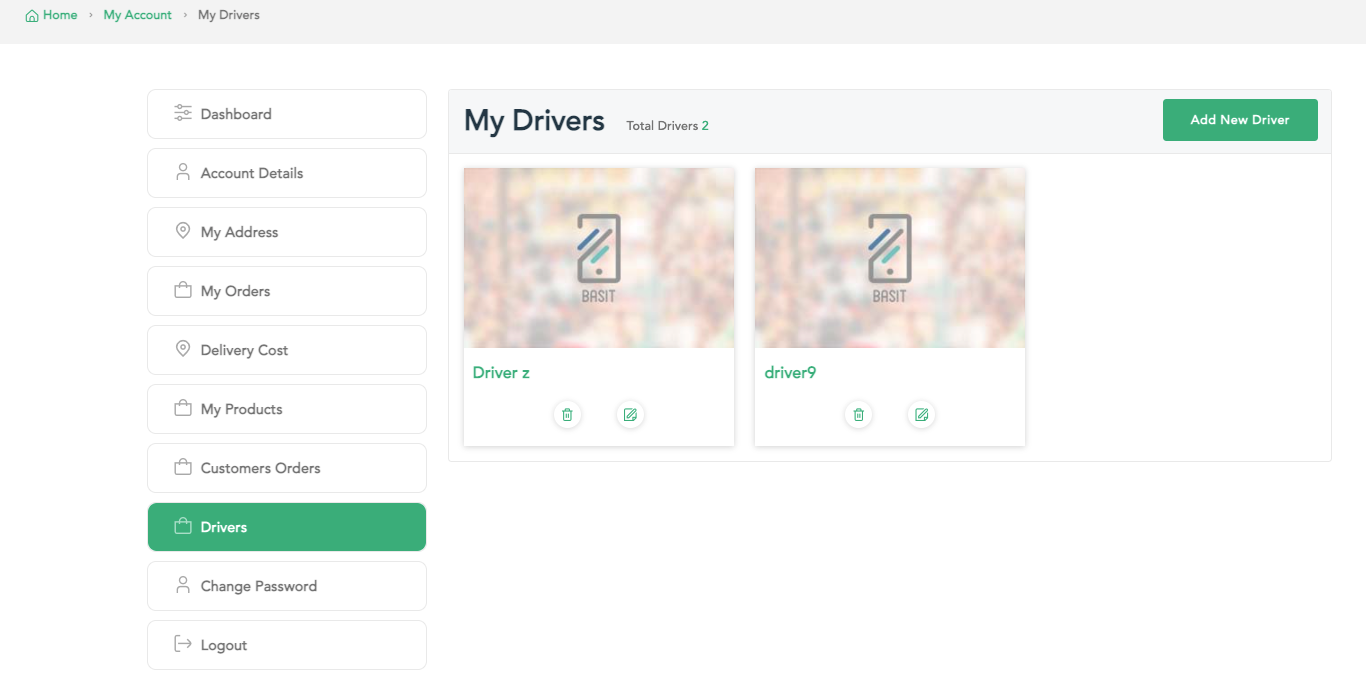
After that, press on account icon in the top of the page, then select My Drivers.
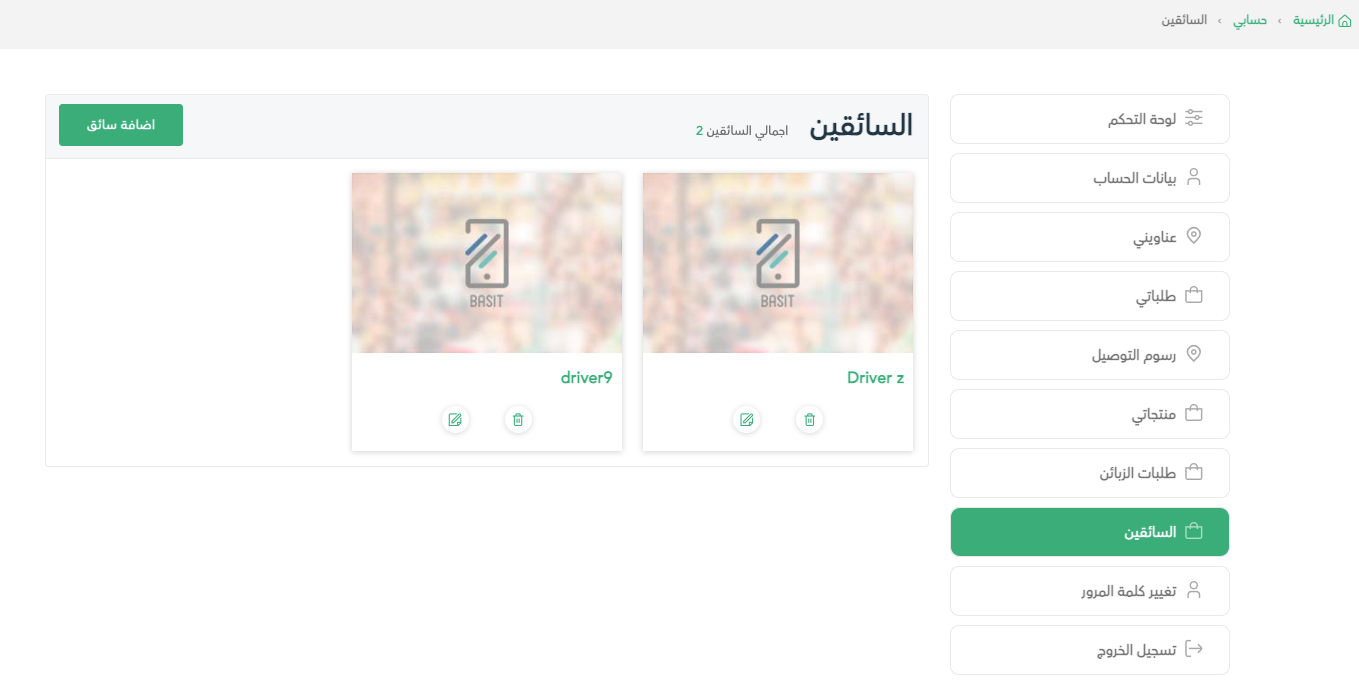
Now,The current Drivers are available on the screen. For deleting a driver, press on Delete icon and the driver will be removed.
:التطبيق
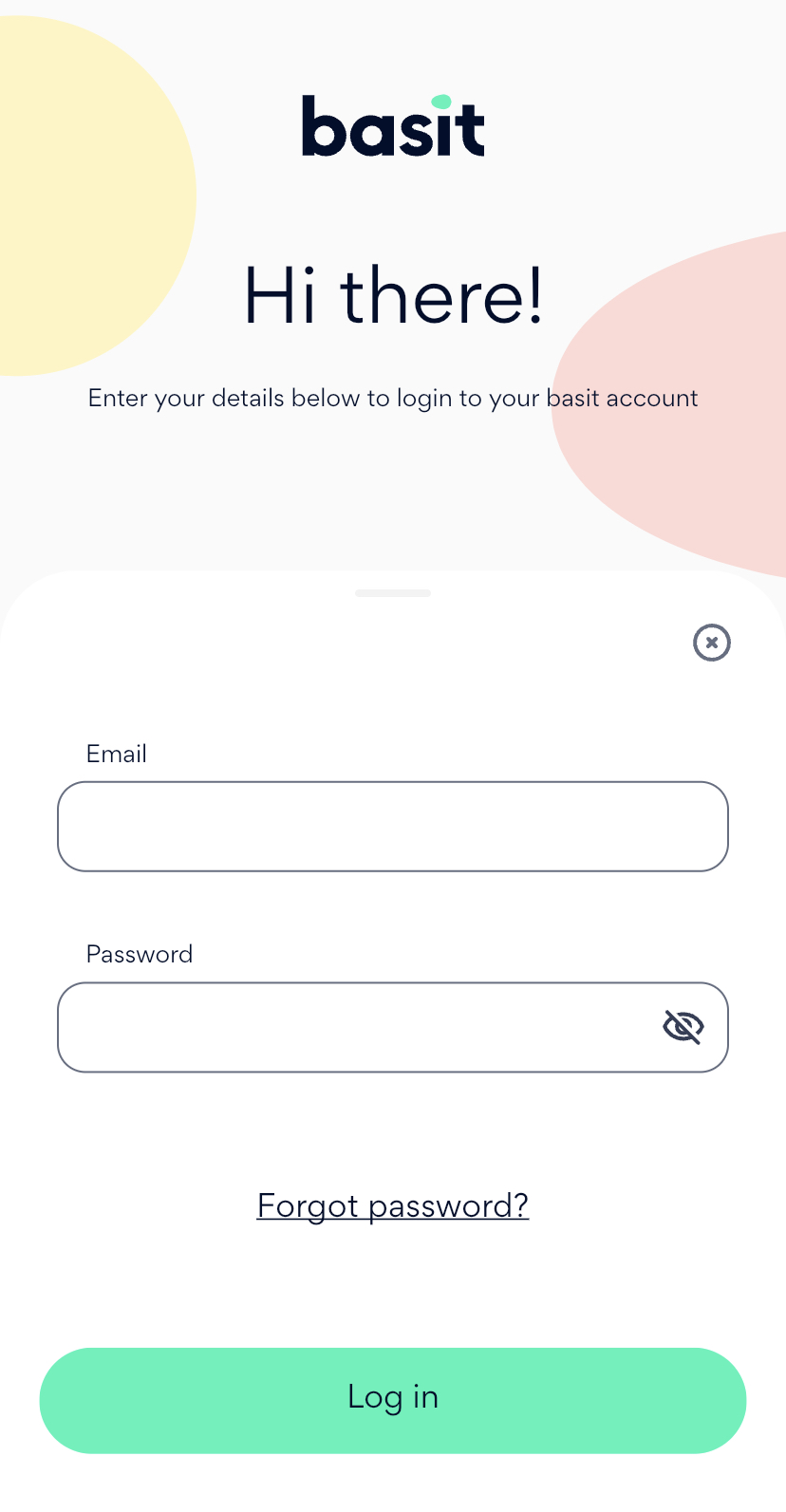
قم بفتح تطبيق بسيط وقم بتسجيل الدخول إلى حساب المتجر

قم بفتح القائمة الرئيسية، ثم بعدها قم باختيار أيقونة السائقين الخاصين بي
بعد ذلك، سوف يظهر لك قائمة السائقين الحالين لديك و معلومات كل منهم. لحذف سائق قم بالسحب إلى اليسار حتى تظهر لك أيقونة الحذف
وأخيراً، قم بالضغط علي أيقونة الحذف وسوف يتم حذف السائق من القائمة
:الموقع
قم بالدخول إلى موقع بسيط الإلكتروني، ثم تسجيل الدخول إلى حساب المتجر
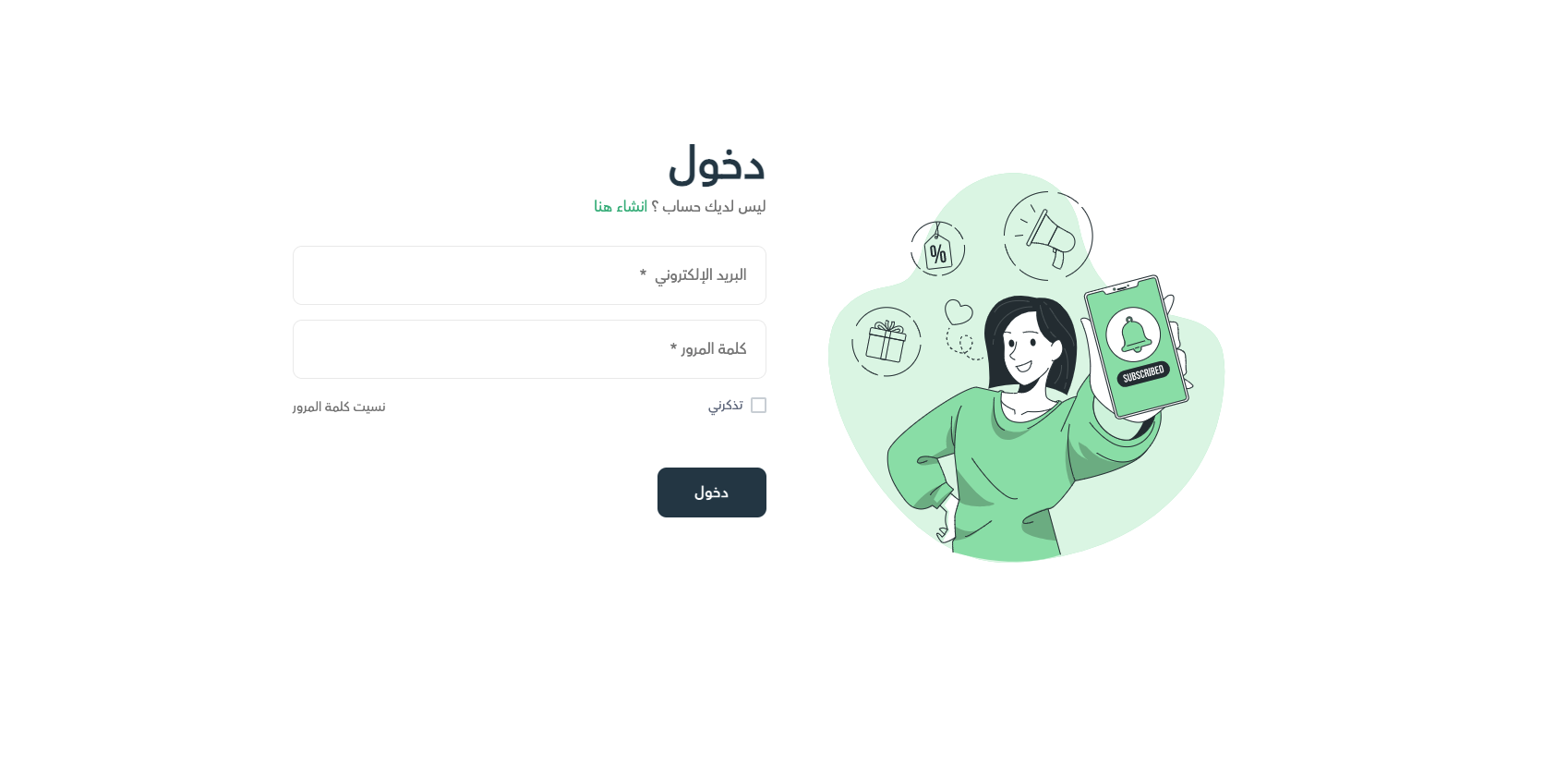
قم بالضغط علي قائمة الحساب أعلي الصفحة، ثم قم بالضغط علي ايقونة السائقين
أخيراً، لكي تتمكن من حذف سائق قم بالضغط علي أيقونة الحذف وسوف يتم حذف السائق بنجاح