APP
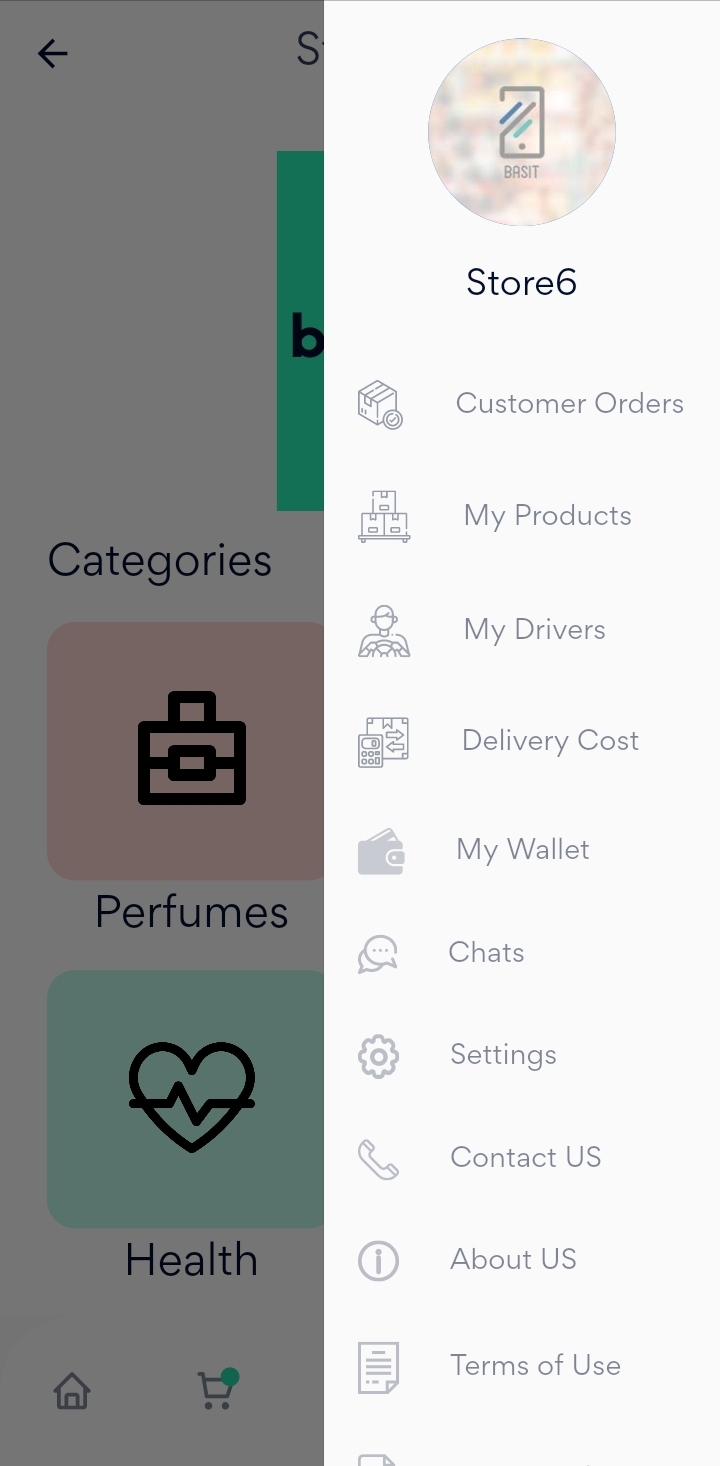
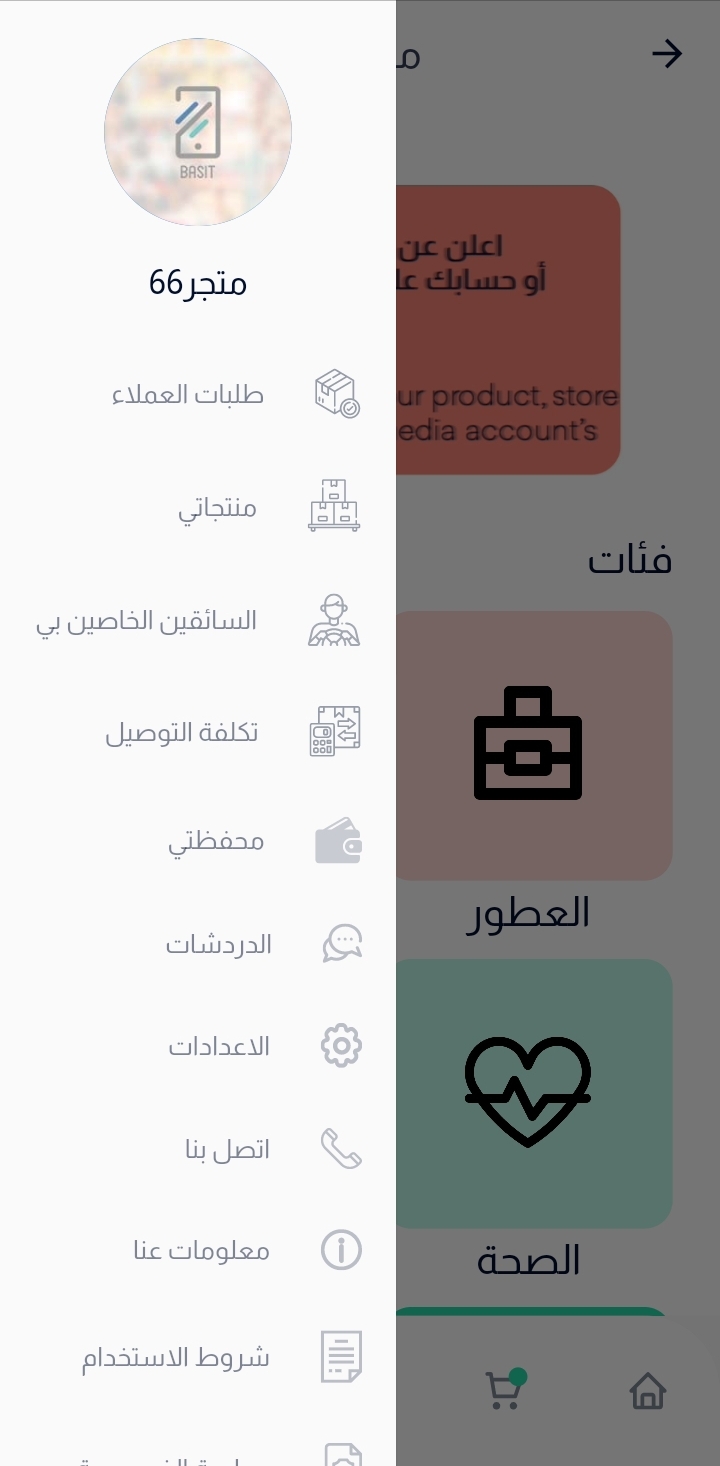
Press on menu list in the bottom, then select my products.
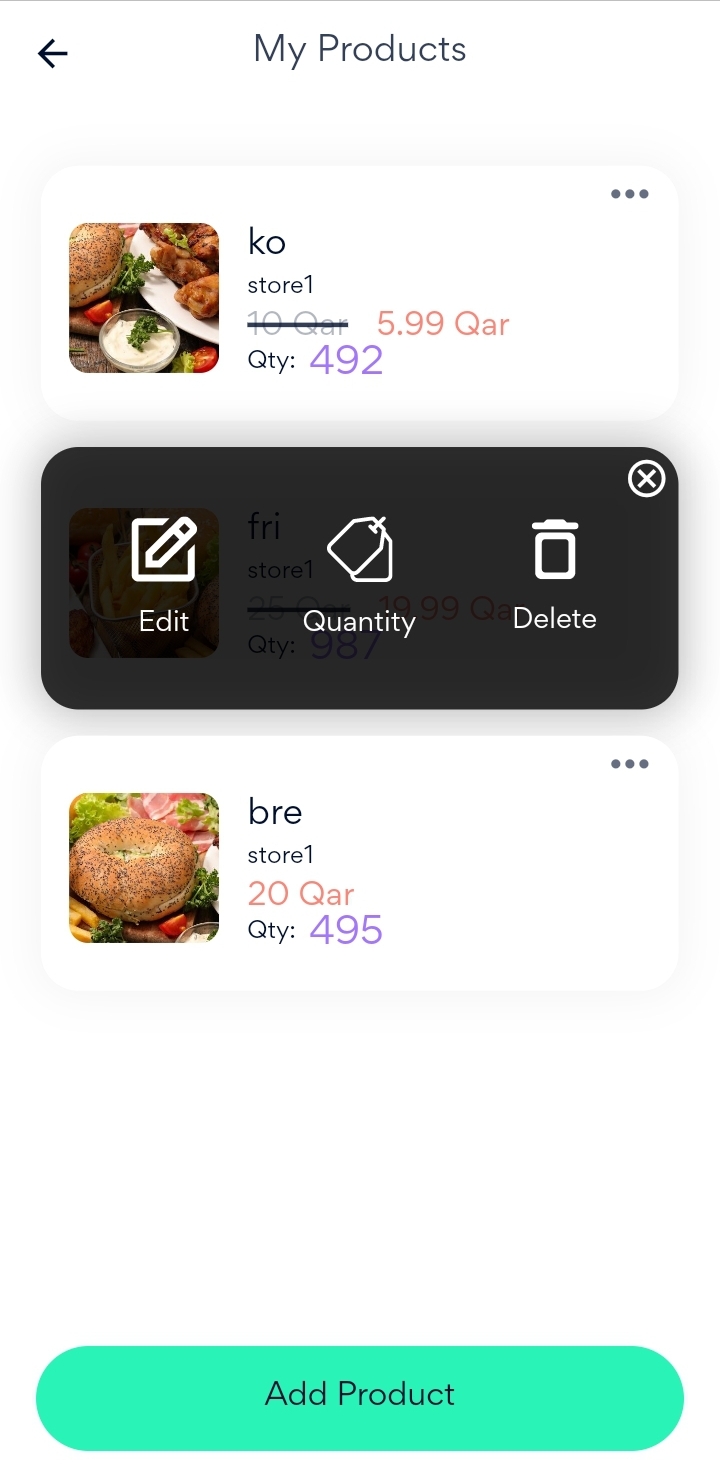
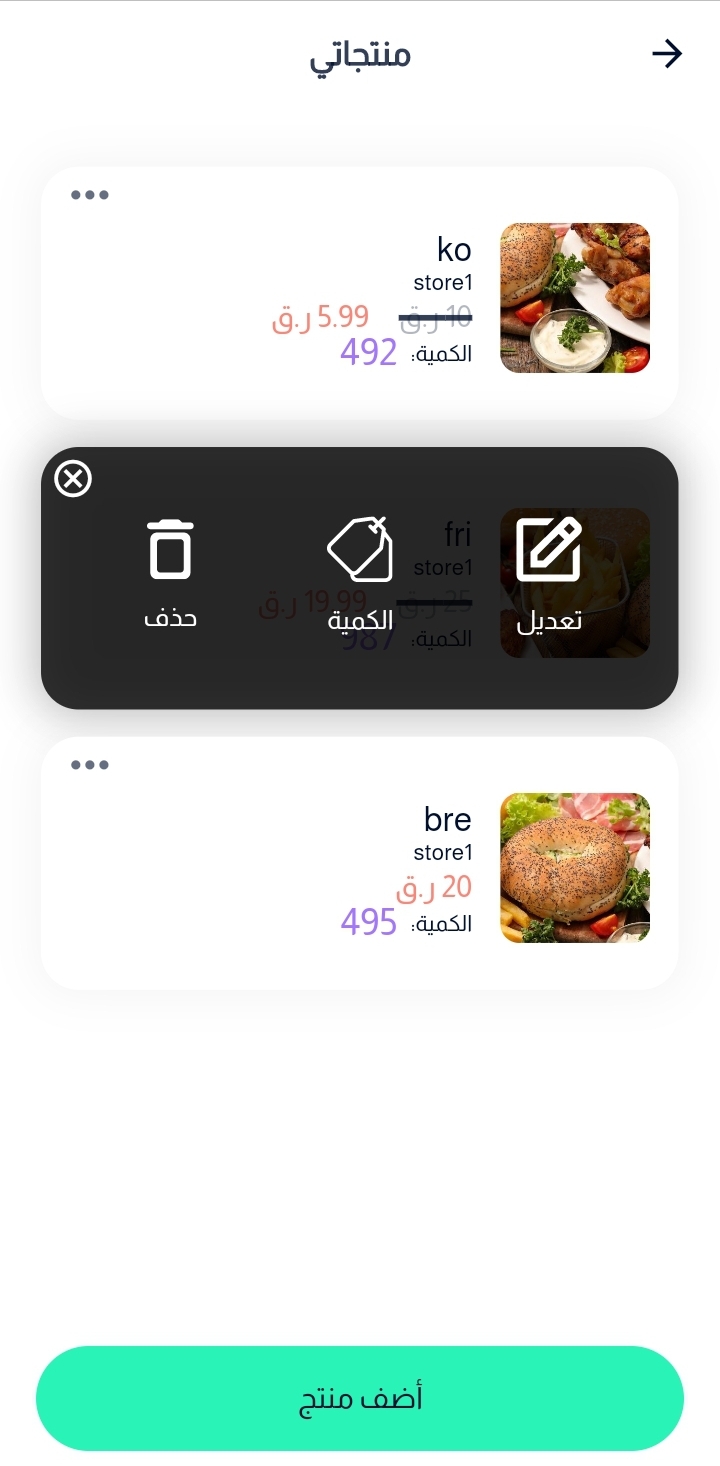
After that, choose the required product and Press on the Delete icon and the product will be removed immediately.
Website
Go to Basit website and login to the store account.
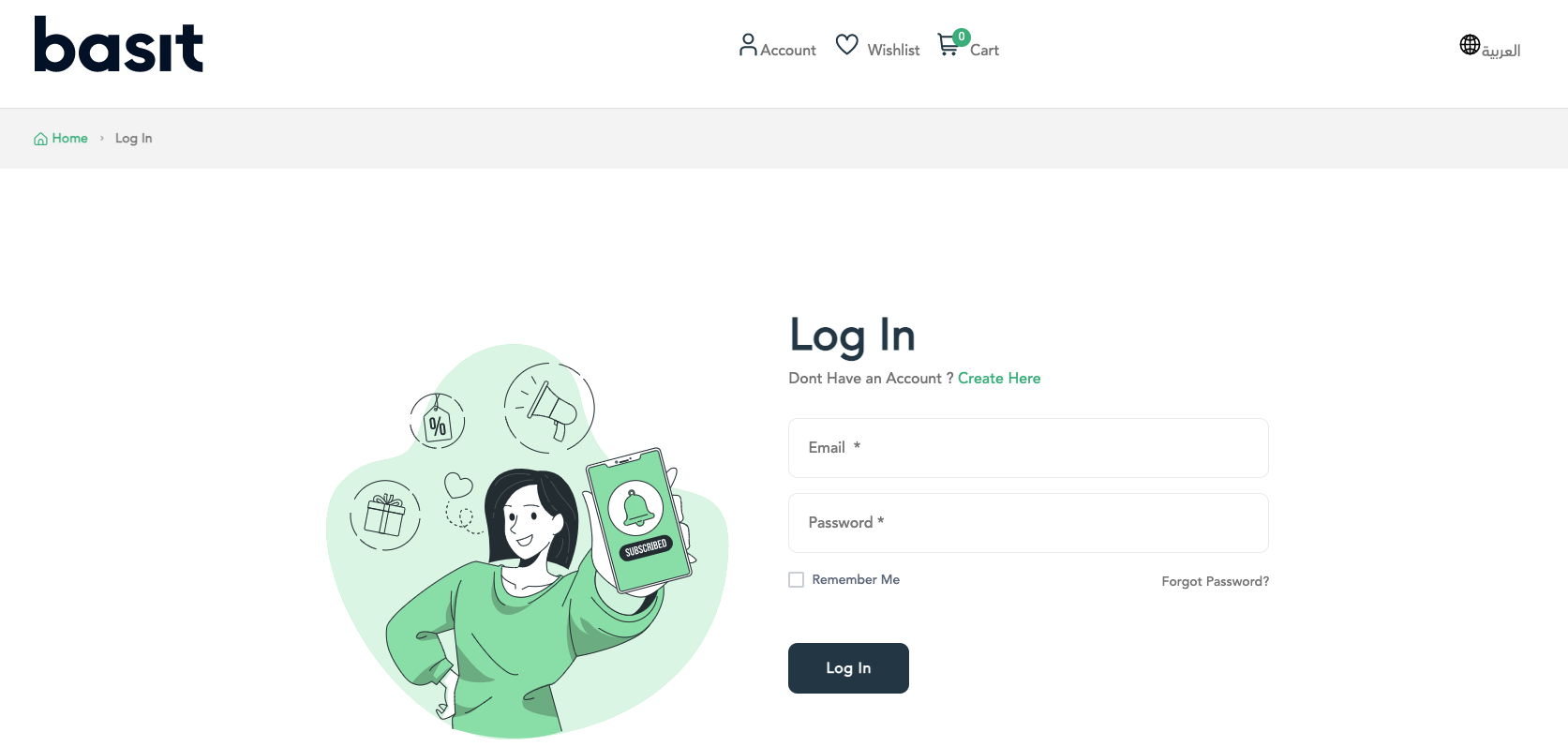
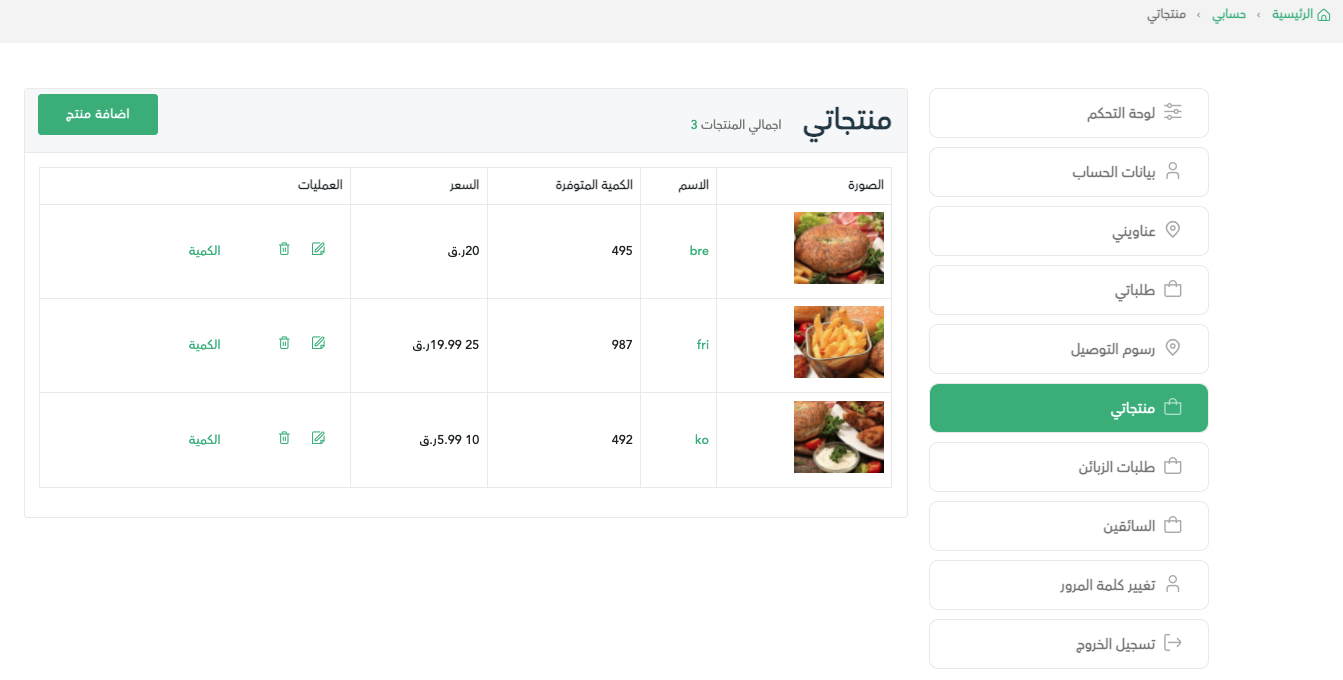
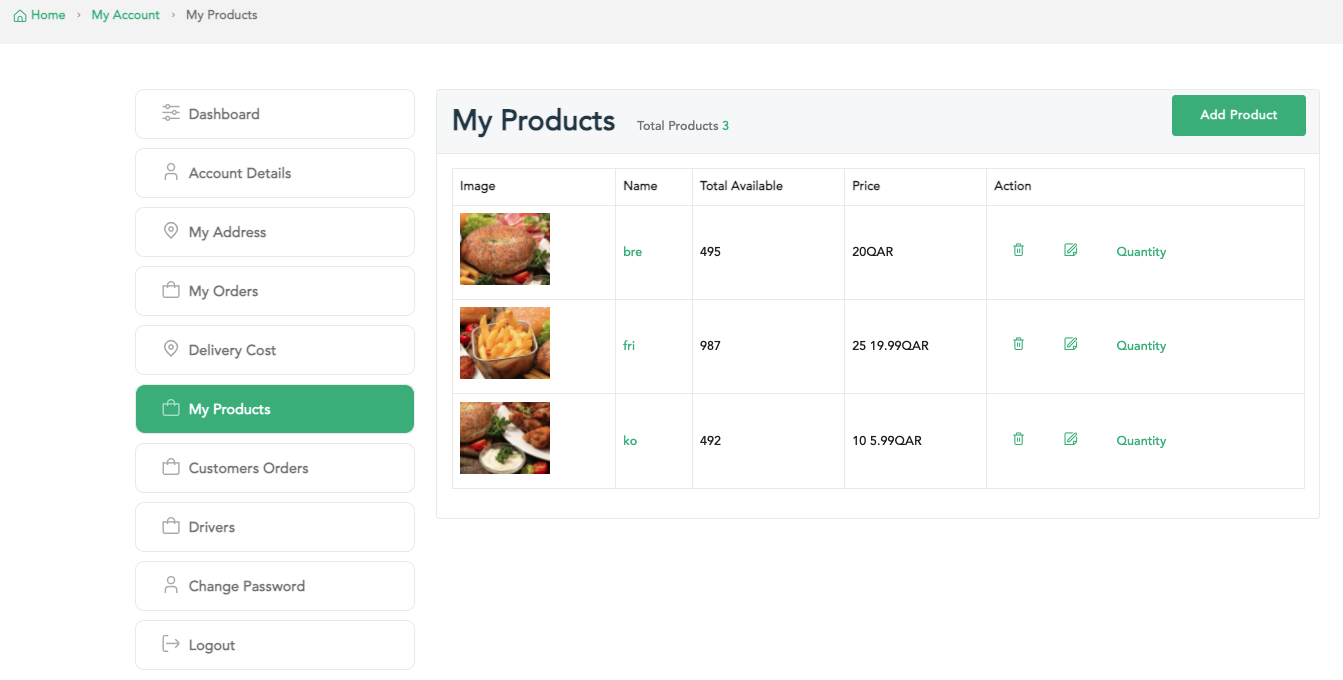
Press on account icon in the top of the page, then select my products.
Finally, press on the trash icon from the action list in order to delete the product.
:التطبيق
قم بفتح تطبيق بسيط وقم بتسجيل الدخول إلى حساب المتجر

قم بفتح القائمة الرئيسية، ثم بعدها قم باختيار منتجاتي
بعد ذلك، قم بتحديد المنتج المراد حذفه ثم قم بالضغط علي ايقونة الحذف وسوف يتم حذف المنتج بدون مشاكل
:الموقع
قم بالدخول إلى موقع بسيط الإلكتروني، ثم تسجيل الدخول إلى حساب المتجر
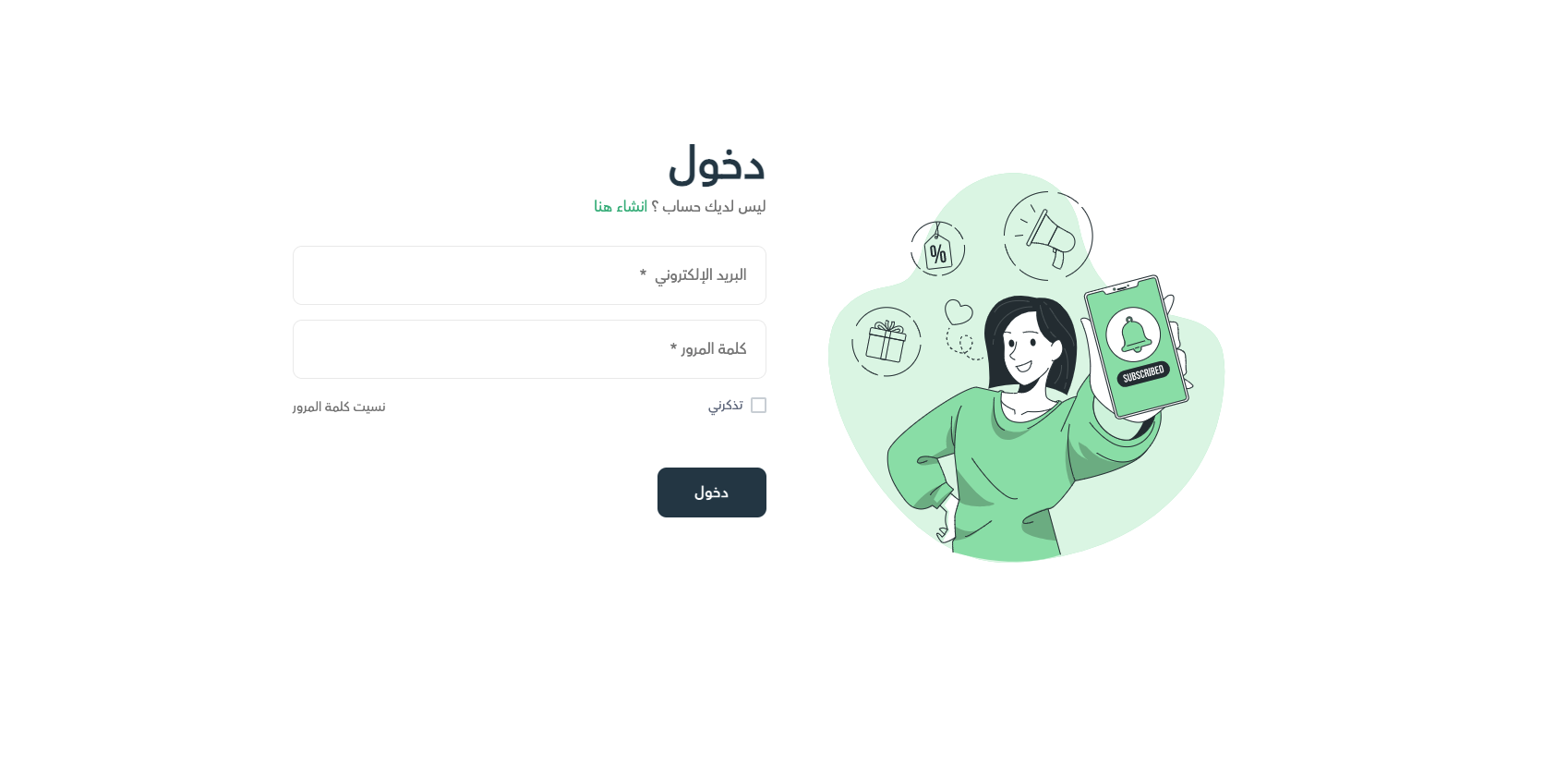
قم بالضغط علي قائمة الحساب أعلي الصفحة، ثم قم باختيار منتجاتي
قم باختيار المنتج المرغوب حذفه، ثم قم بالضغط علي زر الحذف من قائمة العمليات