APP
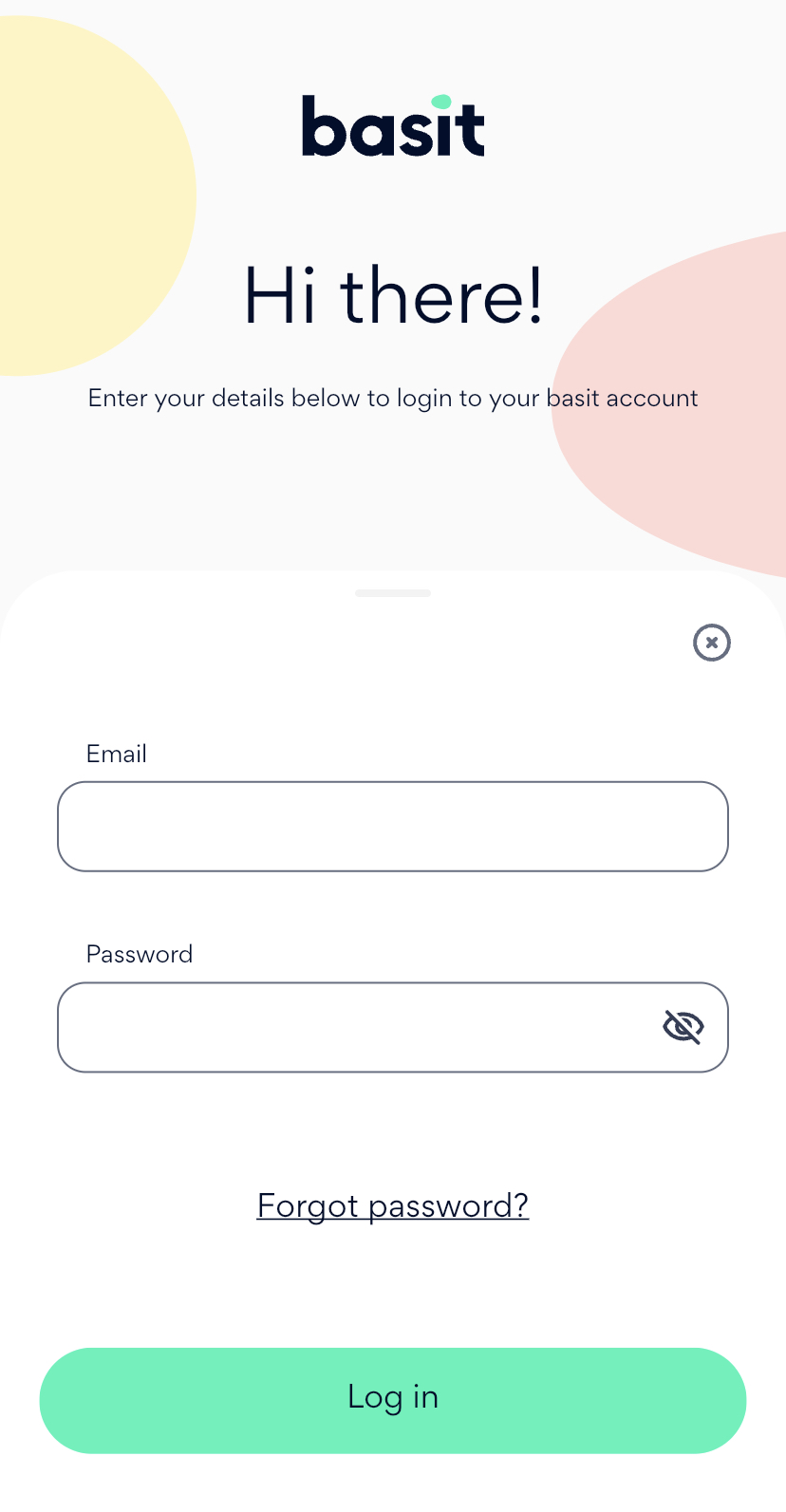
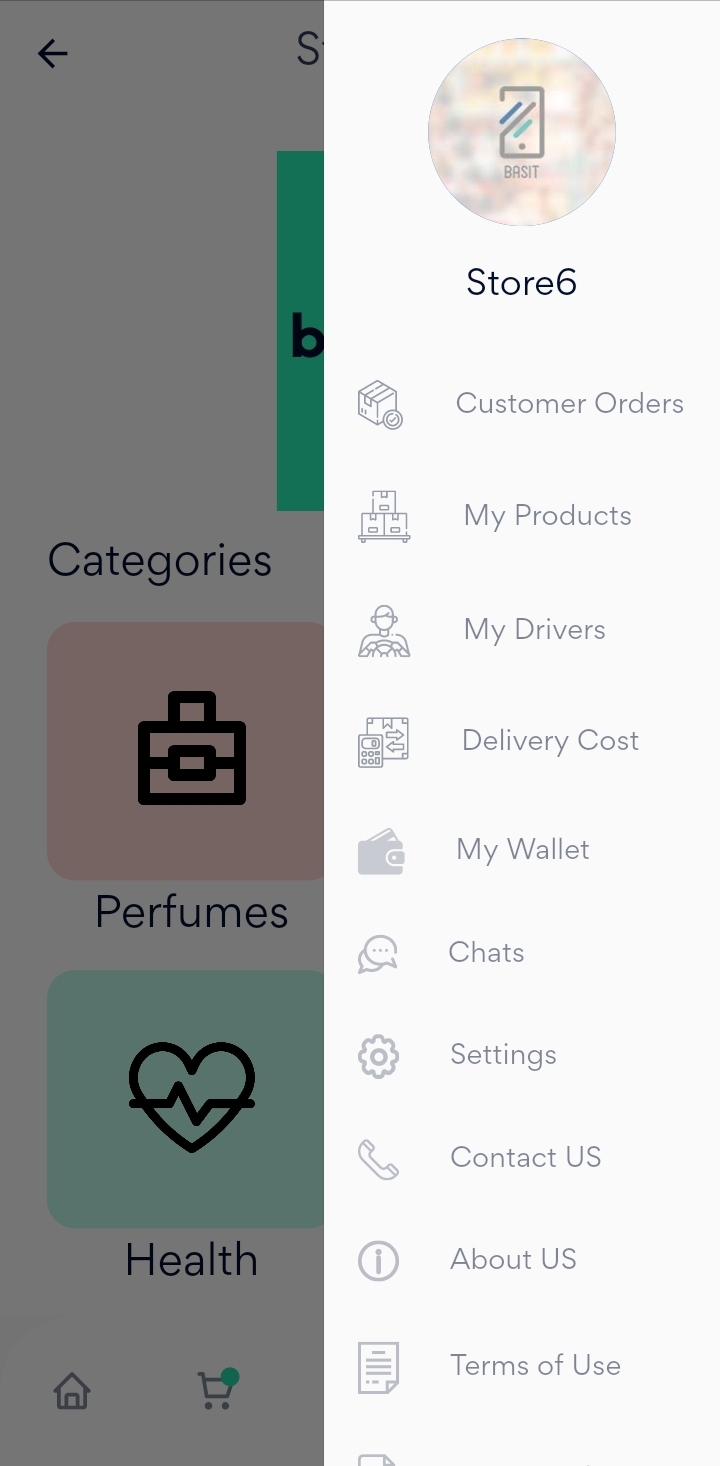
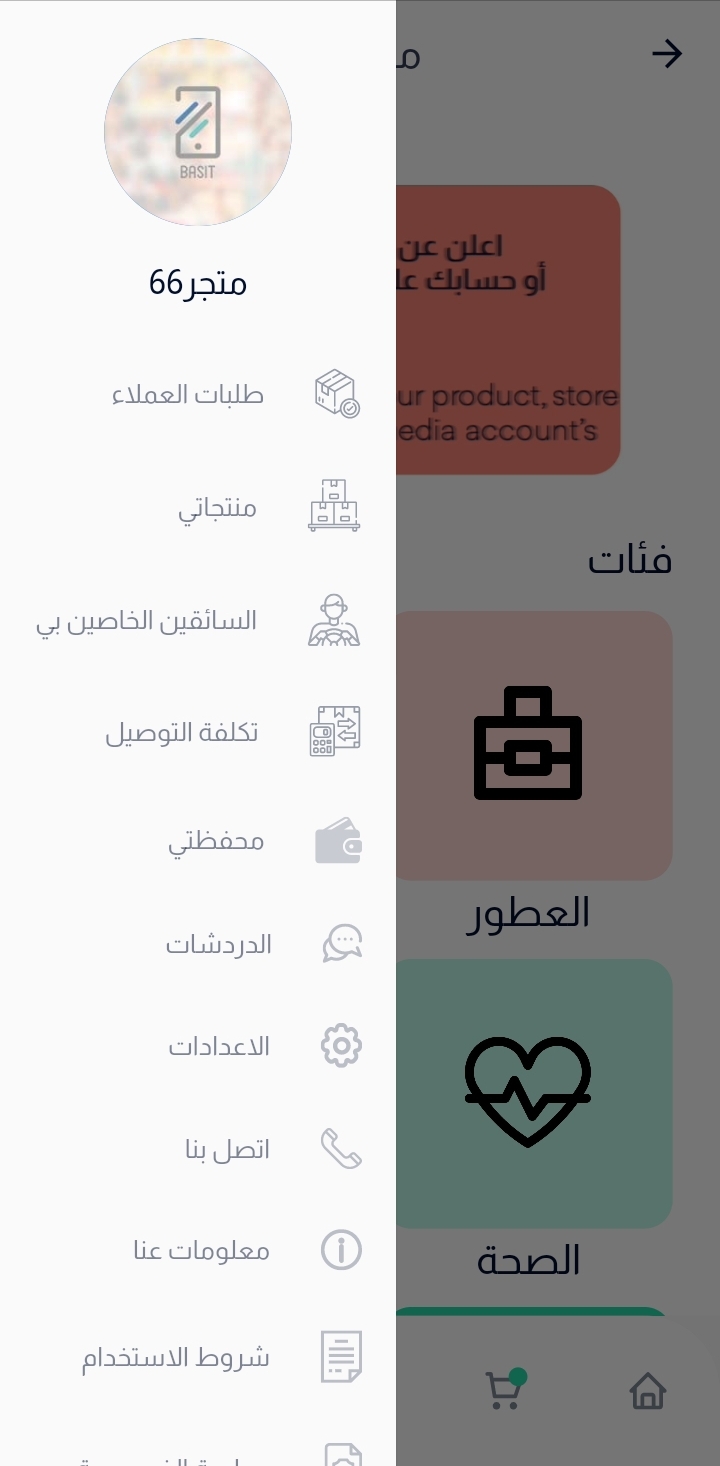
Next, press on menu list in the bottom, then select Delivery Cost.
Now, Contact with Basit Admin and make sure you have the permission to update the delivery cost.
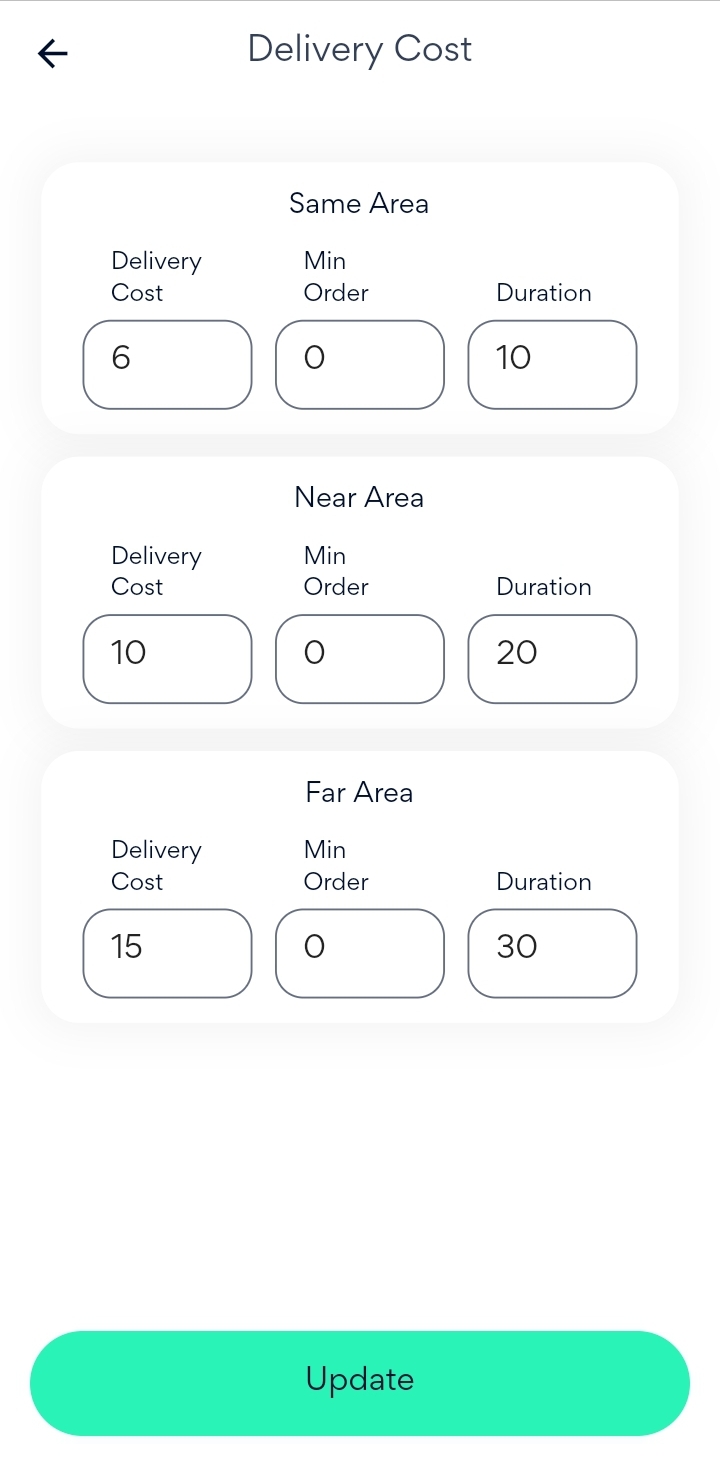
After that, you can update the cost for the main categories based on the delivery area (Same area, Near area and far area).
In addition, you can assign the minimum amount for order for each category and you can assign the duration for each category as well.
Finally, After completing and updating the cost, press on Update button.
Website
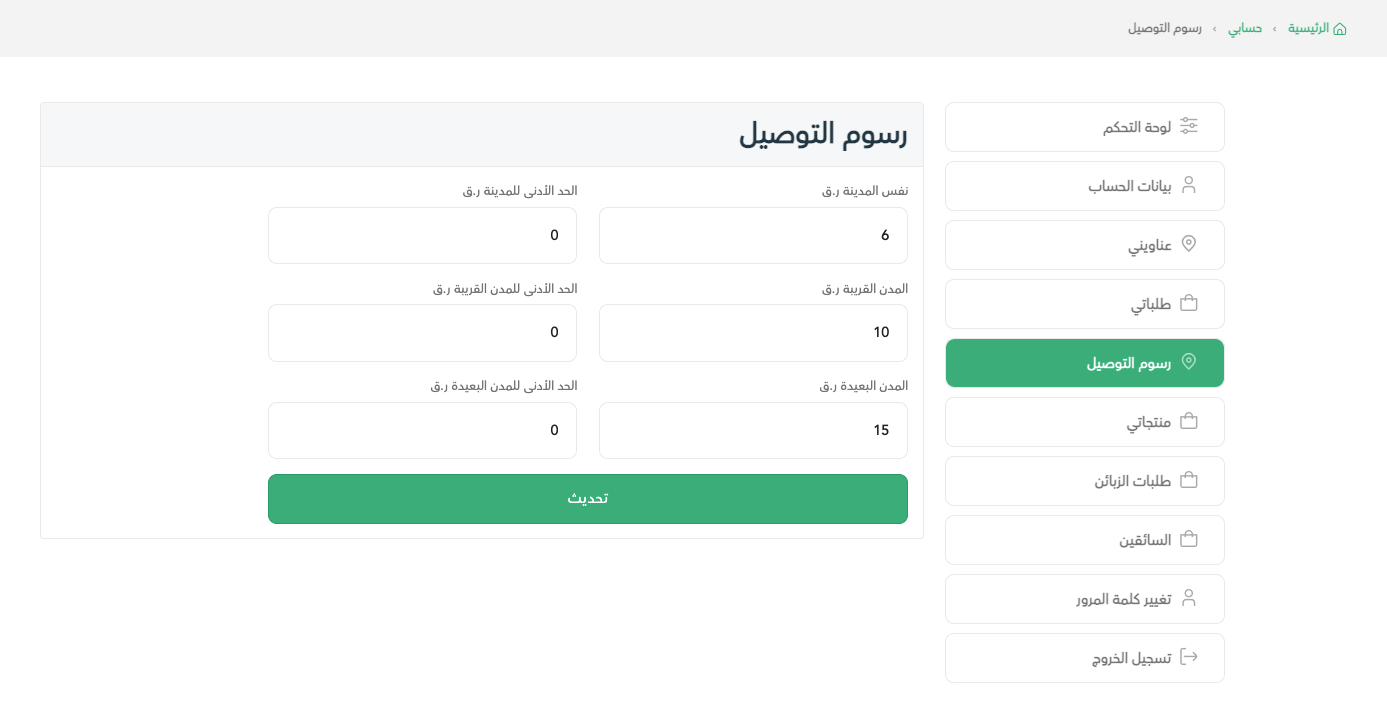
Go to Basit website and login to the store account.
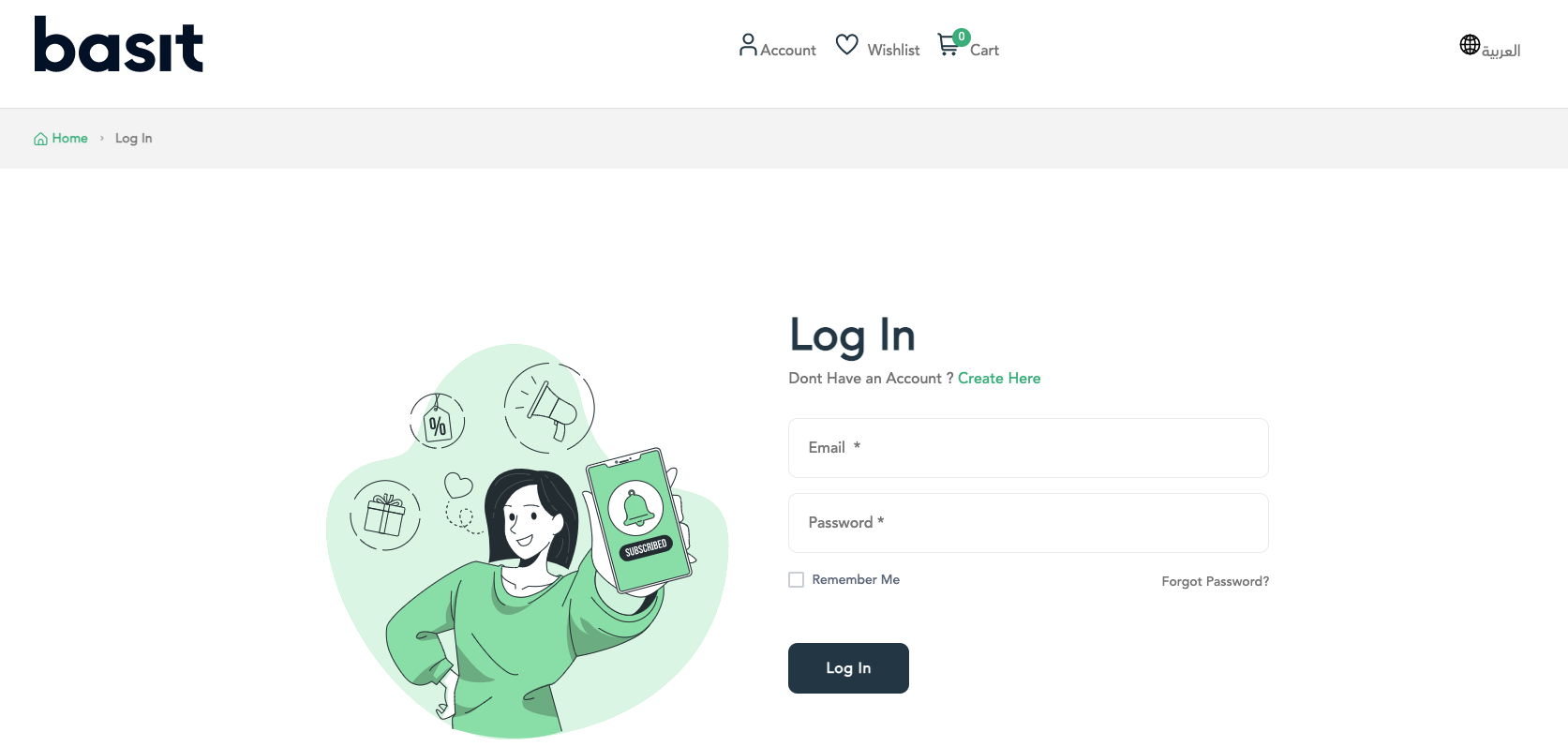
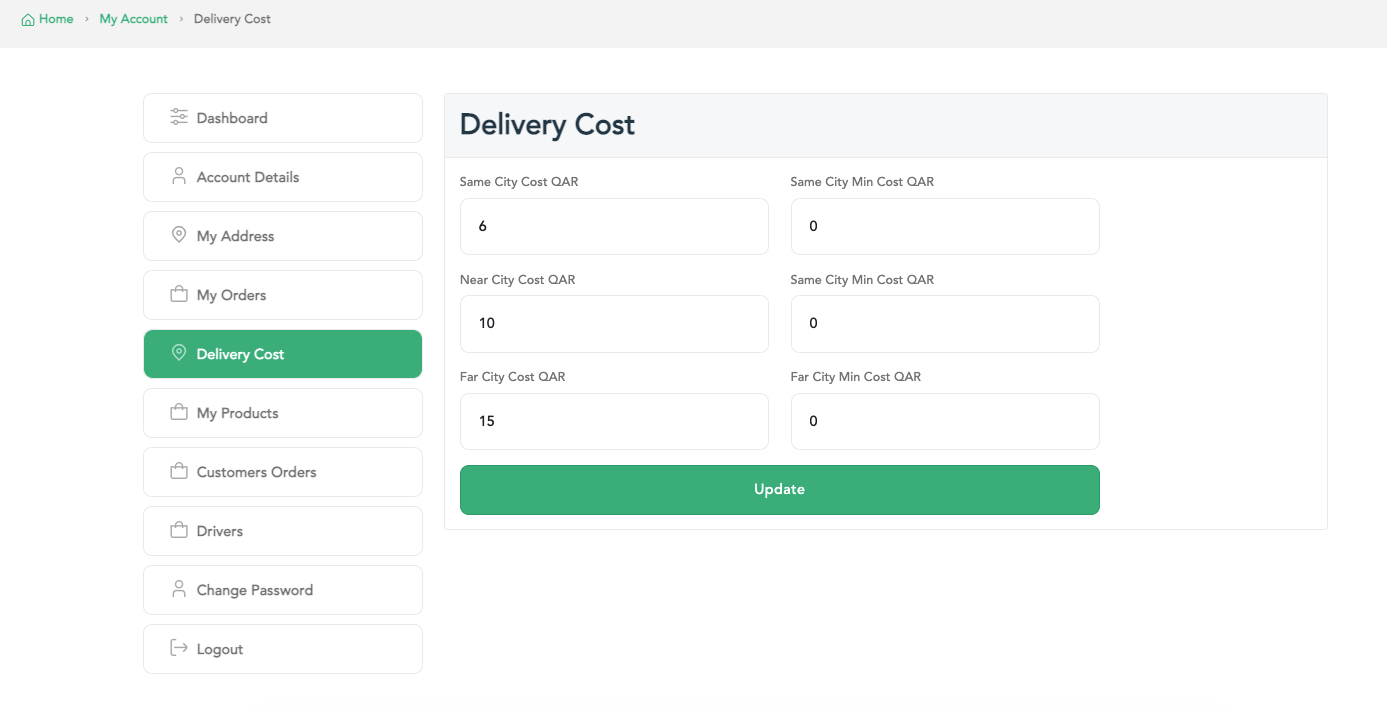
Press on account icon in the top of the page, then select Delivery Cost.
Now, Contact with Basit Admin and make sure you have the permission to update the delivery cost.
After that, you can update the cost for the main categories based on the delivery area (Same area, Near area and far area).
In addition, you can assign the minimum amount for order for each category.
Finally, After completing and updating the cost, press on Update button.
:التطبيق
قم بفتح تطبيق بسيط وقم بتسجيل الدخول إلى حساب المتجر

قم بفتح القائمة الرئيسية، ثم بعدها قم بالضغط علي ايقونة تكلفة التوصيل
بعد ذلك، قم بالتواصل مع مشرف تطبيق بسيط للتأكد من حصولك علي صلاحية تعديل تكلفة التوصيل
الآن، يمكنك تحديث تكلفة التوصيل الخاصة بك من خلال ثلاث فئات ( نفس المنطق، منطقة قريبة، منطقة بعيدة)، كما يمكنك تحديد الحد الأدنى للطلب في كل منطقة منهم
كما يمكنك، تحديد مدة التوصيل لكل منطقة من الفئات الثلاث
وأخيراً، بعد الانتهاء من تحديث الاسعار قم بالضغط علي زر تحديث الموجود أسفل الصفحة

:الموقع
قم بالدخول إلى موقع بسيط الإلكتروني، ثم تسجيل الدخول إلى حساب المتجر
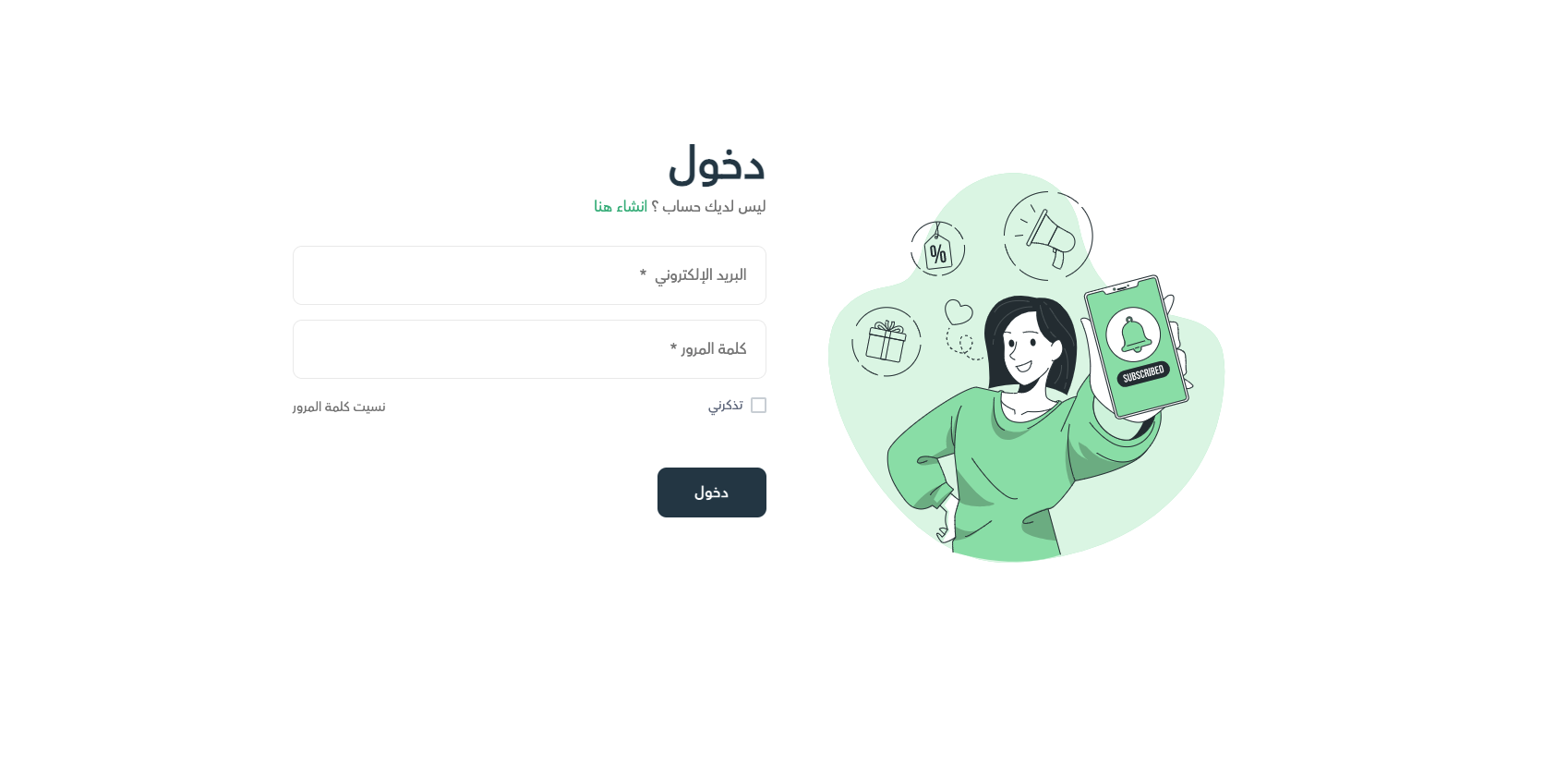
قم بالضغط علي قائمة الحساب أعلي الصفحة، ثم قم بالضغط علي رسوم التوصيل
بعد ذلك، قم بالتواصل مع مشرف تطبيق بسيط للتأكد من حصولك علي صلاحية تعديل تكلفة التوصيل
الآن، يمكنك تحديث تكلفة التوصيل الخاصة بك من خلال ثلاث فئات ( نفس المنطق، منطقة قريبة، منطقة بعيدة)، كما يمكنك تحديد الحد الأدنى للطلب في كل منطقة منهم
وأخيراً، بعد الانتهاء من تحديث الاسعار قم بالضغط علي زر تحديث الموجود أسفل الصفحة