APP
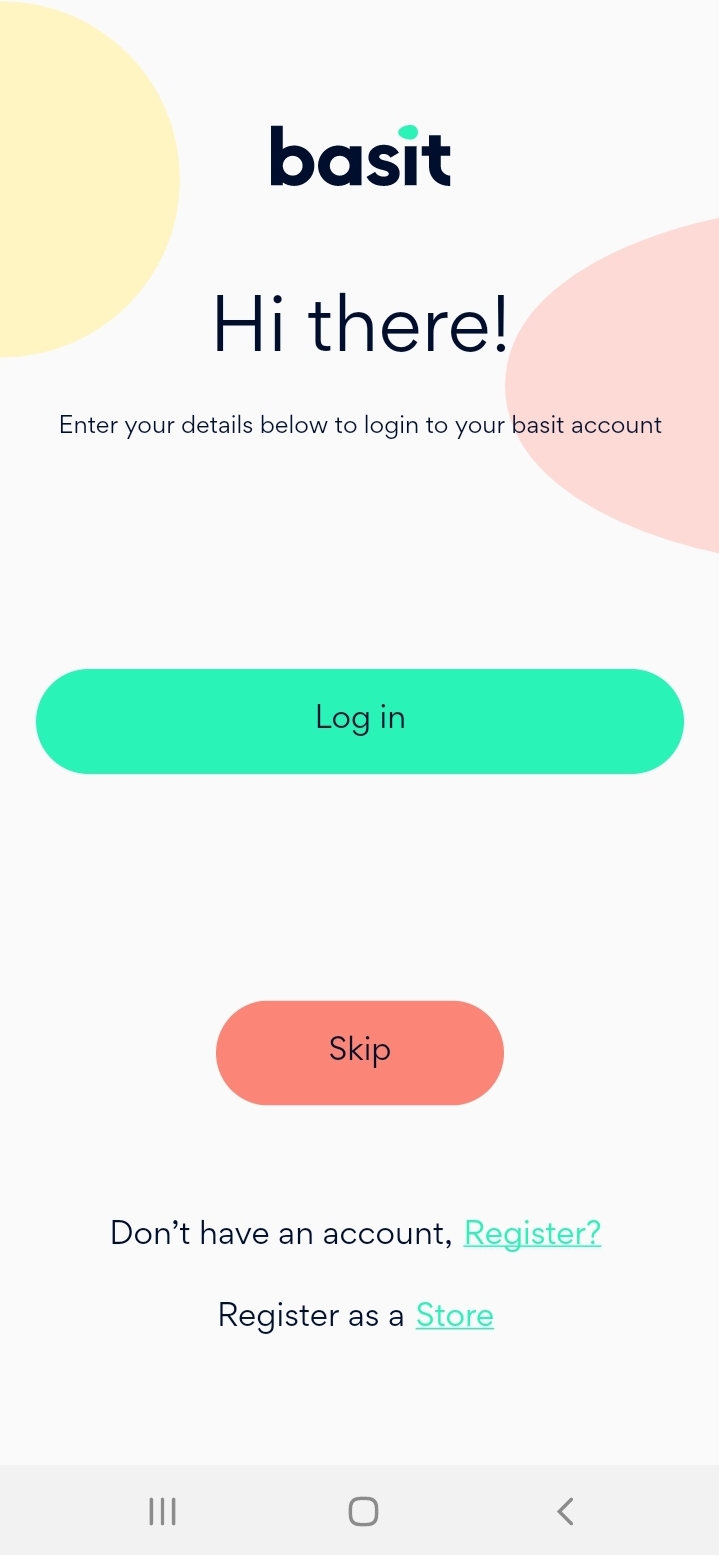
Open Basit APP or Go to: https://basit.store/ar/register/store
Select Register as store
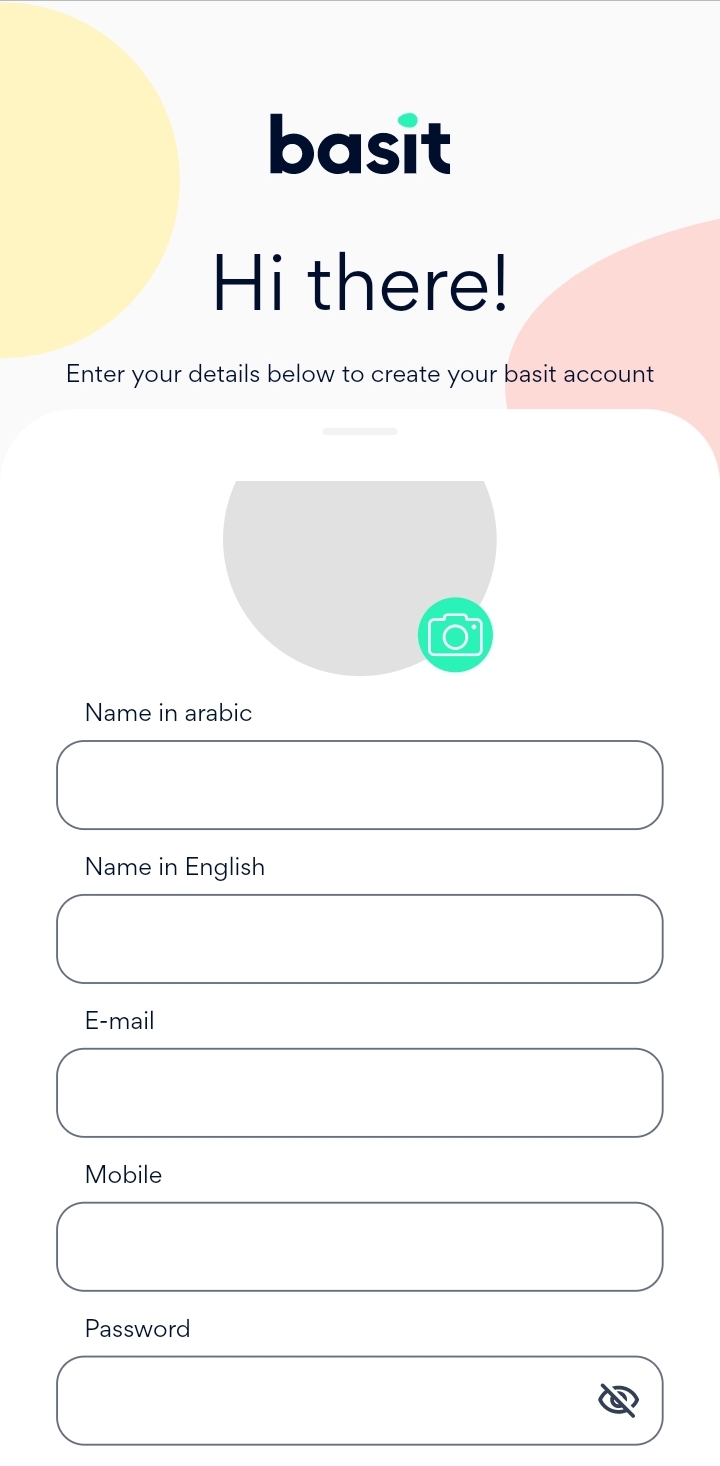
Fill in store details (name, password, email, etc.)
You can also attach a photo for the store.
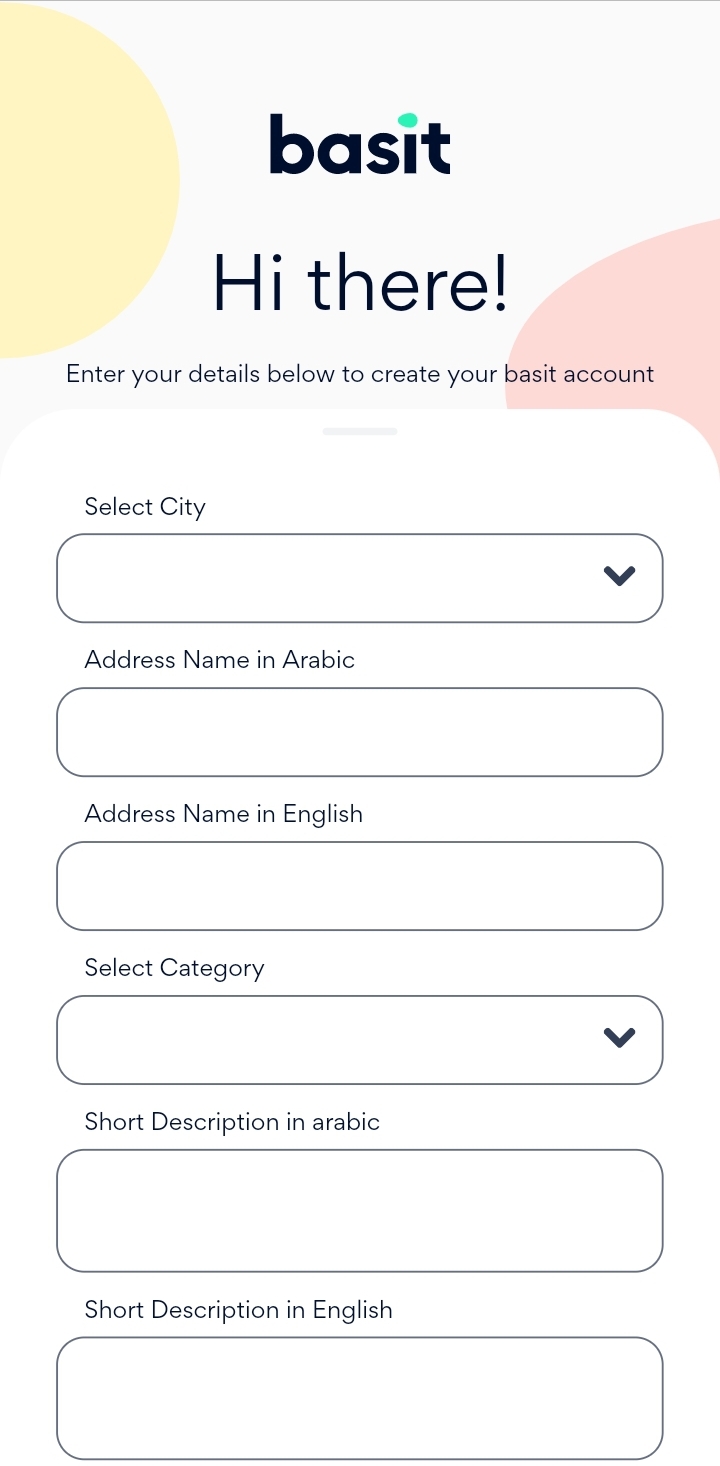
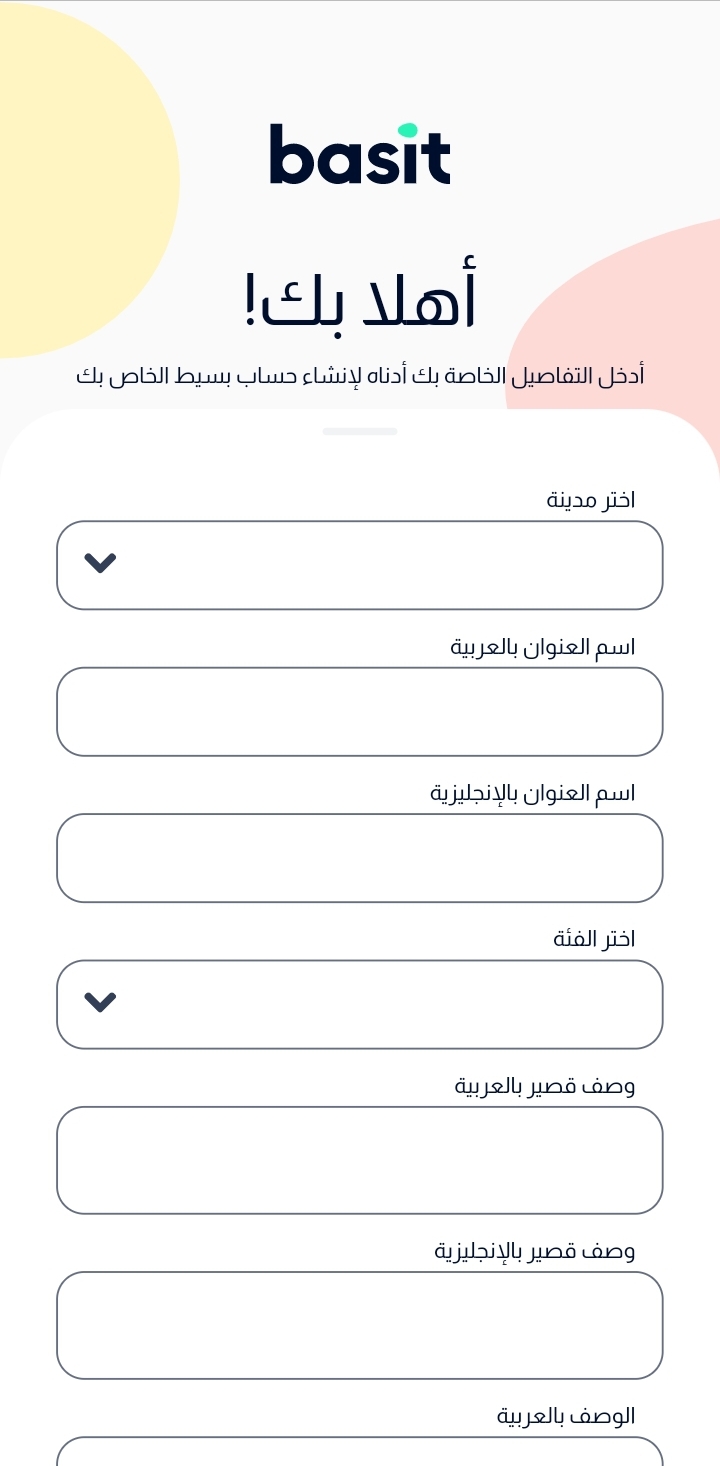
Then choose the city and enter the address (Arabic & English)
After that, Select the category of the store and enter a description of your store (Arabic & English)
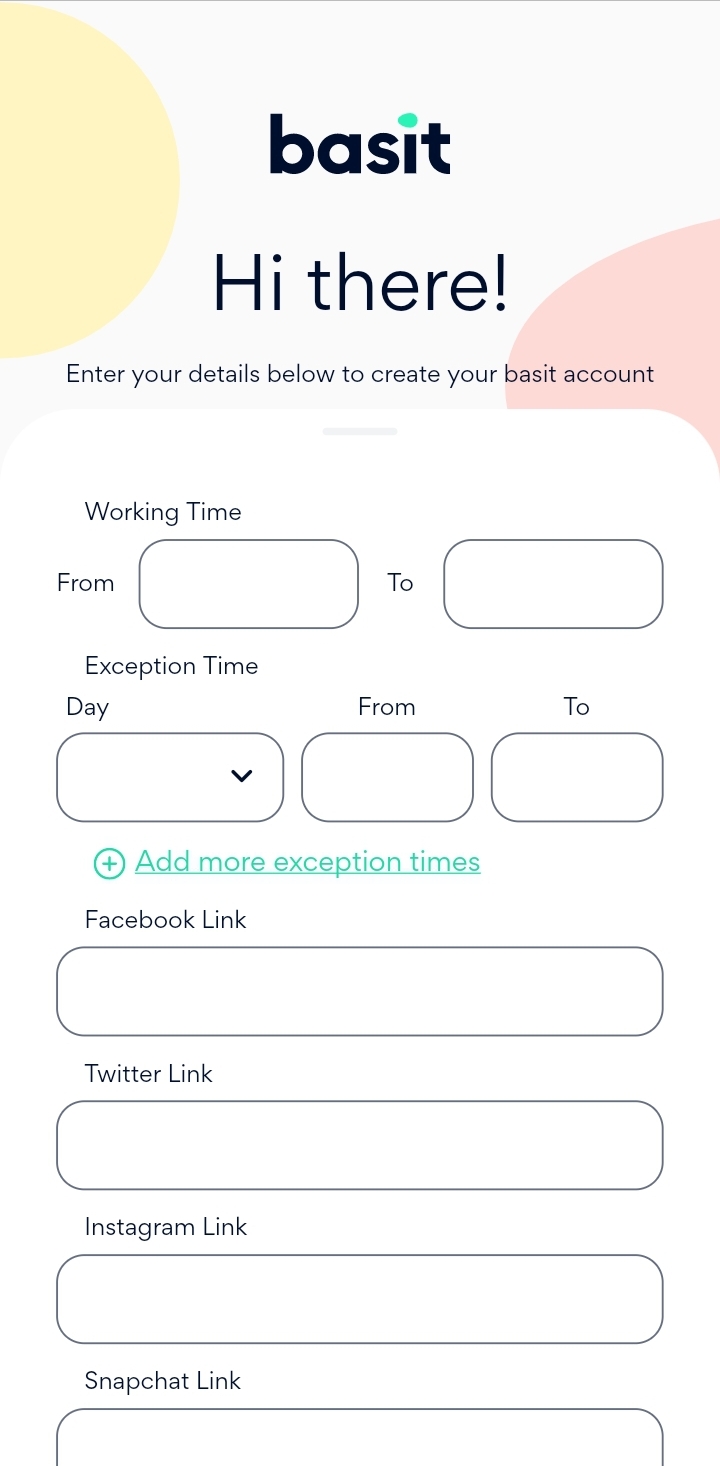
Next, enter the regular working hours of the stores and it is possible to add multiple exceptions times as well
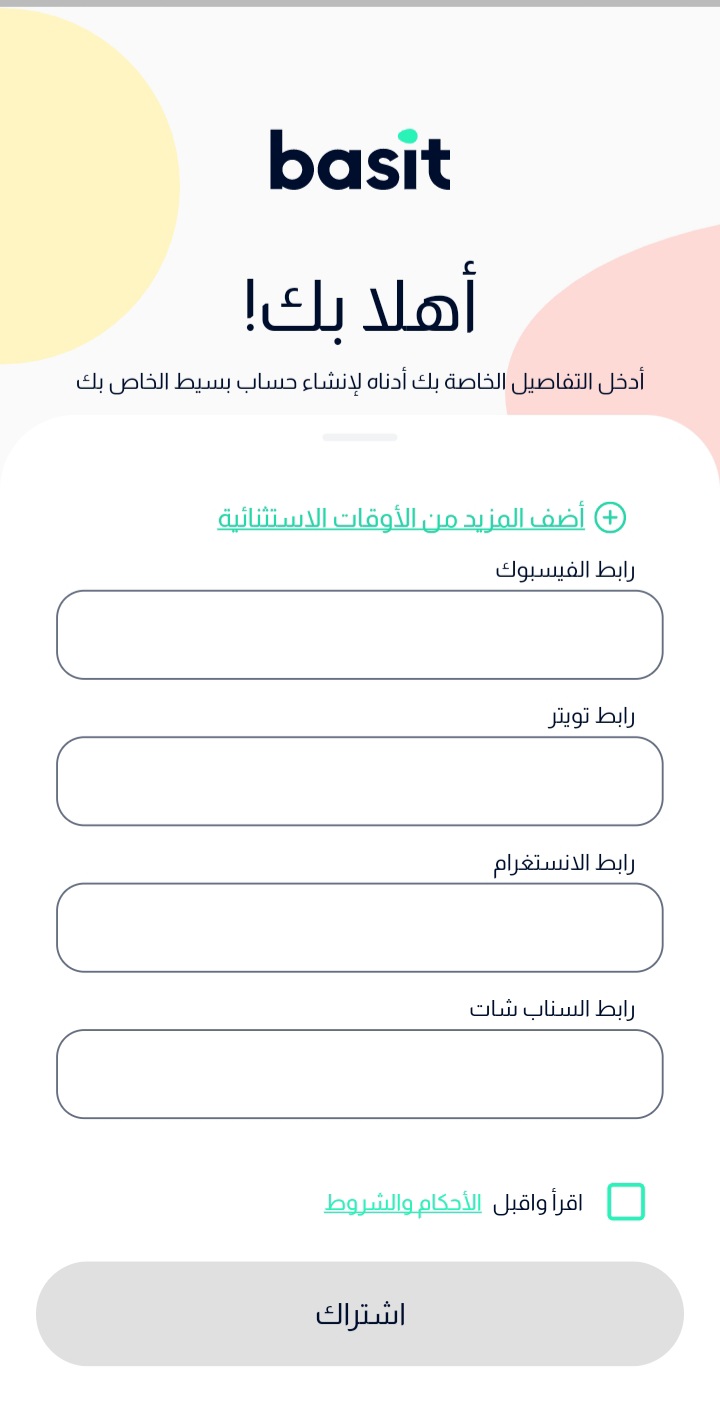
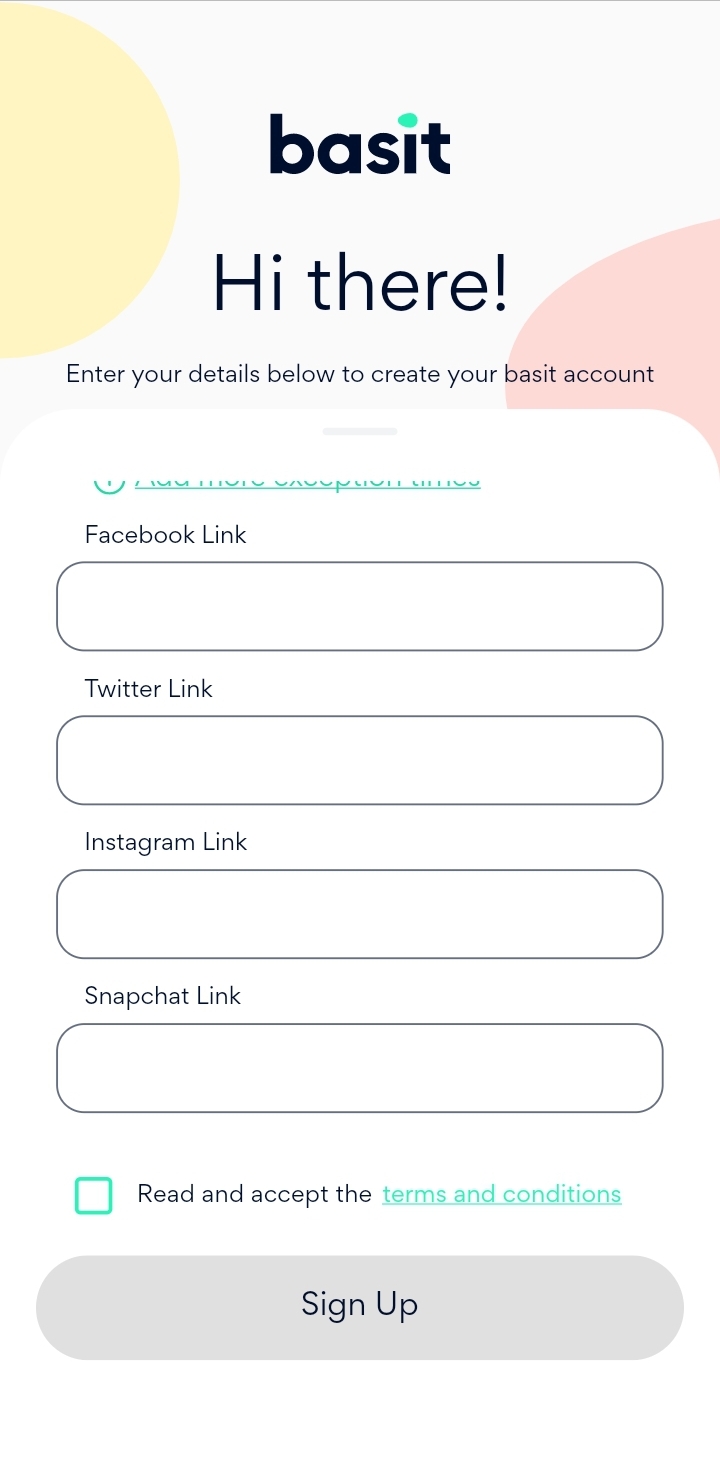
In the end, it is optional to add social media link for the store (Facebook, Twitter, Instagram and Snapchat)
Finally, press on the check box to agree on the terms and conditions, then press Sign up button to complete the registration process.
:التطبيق
https://basit.store/ar/register/store :قم بفتح تطبيق بسيط أو الدخول
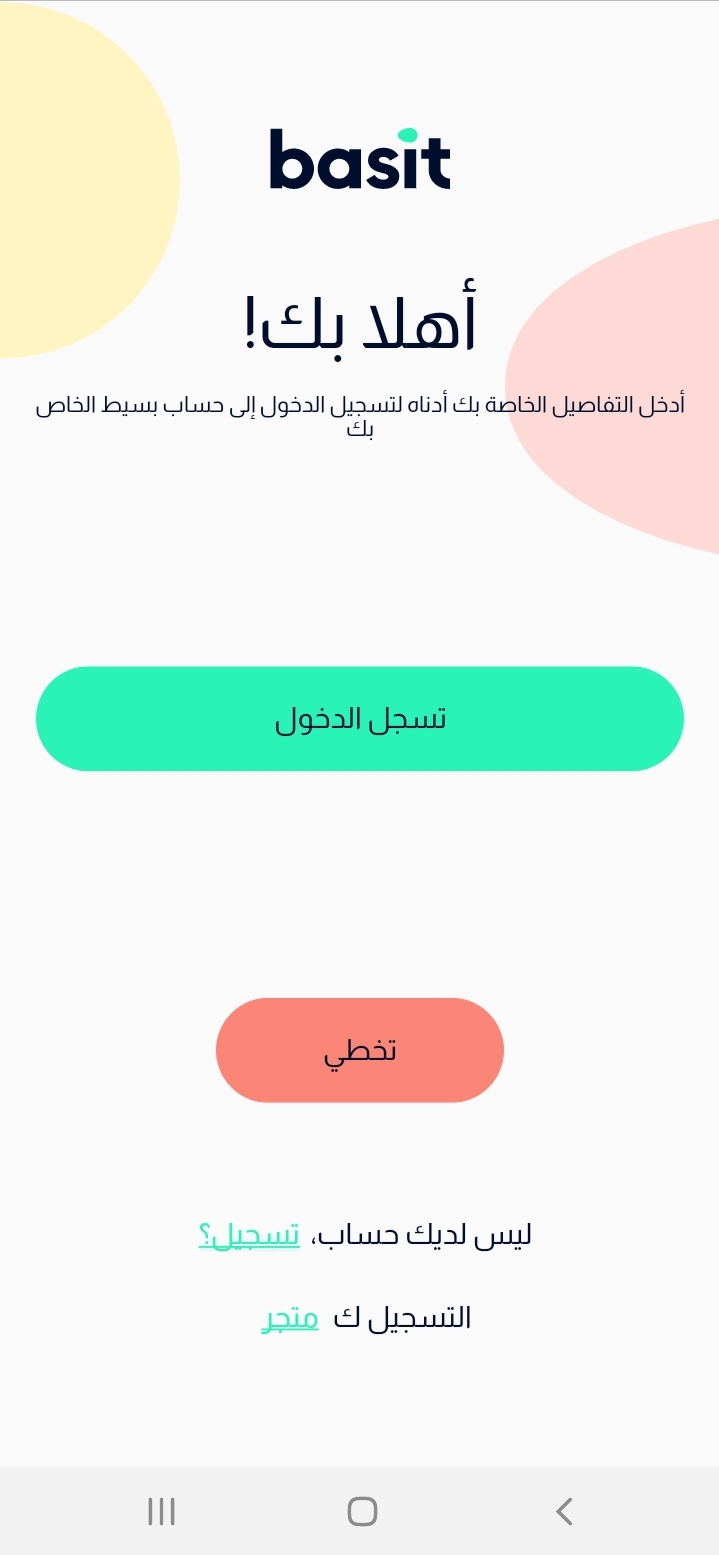
قم باختيار تسجيل كمتجر
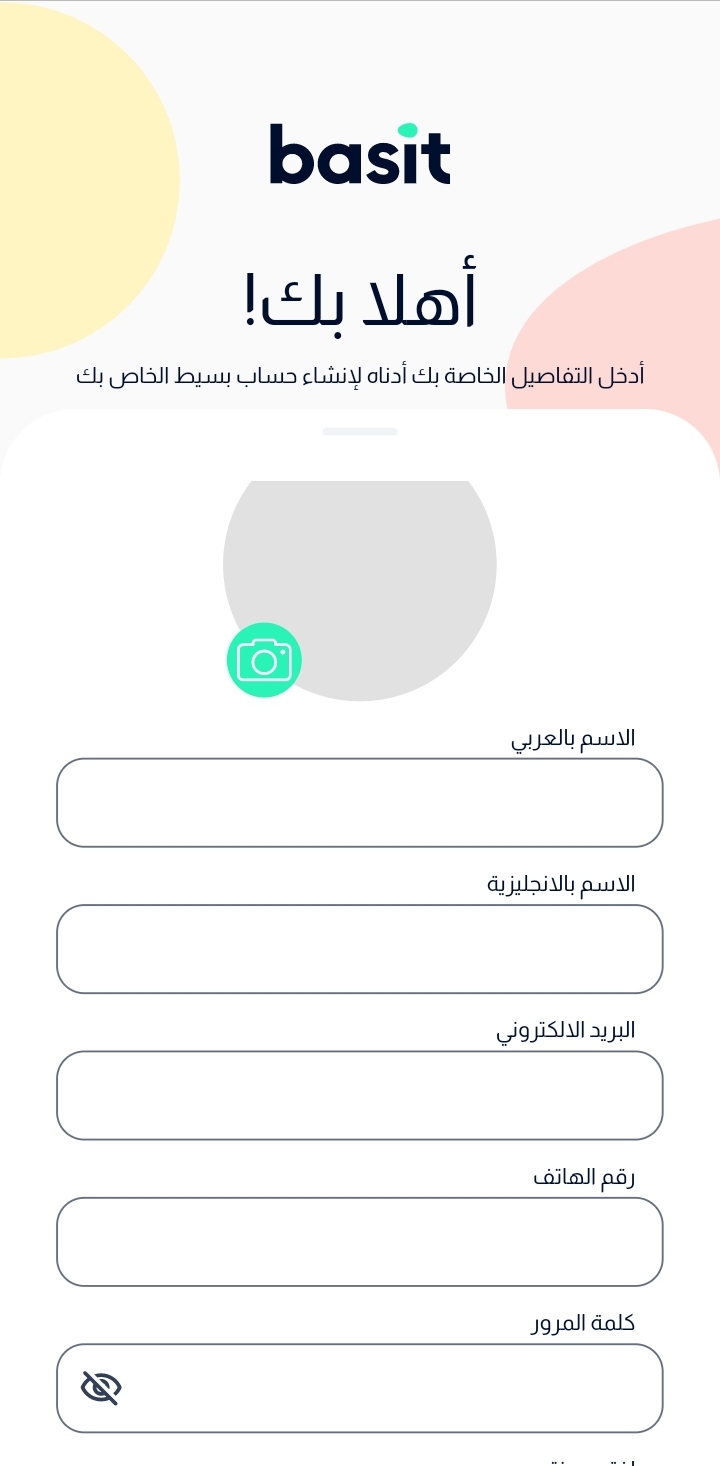
تعبئة البيانات المطلوبة (اسم المتجر، كلمة المرور، البريد…إلخ)
قم بإدخال بيانات المتجر مثل اسم المتجر (عربي & انجليزي)، البريد الإلكتروني، رقم التواصل وكلمة المرور.كما يمكنك اضافة صورة للمتجر.
بعد ذلك، قم باختيار المدينة وقم بإدخال عنوان المتجر (عربي & إنجليزي).
قم باختيار الفئة التي يندرج تحتها المتجر، ثم قم بكتابة وصف مختصر عن المتجر (عربي & إنجليزي).
تالياً، قم بإدخال ساعات عمل المتجر الرسمية، كما يمكنك إضافة أوقات العمل الاستثنائية.
أيضاً، بالإمكان إضافة روابط مواقع التواصل الاجتماعي للمتجر (فيسبوك، تويتر، انستجرام، سناب شات).
أخيراً، قم بالموافقة على الشروط والأحكام، ثم قم بالضغط علي زر اشتراك.