

APP
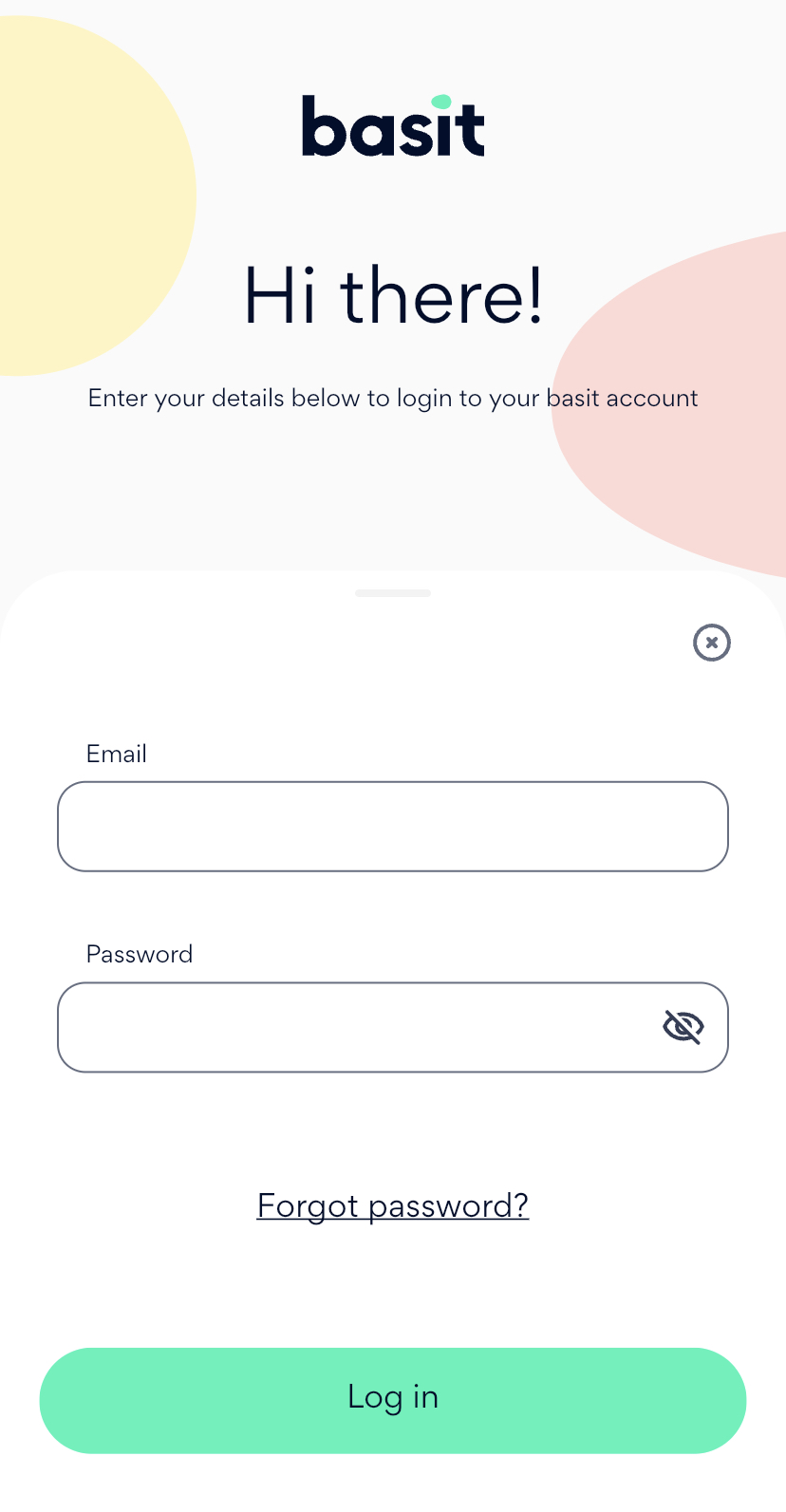
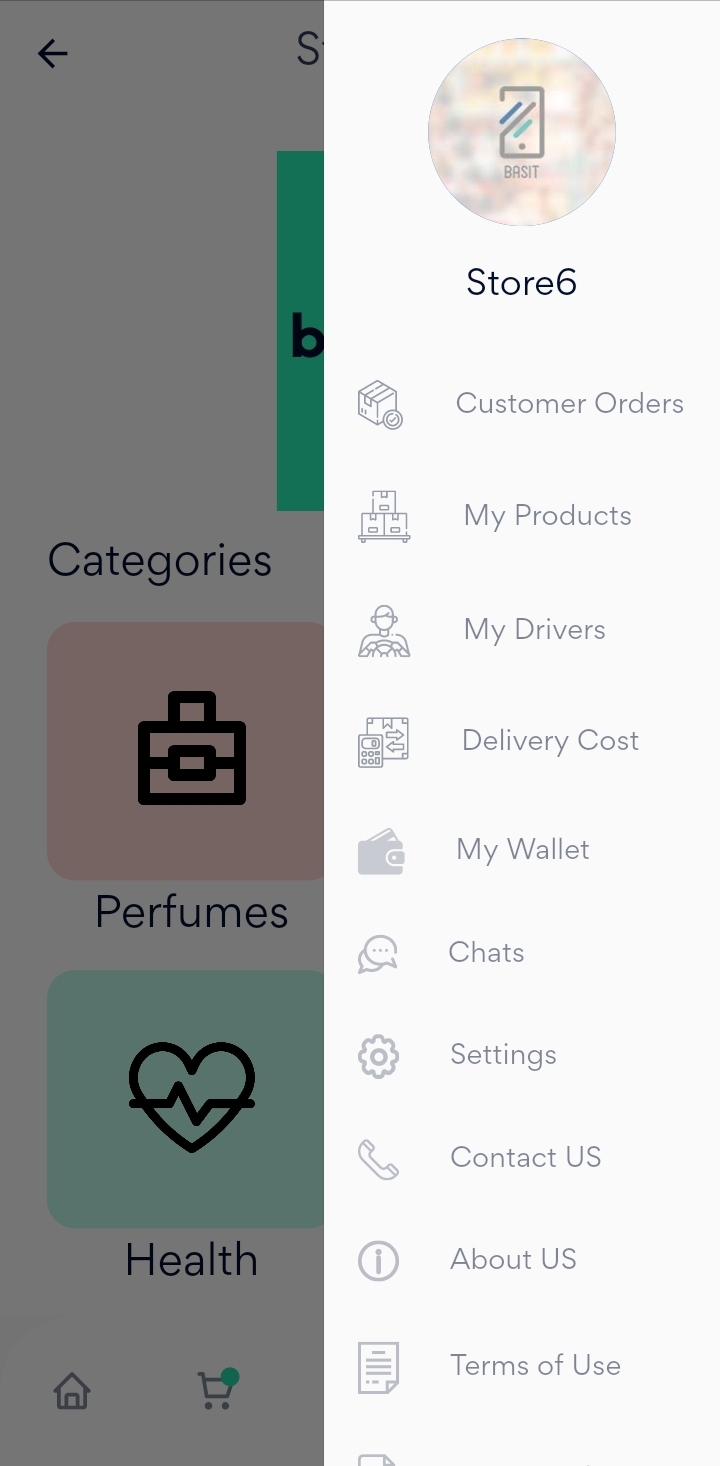
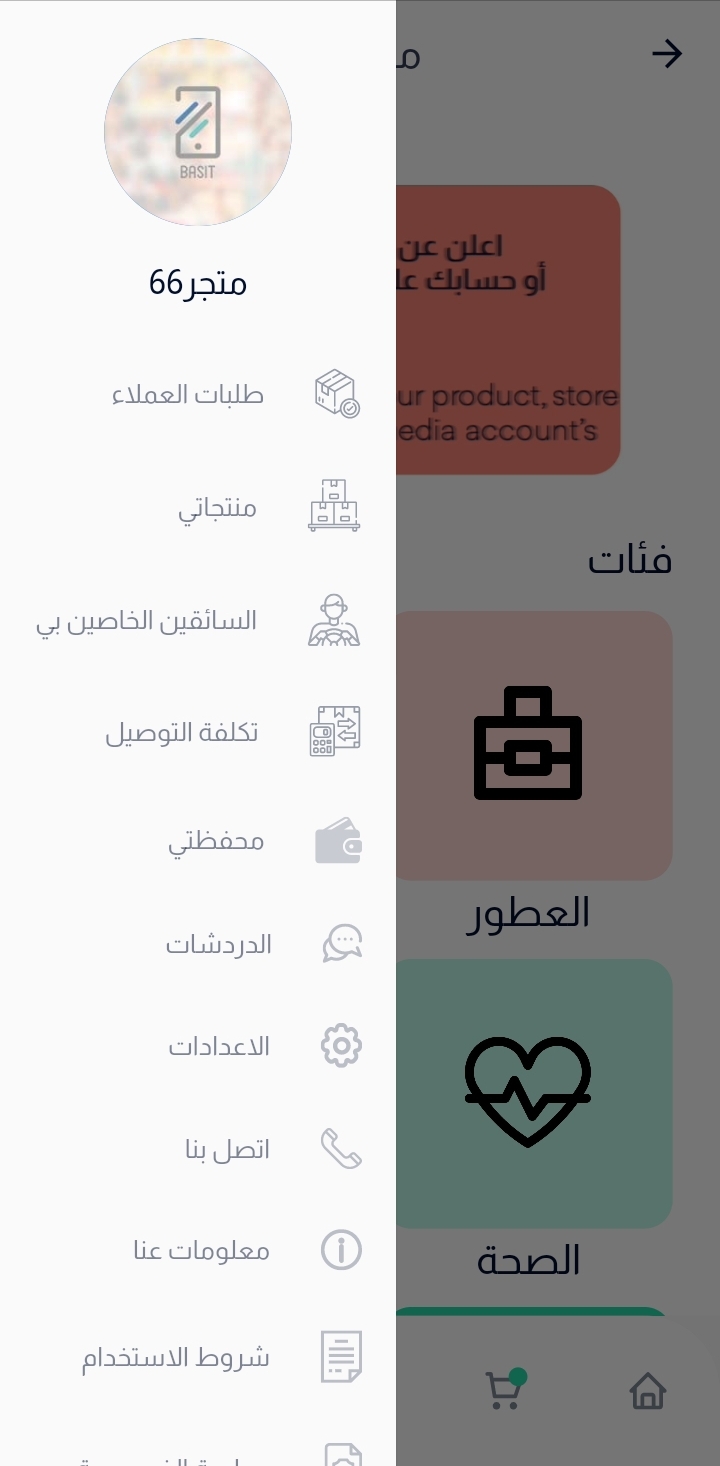
Press on menu list in the bottom, then select my products.
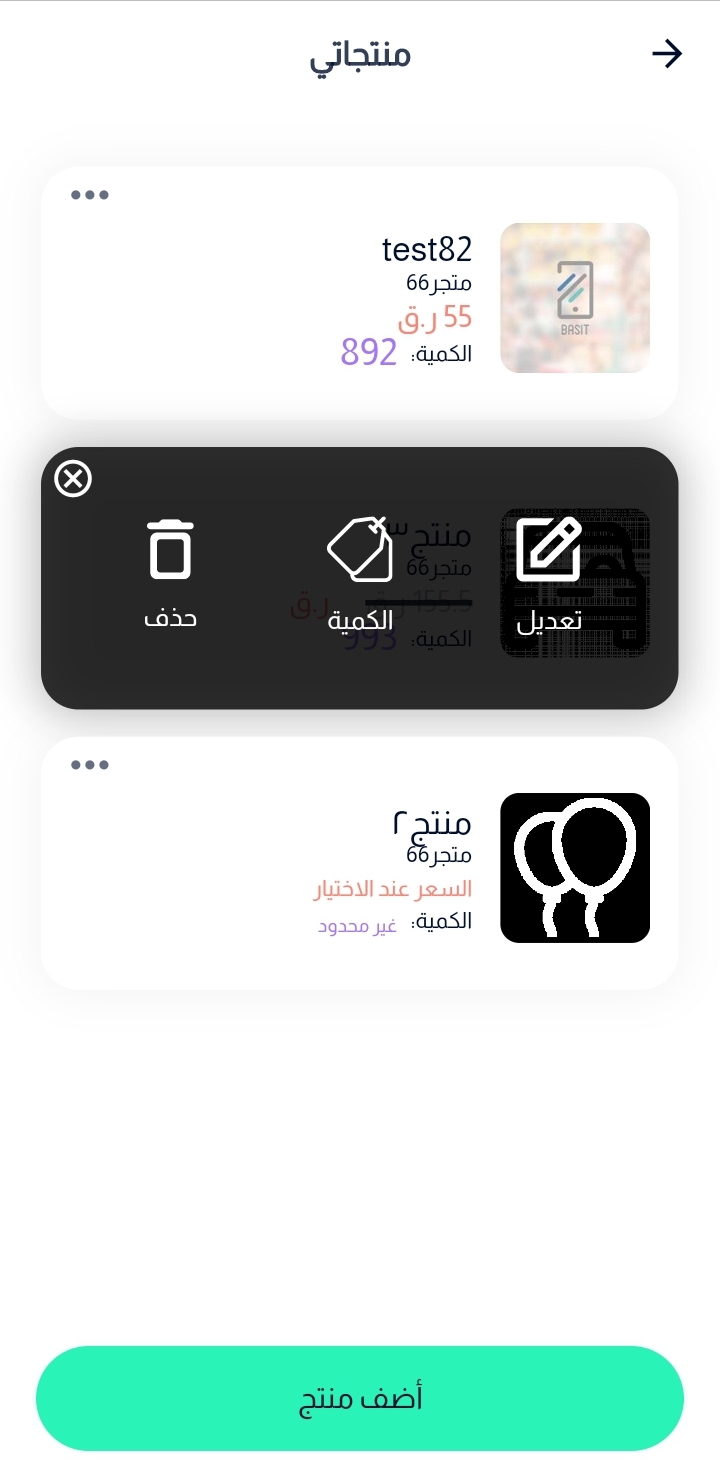
After that, choose the required product and Press on the quantity icon.
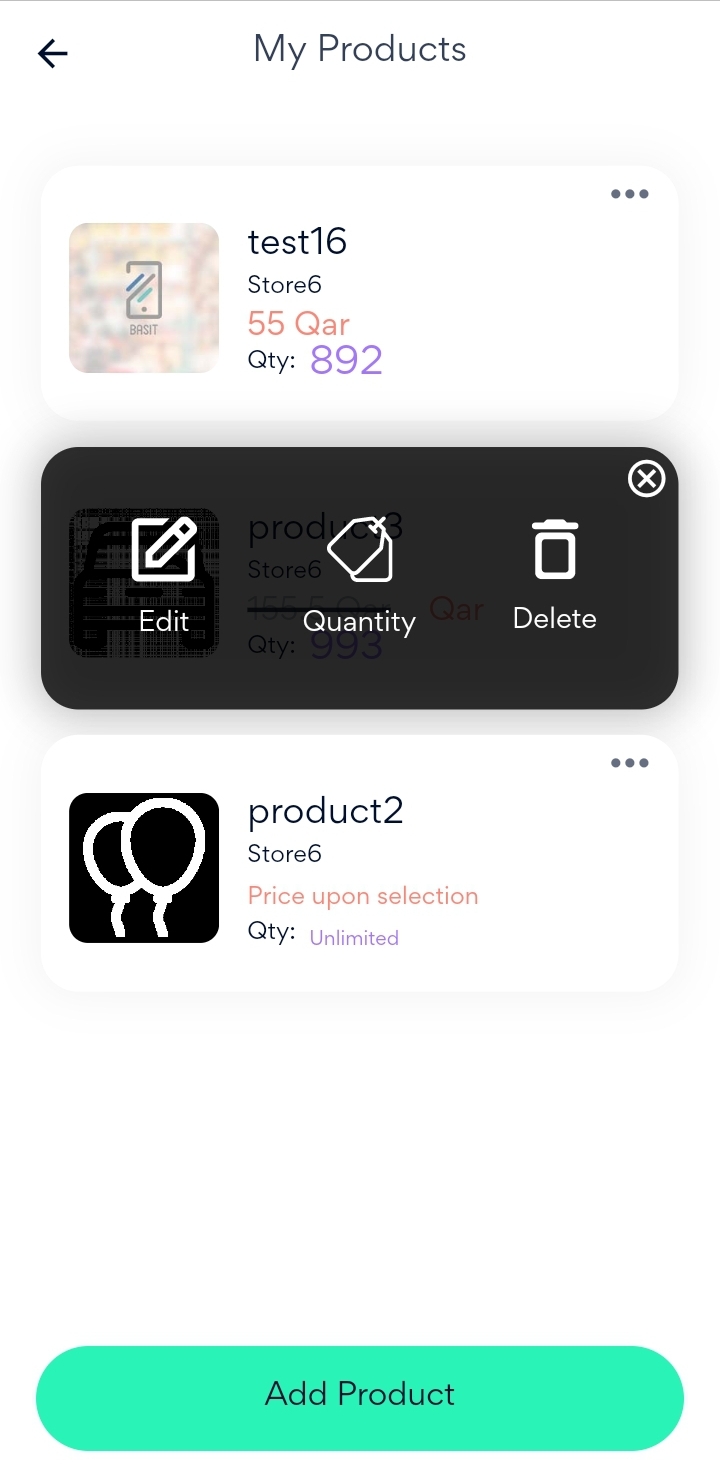
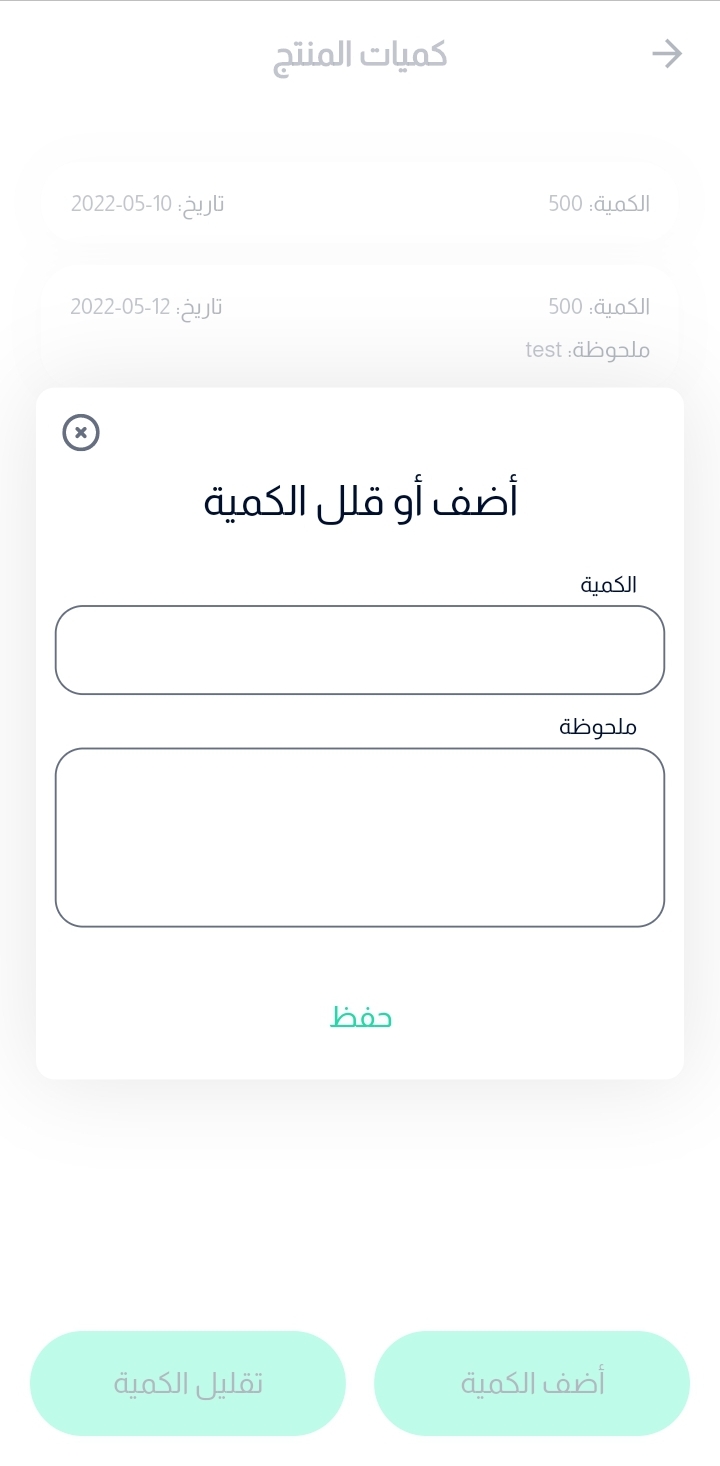
In addition, you can update the quantity of the product whether by increasing of decreasing it.
Finally,Enter the quantity and optional note, then press on save button.

Website
Go to Basit website and login to the store account.
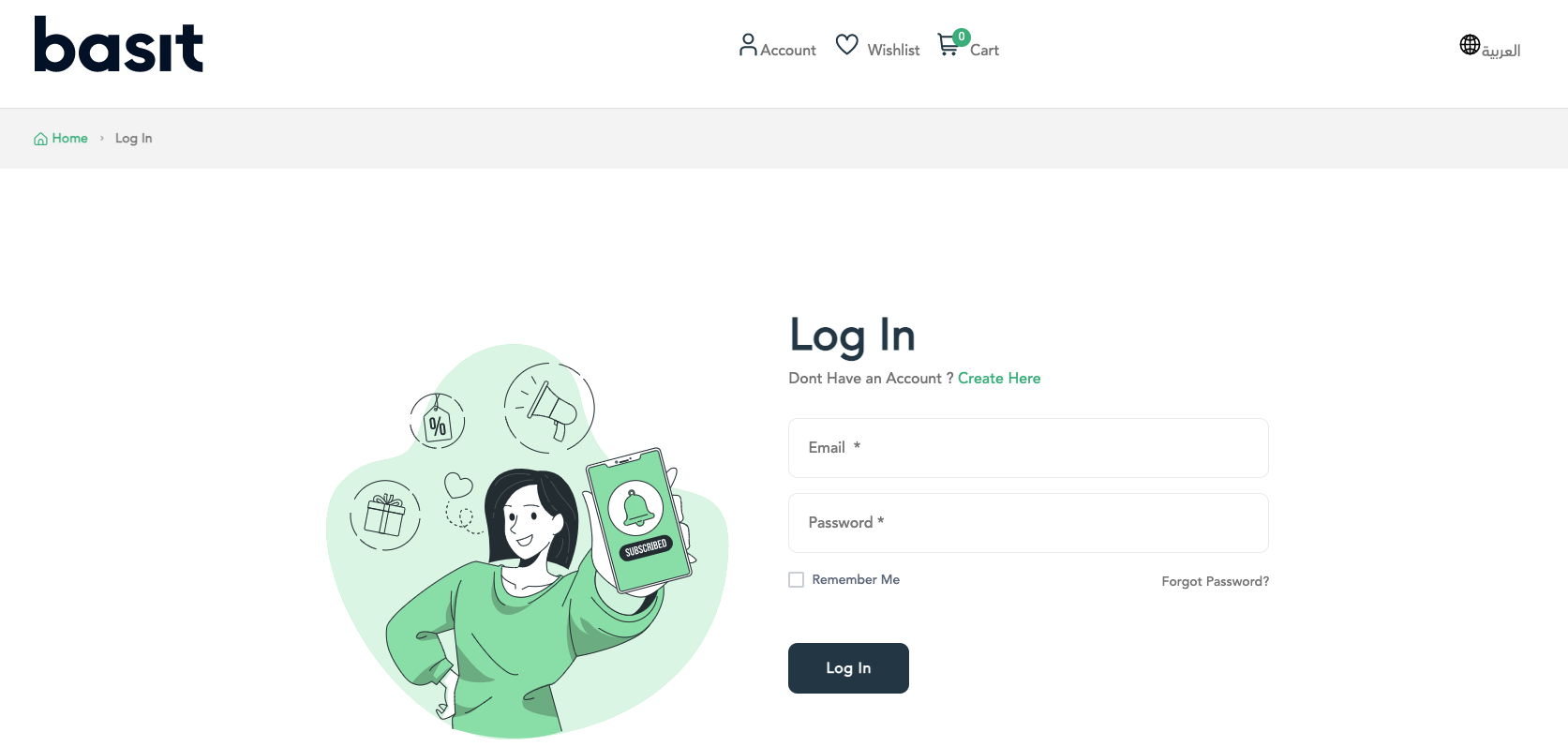
Press on account icon in the top of the page, then select my products.

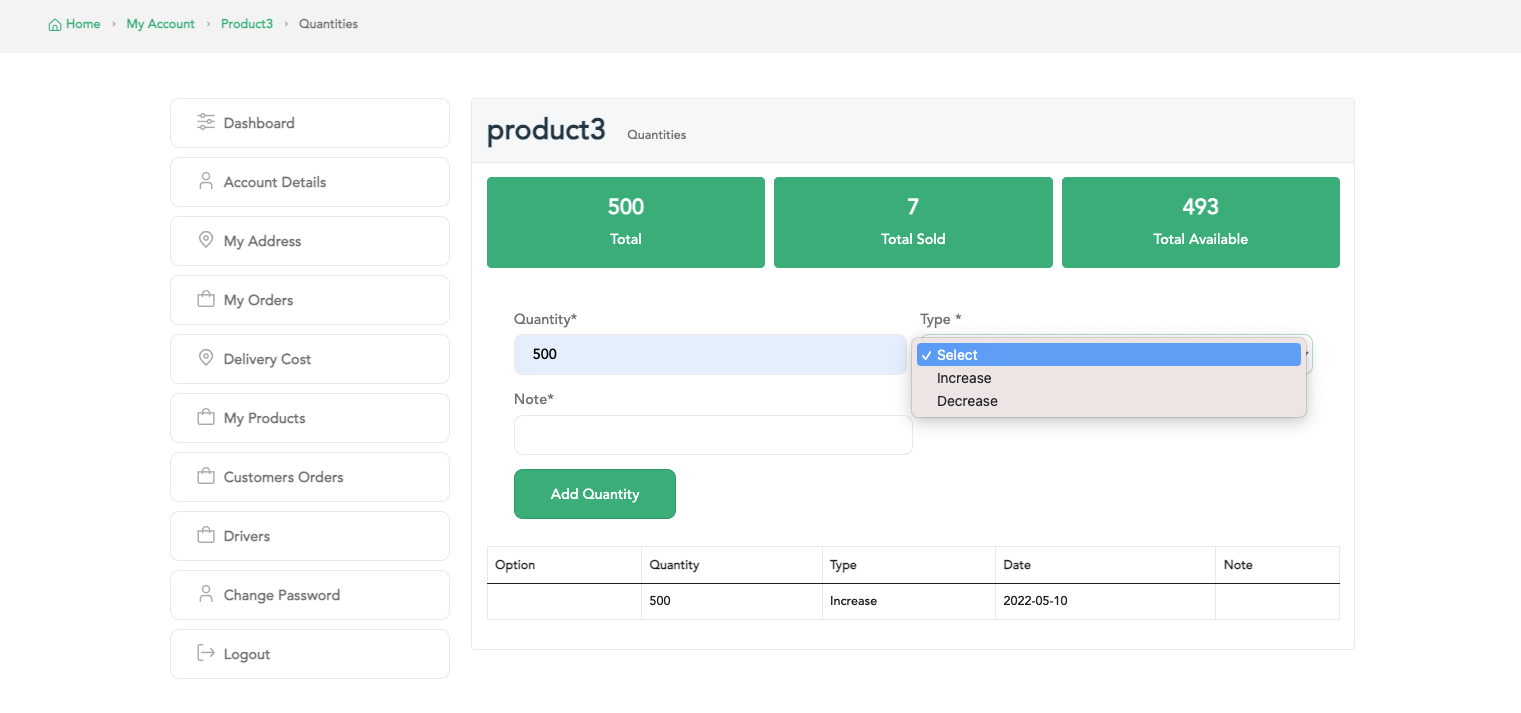
After that, select the required product, then press on Quantity button.
Now, you can update the quantity of the product (Increase, Decrease) by entering the quantity value, type of update and optional note.
:التطبيق
قم بفتح تطبيق بسيط وقم بتسجيل الدخول إلى حساب المتجر

قم بفتح القائمة الرئيسية، ثم بعدها قم باختيار منتجاتي
قم بتحديد المنتج المراد تحديث الكمية الخاصة به، ثم قم بالضغط علي ايقونة الكمية
يمكنك تحديث كمية المنتج (زيادة & نقص)، ثم قم بادخال الكمية المطلوبة واضافة أي ملاحظة تغرب فيها، ثم الضغط علي زر حفظ وسوف يتم تحديث الكمية
:الموقع
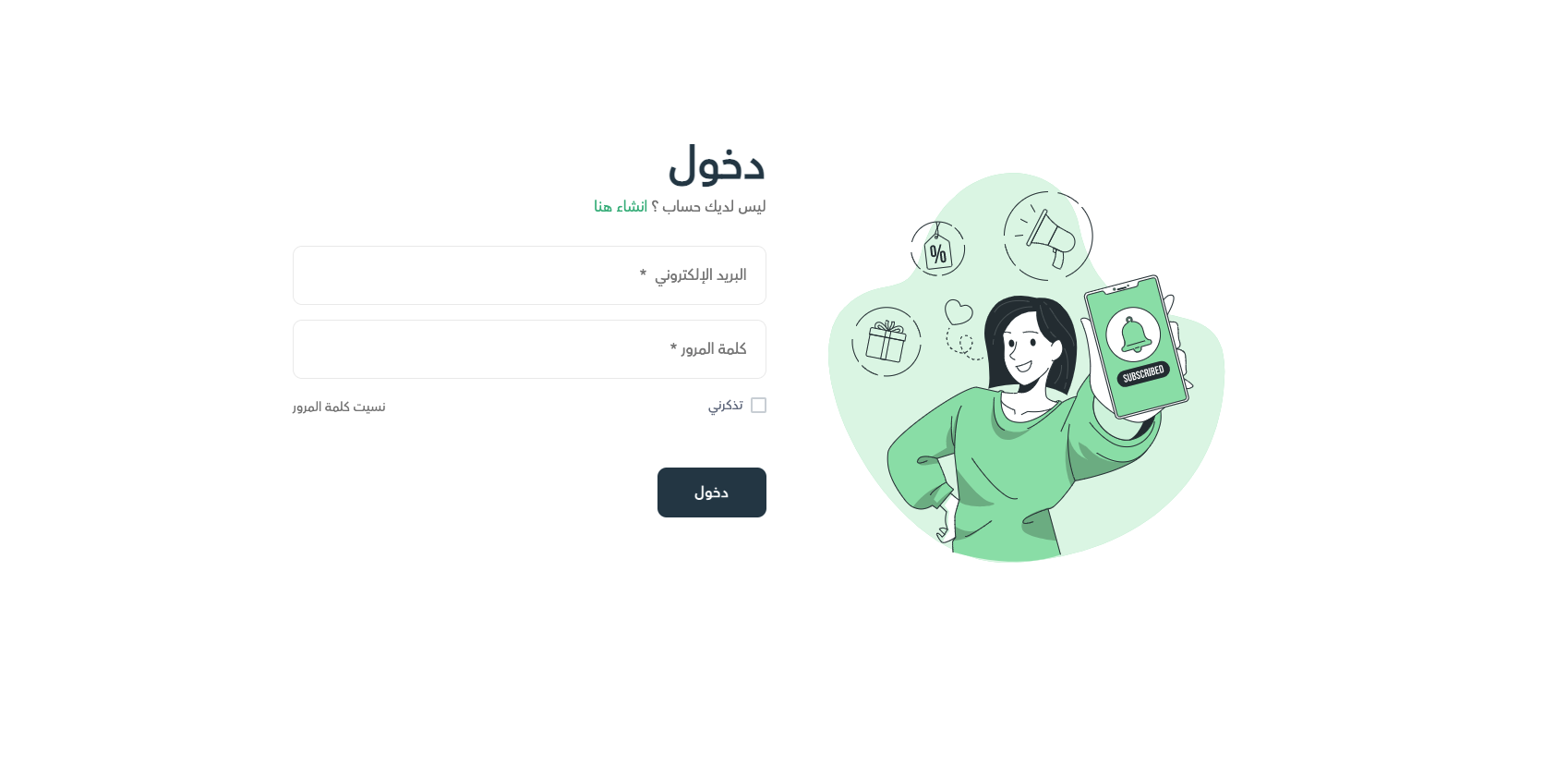
قم بالدخول إلى موقع بسيط الإلكتروني، ثم تسجيل الدخول إلى حساب المتجر
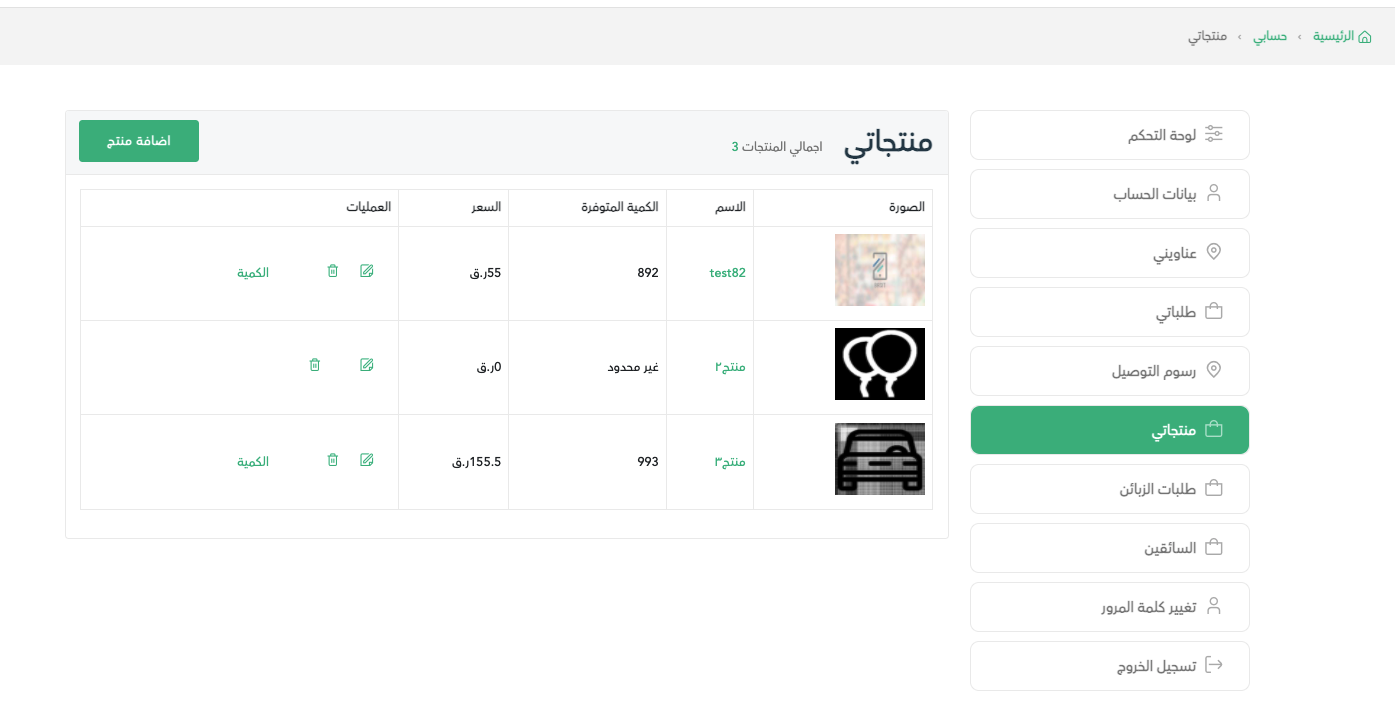
قم بالضغط علي قائمة الحساب أعلي الصفحة، ثم قم باختيار منتجاتي
قم باختيار المنتج المرغوب، ثم قم بالضغط علي زر الكمية
بعد ذلك، قم بتحديث الكمية (زيادة ، نقص) عن طريق ادخال الكمية المطلوبة، نوع التحديث ويمكنك اضافة ملاحظة جانبية ثم الضغط علي زر اضافة الكمية


